WordPress, Webflow or Wix to Sanity CMS: Migration Guide for Growing Businesses
In This Article
- When Should a Growing Business Consider Sanity?
- WordPress to Sanity Migration
- Webflow to Sanity Migration
- Wix to Sanity Migration
- Protect URLs Before Changing the CMS
- Migrate Metadata and Schema Properly
- Rebuild Landing Pages Without Losing Editor Control
- Preserve Preview and Editorial Workflow
- Use Migration to Improve Content Structure
- Validate Everything Before Cutover
- Do Not Just Move Your Website Improve It
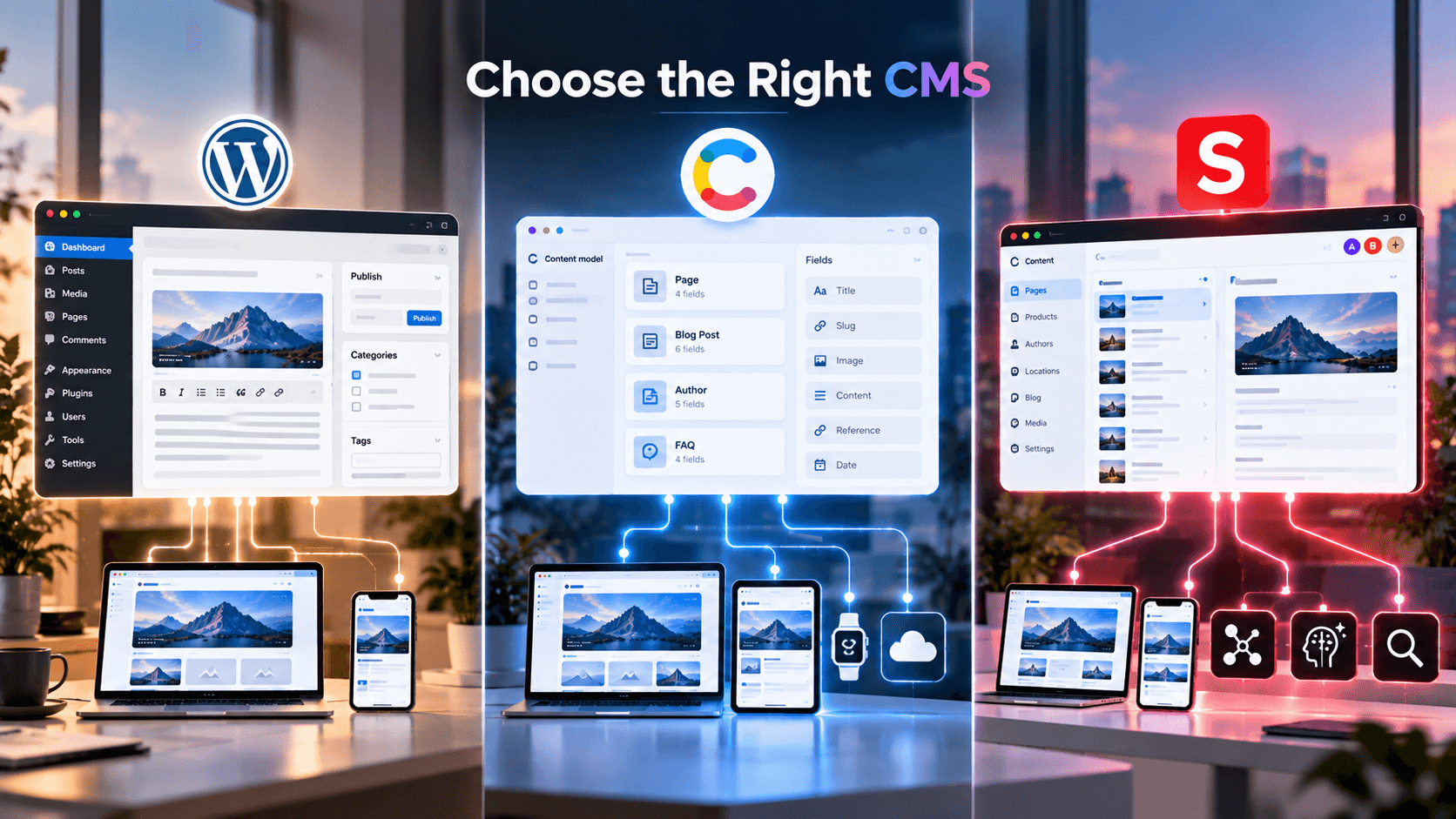
WordPress, Webflow, or Wix can be helpful in getting a business off the ground, but once the content operations scale up, the initial platform choice may begin to impose constraints. Companies may find that they need more landing pages generated by their marketing team, richer metadata and schema control for the SEO team, better frontend performance tweaks for developers, and more consistent information without copy repetition for their content team.
That is when a WordPress to Sanity migration, Webflow to Sanity migration, or Wix to Sanity migration becomes worth evaluating.
Migrating to Sanity should not seek to reproduce one's current website in another CMS. It is an opportunity to restructure content, safeguard SEO equity, optimize editorial processes and build a sustainable foundation for modern frontend development.
When Should a Growing Business Consider Sanity?
Migration becomes increasingly valuable when your current website creates problems such as:
- Repeated or duplicated content
- Plugin or theme dependency
- Limited structured content
- Difficult landing-page creation
- Slow frontend performance
- Weak schema control
- Complex editorial workflows
- Limited content reuse
- Developer dependency for routine changes
- Difficulty supporting new channels or AI experiences
Businesses reaching this stage can use professional headless CMS migration services to assess the existing website before committing to a rebuild.
WordPress to Sanity Migration
WordPress websites can contain thousands of pages, posts, custom post types, plugins, categories, authors, tags and media.
The error is to copy this entire structure directly into Sanity.
Instead, try to determine the various business entities behind the WordPress content.
For example, content could be organized as Sanity documents of type:
- Services
- Products
- Locations
- Team members
- Articles
- Case studies
- FAQs
- Testimonials
- Authors
Current migration workflows can use the WordPress REST API to retrieve posts, pages and related data, then transform HTML or block-based content into structured Sanity content.
The goal is not simply WordPress → Sanity.
It is presentation-focused content → reusable structured content.
Modernize Your CMS With Sanity
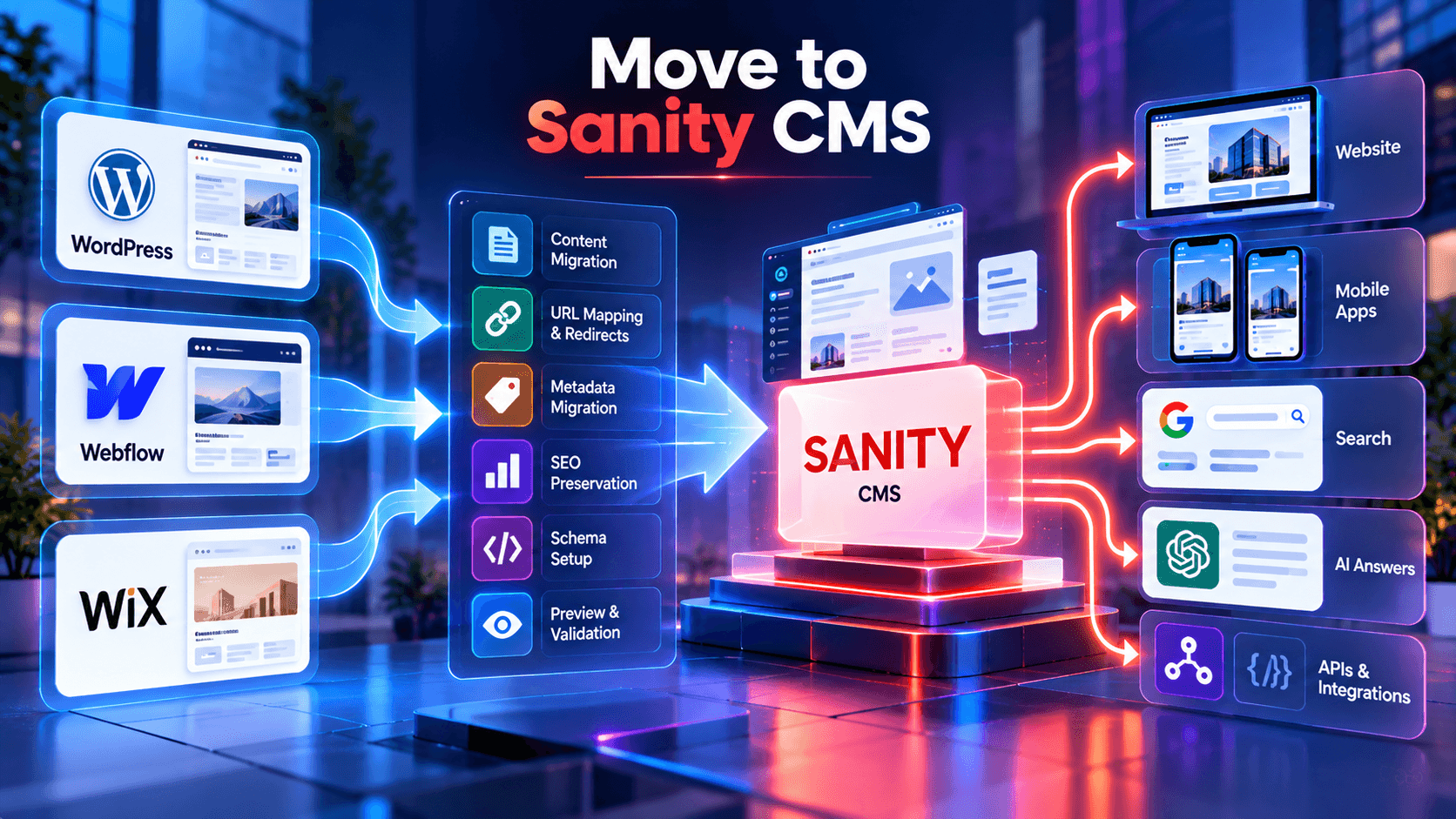
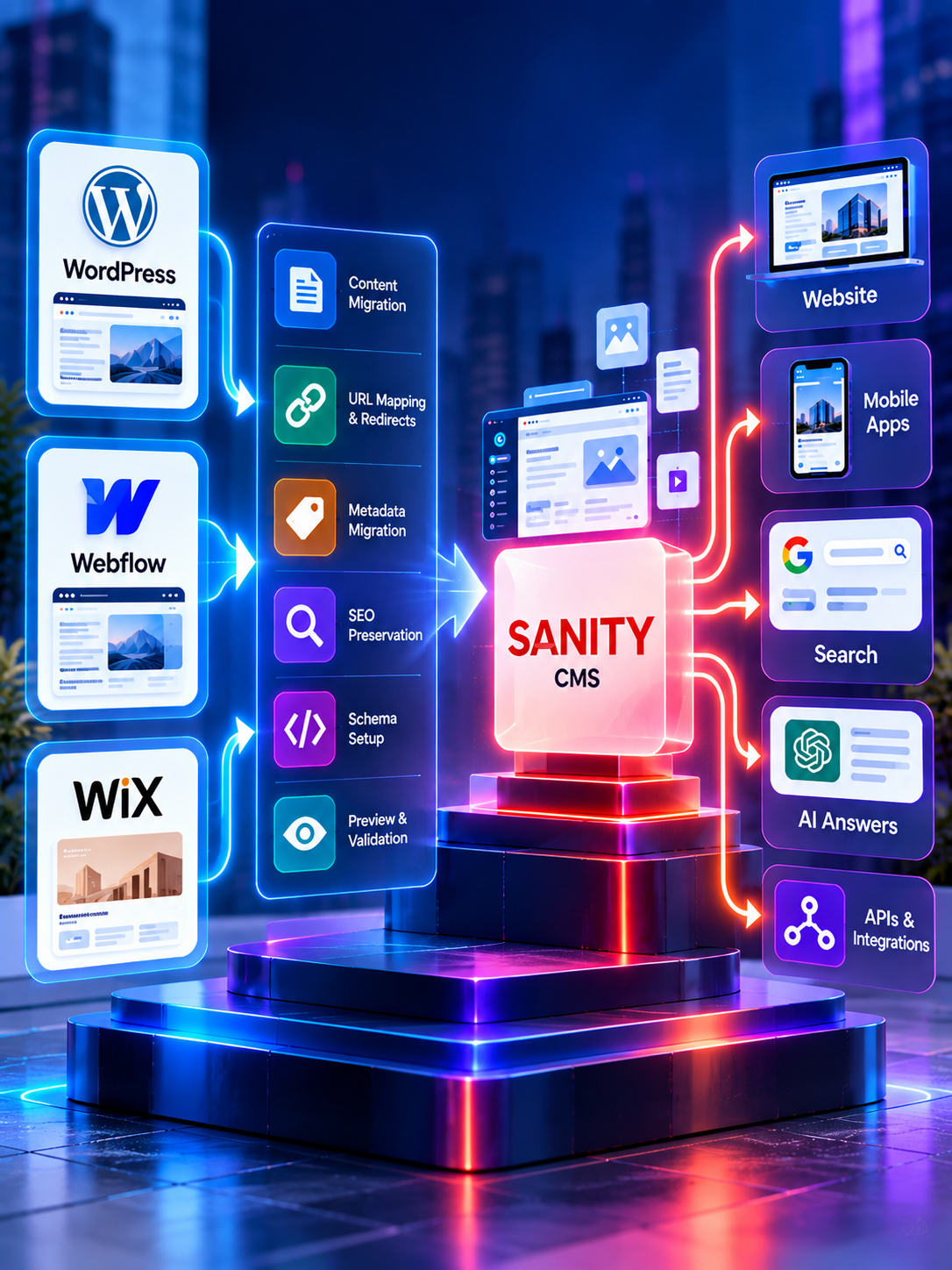
Move from WordPress, Webflow or Wix to structured Sanity CMS while protecting SEO, content, redirects and editorial workflows.
Webflow to Sanity Migration
A Webflow to Sanity migration begins with understanding both CMS collections and static page content.
Webflow collections need to be mapped to relevant Sanity document types, while references, rich text, assets, navigation and reusable page sections require careful transformation.
The current migration guidance also identifies several features which need to be re-built or validated during the migration, such as redirects, forms, sitemap generation, draft mode and visual preview.
This makes the migration much more than a CSV export/import exercise.
A solid process is:
Audit → model → extract → transform → import → validate → rebuild frontend → launch
This creates a cleaner content architecture instead of reproducing limitations from the previous website.
Wix to Sanity Migration
A Wix to Sanity migration is often driven by the need for greater technical and content flexibility.
Growing businesses may want stronger control over:
- URL architecture
- Rendering
- Metadata
- Structured data
- Integrations
- Content models
- Frontend frameworks
- Performance
Rather than rebuilding every Wix page as an identical Sanity document, first think about what information is going to be reused.
A service that appears on ten pages should be a single structured service document that can appear anywhere.
This is one of the biggest differences between a website-builder approach and a modern headless CMS.
Protect URLs Before Changing the CMS
SEO preservation must be planned before development is complete.
Start by creating an inventory of existing:
- URLs
- Organic landing pages
- Title tags
- Meta descriptions
- Canonicals
- Headings
- Structured data
- Internal links
- Image URLs
- Backlinks
- Rankings
Where possible, preserve high-value URLs.
When URLs must change, build an explicit old URL → new URL redirect map.
A poorly planned migration can replace the CMS successfully while damaging years of accumulated search visibility.
Our headless CMS migration services treat SEO migration as a core workstream rather than a post-launch fix.
Migrate Metadata and Schema Properly
Page copy is only one part of the migration.
SEO fields should be mapped deliberately into Sanity, including:
- SEO title
- Meta description
- Canonical URL
- Robots directives
- Open Graph metadata
- Social images
- Structured data inputs
Schema should be generated from structured data (ideally) or hardcoded (not in page) but we have a lot of structured article data that could be fed into schema.
For example, Article documents could support article markup, whereas structured service, person or organisation related stuff could be used as a reliable input for the relevant structured data.
Rebuild Landing Pages Without Losing Editor Control
Businesses often worry that moving headless means every landing page will require a developer.
It should not.
A well-designed Sanity implementation can provide reusable page sections such as:
- Hero
- Feature grid
- Service overview
- Testimonials
- Statistics
- FAQs
- Case studies
- CTA sections
- Comparison blocks
Editors can combine approved sections while developers retain control over frontend quality and performance.
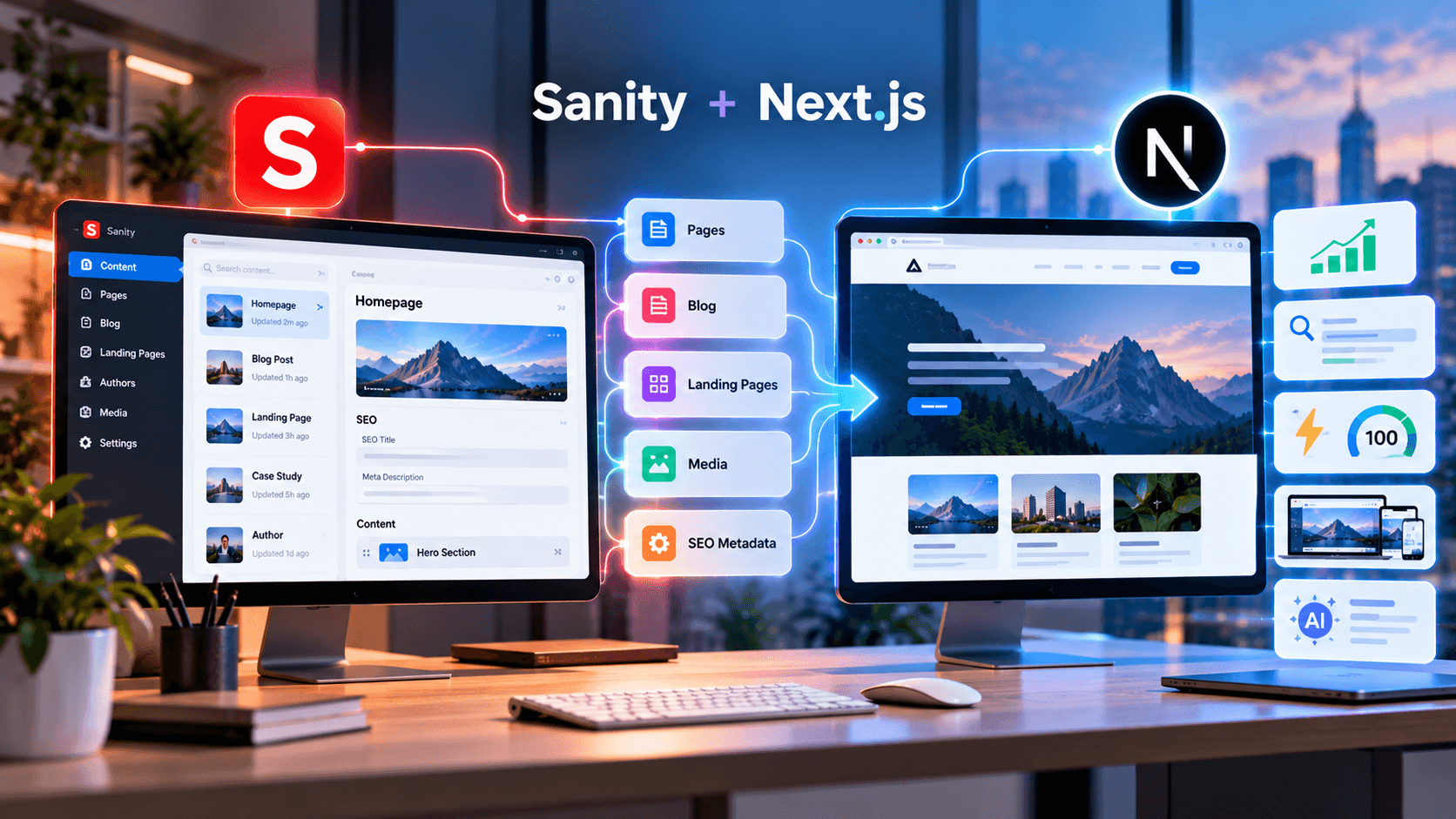
This is where Sanity and Next.js development can combine structured content with a modern component-based frontend.
Protect Rankings While Moving Your Website to Sanity CMS
Preserve Preview and Editorial Workflow
Migration should improve the editor experience, not sacrifice it.
Content teams need to understand:
- How drafts work
- How content is previewed
- Who can publish
- How page sections are assembled
- How SEO fields are edited
- How references work
- How content is reused
Visual preview is particularly important for teams accustomed to page builders.
Your CMS migration should therefore include editor testing before launch, not just developer QA.
Use Migration to Improve Content Structure
This is the most valuable opportunity in the project.
Do not bring in old content debt into the new CMS.
Structure documents for information that has to be re-used, searched, filtered or delivered in other channels.
Sanity can then manage content independent from the website's presentation.
That structured approach can power websites, apps, internal search, APIs and future AI-driven experiences.
Businesses needing content modeling, Studio configuration, preview,integrations and frontend implementation can explore Sanity CMS development services.
Our Sanity and Next.js migration case study also demonstrates how a business website can move toward structured content and a decoupled frontend.
Validate Everything Before Cutover
Before changing DNS or launching the new website, test:
Content: missing pages, images, references and formatting.
SEO: URLs, redirects, canonicals, metadata, schema and sitemap.
Frontend: responsive layout, navigation, forms and performance.
Editorial: preview, drafts, publishing and landing-page creation.
Analytics: tracking, conversions and consent systems.
After launch, monitor crawl errors, rankings, traffic, redirects and indexing closely.
Do Not Just Move Your Website Improve It
A website builder to headless CMS migration should solve the problems that triggered the project.
For growing businesses, Sanity can provide a stronger foundation for structured content, reusable data, editorial workflows, technical SEO and modern frontend performance.
But the quality of the result depends on the migration architecture.
Do not start with: “How do we copy every page?”
Start with:
“How should our content work for the next stage of the business?”
If WordPress, Webflow or Wix is beginning to limit your growth, explore headless CMS migration services and plan the move around content, SEO, editors and frontend performance together.
Frequently Asked Questions
Can WordPress be migrated to Sanity CMS?
Yes. WordPress posts, pages, authors, categories, tags, custom content and assets can be transformed into structured Sanity documents using APIs and migration scripts.
How do you migrate Webflow to Sanity?
Start with a content audit, map Webflow collections and static content into Sanity schemas, migrate assets and references, transform rich text, validate the import, rebuild essential features and test before launch.
Can a Wix website be migrated to Sanity CMS?
Yes. Wix content, media and SEO information can be reorganized into structured Sanity content while the frontend is rebuilt independently.
Will migrating to Sanity hurt SEO?
It can if URLs, redirects, metadata, canonical tags, structured data, internal links or rendering are mishandled. A migration plan should document and protect these signals before launch.
Should existing URLs be preserved during CMS migration?
Preserve valuable URLs wherever practical. When a URL must change, map it to the most relevant new URL with an appropriate permanent redirect.
Can WordPress content be converted into Sanity Portable Text?
Yes. HTML and block-based WordPress content can be transformed into Portable Text and other structured Sanity fields where appropriate.
Does Sanity support visual preview for editors?
Yes. A properly configured Sanity frontend can provide draft preview and visual editing so editors can review content in context before publishing.
Can Sanity be used with Next.js?
Yes. Sanity can manage structured content while Next.js handles routing, rendering, components, caching, metadata and the website frontend.
What should be migrated besides page content?
A complete migration should consider assets, metadata, URLs, redirects, structured data, authors, taxonomies, references, forms, navigation, sitemap rules, analytics and editorial workflows.
When should a business migrate from a website builder to Sanity?
Migration is worth evaluating when the current platform limits structured content, SEO control, frontend performance, integrations, editorial workflows, multi-channel reuse or long-term scalability.