Sitecore to Headless CMS Migration: When Should Enterprises Move?
In This Article
- When Should You Consider a Sitecore Headless Migration?
- Option 1: Stay on Sitecore and Modernize
- Option 2: Move Toward Sitecore XM Cloud
- Option 3: Migrate Sitecore to Sanity
- Performance Is Often a Migration Trigger
- Multilingual Content Needs Special Planning
- Campaign Speed Can Reveal CMS Friction
- AI Readiness Is Becoming a Migration Requirement
- Protect SEO During Sitecore Migration
- So, Should You Leave Sitecore?
Enterprise Sitecore platforms tend to be strategically important long after their adoption and can scale to host thousands of items, multiple languages, personalization, extensive marketing automation, omnichannel integrations, search, and hundreds of regional websites at once.
At some point, enterprises face the following dilemma: is it better to continue investing in an enterprise CMS or transition to a new decoupled Sitecore, Sanity, or another modern headless CMS solution?
There are no simple answers, but the migration makes sense if the current technology stack constrains performance, publishing cadence, content reuse, frontend experimentation, artificial intelligence tools, or day-to-day operations.
The CMS evaluation should always start with a discussion of business needs rather than technological capabilities.
When Should You Consider a Sitecore Headless Migration?
A migration becomes worth evaluating when several problems appear at the same time.
Common signals include:
- Slow frontend performance
- Long deployment cycles
- High infrastructure maintenance
- Frequent upgrade complexity
- Heavy developer dependency for campaigns
- Difficult multilingual publishing
- Limited content reuse
- Tightly coupled presentation and content
- Increasing integration complexity
- Difficulty introducing modern AI-search content structures
If things are going well for the business, marketing strategy, personalization initiatives and operations, it's probably not needed to migrate. But if your team is spending more time maintaining the status quo than delivering better customer experience, you want to consider modernization.
Enterprises can begin with a structured headless CMS migration assessment before committing to a platform.
Option 1: Stay on Sitecore and Modernize
Modernizing Sitecore, not necessarily moving away from it is also an option.
In particular, if your company is highly dependent on the CMS for business-critical processes or you have customized the system substantially, retaining it as a core technology makes sense. In particular, such organizations should consider modernizing their existing implementation, for example, by investing in:
- Frontend performance
- Headless delivery
- Search improvements
- Component architecture
- Infrastructure
- APIs
- Technical SEO
- Content modeling
This approach reduces replatforming disruption while addressing the parts of the stack causing the most friction.
Our Sitecore CMS development services support enterprises that want to modernize without immediately replacing their CMS.
A practical example is this Sitecore healthcare modernization case study, where modernization involved platform upgrades, frontend improvements, search, APIs, and infrastructure rather than simply replacing the CMS.
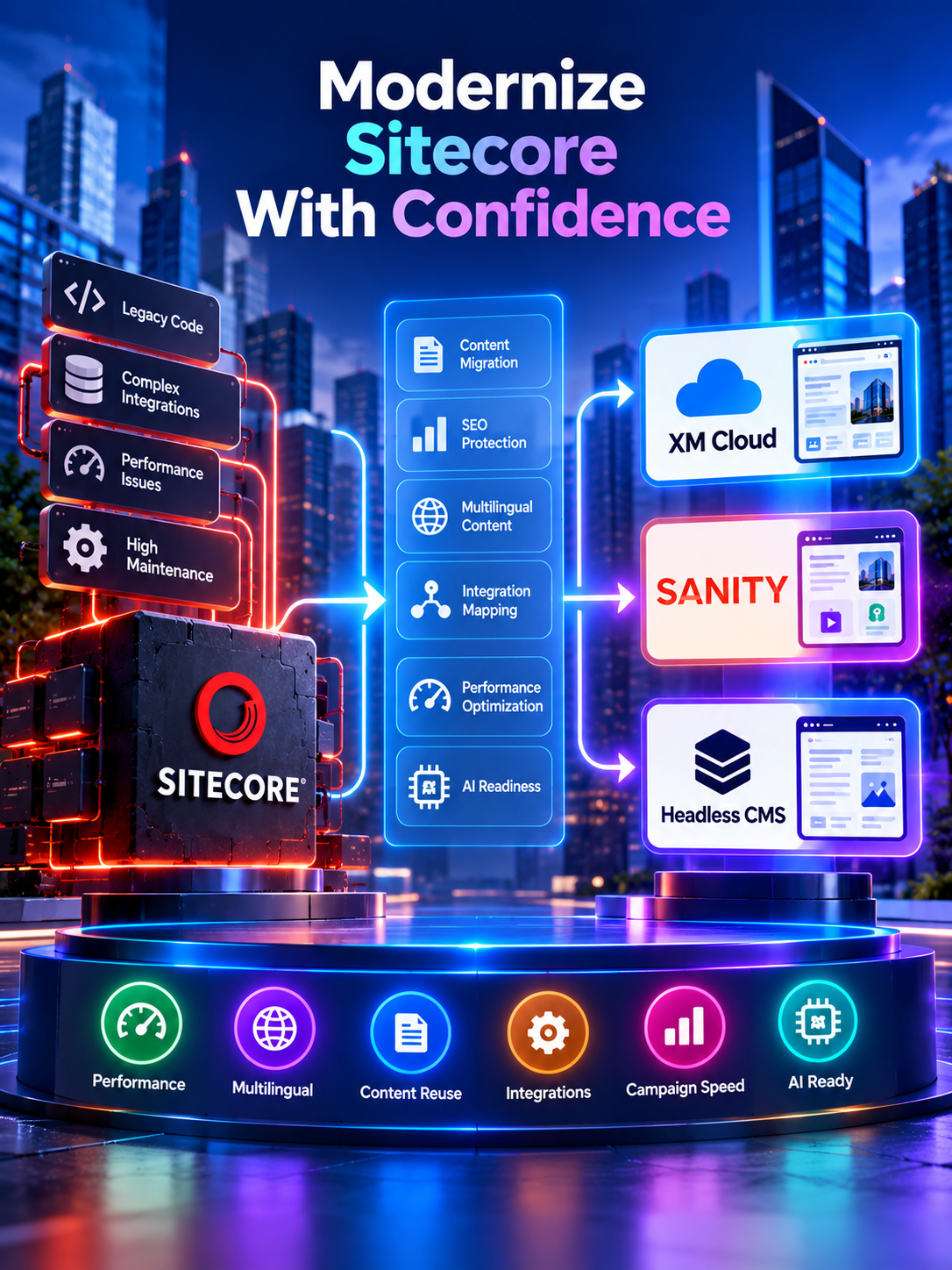
Modernize Sitecore With Confidence
Plan your Sitecore migration around performance, SEO, structured content, AI readiness, integrations, and the right long-term headless architecture.
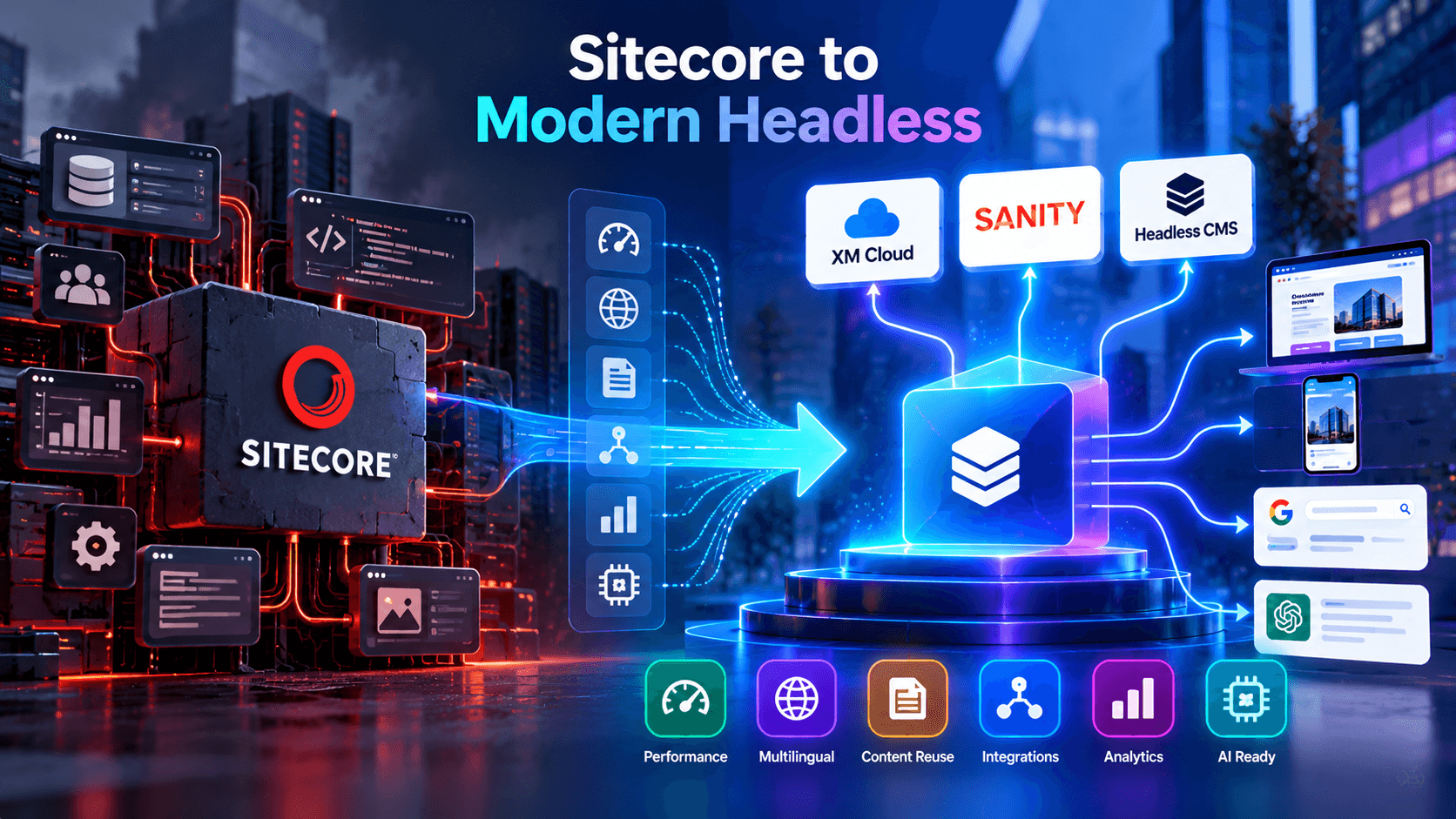
Option 2: Move Toward Sitecore XM Cloud
For enterprises committed to the Sitecore ecosystem, Sitecore XM Cloud migration can provide a path toward cloud-native and headless delivery.
This can make sense when organizations want:
- Modern frontend development
- SaaS-based CMS operations
- Less infrastructure management
- Headless architecture
- Faster release cycles
- Structured enterprise content
- Continued Sitecore alignment
However, teams should not take migrating to XM Cloud as an infrastructure upgrade.
Legacy templates, MVC implementations, custom modules, integrations, search logic, personalization, forms, and content structures all need evaluation.
Before migrating, every major capability should be categorized as:
Retain → Rebuild → Replace → Retire
Organizations evaluating this direction can explore Sitecore XM Cloud development services.
Enterprises still operating mature XP environments should also evaluate dependencies before modernization, as discussed in our guide for enterprises moving beyond Sitecore XP.
Option 3: Migrate Sitecore to Sanity
A Sitecore to Sanity migration could be a good choice if your organization is primarily interested in having structured content, fast publishing, flexible APIs, modern frontends, and content reuse while not retaining the rest of the Sitecore ecosystem.
Sanity can be particularly compelling if you like to decouple your content from presentation.
Rather than having content trapped inside one piece of presentation (one site page), you can use Sanity to organize your content as standalone objects that can be consumed by various endpoints, such as:
- Services
- Products
- Experts
- Locations
- FAQs
- Case studies
- Key facts
- AI summaries
- Direct answers
Those objects can then support websites, mobile apps, search, portals, and AI experiences.
Businesses considering this route can evaluate Sanity CMS development services.
Performance Is Often a Migration Trigger
Legacy enterprise websites can accumulate years of presentation logic, integrations, JavaScript, tracking scripts, third-party dependencies, and custom components.
A headless migration provides an opportunity to redesign the delivery layer.
Modern frameworks can support:
- Server-side rendering
- Static generation
- CDN delivery
- Image optimization
- Better caching
- Smaller frontend payloads
But headless does not automatically mean fast.
Poor implementation can still produce a slow website.
Performance must be an architectural requirement throughout the migration.
Multilingual Content Needs Special Planning
Global Sitecore estates frequently contain multiple languages, regional variations, fallback rules, duplicated pages, and country-specific workflows.
Migration teams should map:
- Language relationships
- Regional URLs
- Translation workflows
- hreflang
- Local metadata
- Market-specific content
- Publishing permissions
A rushed migration can easily damage multilingual SEO or create duplicate content.
That is why localization should be part of content modeling not treated as a final migration task.
Campaign Speed Can Reveal CMS Friction
Marketing teams should ask a simple question:
How much developer involvement is required to launch a campaign?
If every landing page needs to be developed, deployed, tweaked, or touched by developers, your CMS architecture might be slowing down your marketing team.
A modern, headless approach gives you reusable components and structured content to let your developers and editors work independently and more efficiently.
The point is not to get rid of developers.
The point is to minimize front-end dependencies and simplify the publishing process.
Protect Sitecore SEO Before Your Headless Migration Begins
AI Readiness Is Becoming a Migration Requirement
Modern CMS migration planning should also consider AI search.
AI visibility requires more than writing longer articles.
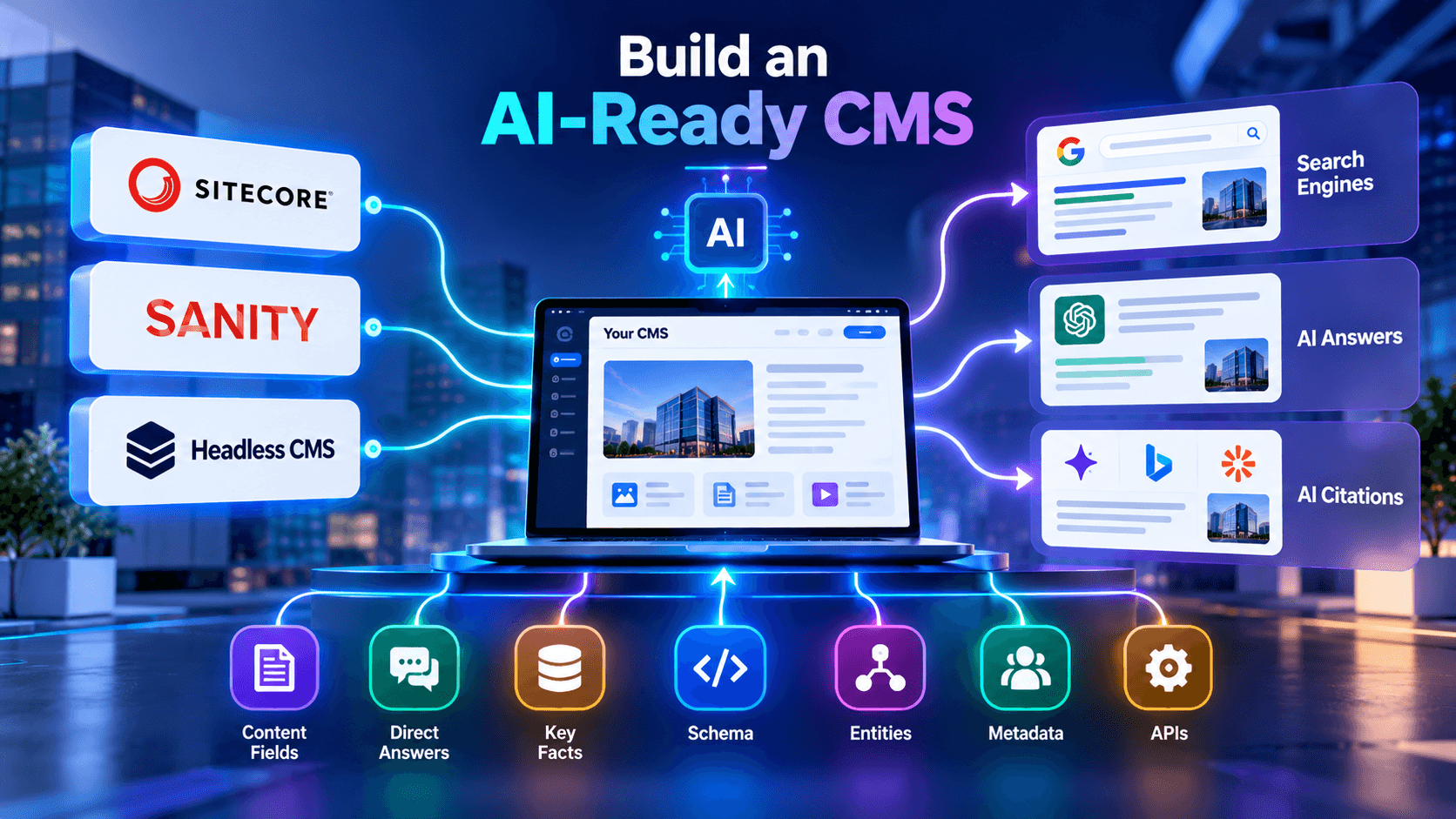
The CMS should be able to manage structured fields such as:
- Direct answers
- Key facts
- FAQs
- Entities
- Author information
- AI summaries
- Review dates
- Schema inputs
These fields make content easier to reuse across search, websites, APIs, and AI-oriented experiences.
A Sitecore migration is therefore an opportunity to move from page-centric content toward structured, reusable information.
Protect SEO During Sitecore Migration
One of the biggest migration risks is losing search equity.
Before launch, document:
- Existing URLs
- Organic landing pages
- Rankings
- Backlinks
- Canonicals
- Metadata
- Structured data
- Internal links
- XML sitemaps
- Indexation
- Analytics baselines
Then create old-to-new URL mappings and validate redirects before cutover.
Migration should protect what already performs while improving architecture for future growth.
Our headless CMS migration services combine content, technical, frontend, and SEO considerations rather than treating migration as a data-transfer exercise.
So, Should You Leave Sitecore?
Do not migrate simply because headless CMS is popular.
Move when the business case is clear.
Stay and modernize when Sitecore still supports important enterprise capabilities.
Move toward XM Cloud when you want to retain the Sitecore ecosystem while modernizing infrastructure and delivery.
Move to Sanity or another headless CMS when structured content, API-first Delivery, frontend independence, simpler operations, and broader content reuse are the stronger strategic priorities.
The best migration choice is determined by what you need over the next several years, not what you had several years ago.
Before deciding on the migration target, you want to understand your current Sitecore footprint, integrations, content, SEO requirements, languages, workflows, personalization needs, and future AI ambitions.
Then, design the target architecture.
If your enterprise is considering migrating away from Sitecore, whether to XM Cloud, Sanity, or other headless CMSs, ask yourself these 10 questions. another headless platform, start with a Sitecore and headless CMS migration assessment.
Plan the migration around business outcomes not simply the CMS.
Frequently Asked Questions
When should an enterprise migrate from Sitecore to a headless CMS?
Migration should be evaluated when Sitecore maintenance, upgrade complexity, frontend coupling, campaign delays, performance limitations or content reuse requirements are creating significant business or technical friction.
Does moving headless mean leaving Sitecore?
No. Enterprises can implement headless delivery while remaining within the Sitecore ecosystem, move toward XM Cloud, or migrate to another headless CMS such as Sanity.
Should we migrate Sitecore XP to XM Cloud?
XM Cloud can be appropriate for organizations that want modern headless delivery while retaining the Sitecore ecosystem. Existing customizations, integrations, personalization, forms and frontend architecture should be assessed before deciding.
When does Sitecore to Sanity migration make sense?
Sanity can be suitable when structured content, API-first delivery, frontend flexibility, content reuse and simpler content architecture are higher priorities than retaining Sitecore-specific platform capabilities.
What should be audited before a Sitecore migration?
Audit content, templates, components, integrations, personalization, search, analytics, languages, URLs, metadata, backlinks, workflows, custom code and infrastructure before defining the target architecture.
Can Sitecore migration improve website performance?
Migration creates an opportunity to redesign rendering, caching, frontend code and content delivery for performance, although headless architecture does not automatically guarantee a faster website.
How do you protect SEO during a Sitecore migration?
Benchmark rankings and traffic, preserve valuable URLs, map redirects, migrate metadata and schema, protect internal links, validate rendering and sitemaps, and monitor indexing after launch.
How does headless CMS help multilingual websites?
A well-designed headless content model can centralize reusable content while supporting language and regional variants, but translation workflows, hreflang, localization rules and regional URLs must be explicitly designed.
Can headless CMS improve AI search readiness?
Yes. Structured headless content can support direct answers, key facts, entities, FAQs, schema and APIs that make information easier to reuse across websites, search systems and AI experiences.
How do we choose a Sitecore migration partner?
Look for experience across Sitecore architecture, headless development, content modeling, migration, technical SEO, integrations, multilingual platforms, frontend engineering and post-launch support.