CMS Migration Checklist: How to Move to Headless without Losing SEO
In This Article
- 1. Benchmark SEO Before Doing Any Work
- 2. Audit Content Before Migrating It
- 3. Design the Headless Content Model First
- 4. Create a Complete URL Mapping File
- 5. Migrate SEO Metadata as Data
- 6. Rebuild and Validate Structured Data
- 7. Validate Rendering and Crawlability
- 8. Protect Internal Linking
- 9. Generate a Clean XML Sitemap
- 10. Test Analytics and Conversion Tracking
- 11. Benchmark Performance and Core Web Vitals
- 12. Run a Pre-Launch SEO QA
- 13. Monitor Aggressively After Launch
Migrating to a headless CMS is an opportunity to get performance, publishing flexibility, improved developer workflows, and reusability of content across different channels and environments.
However, a headless migration comes with additional risk to SEO if any redirect rules, canonical tags, internal links, or metadata fields are missed, and an impact on organic visibility can be seen for years.
A migration to headless CMS should therefore be treated by marketing and technology teams as both a technology project and an SEO migration.
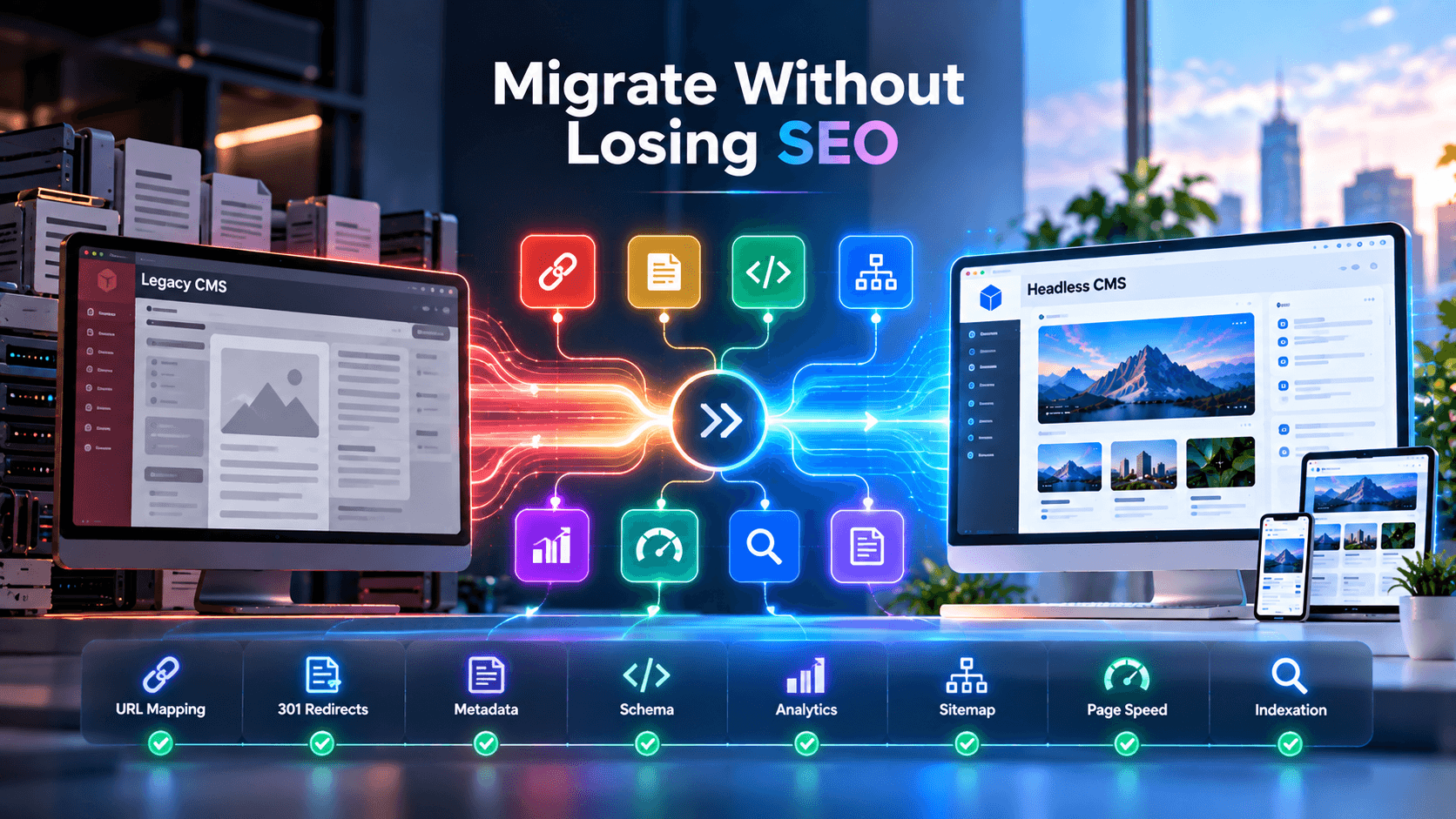
Use this CMS migration checklist before, during, and after launch.
1. Benchmark SEO Before Doing Any Work
Before development work begins, capture a baseline of crawlable URLs, indexed pages, organic landing pages, rankings for prioritized keywords, backlinks, page titles, descriptions, canonical URLs, structured data, internal linking, XML sitemaps, core web vitals, organic conversions, and analytics events.
In particular, identify high value pages separately as those pages should receive additional QA before launch since a loss of visibility on a few revenue-driving URLs can be disproportionately impactful to the business.
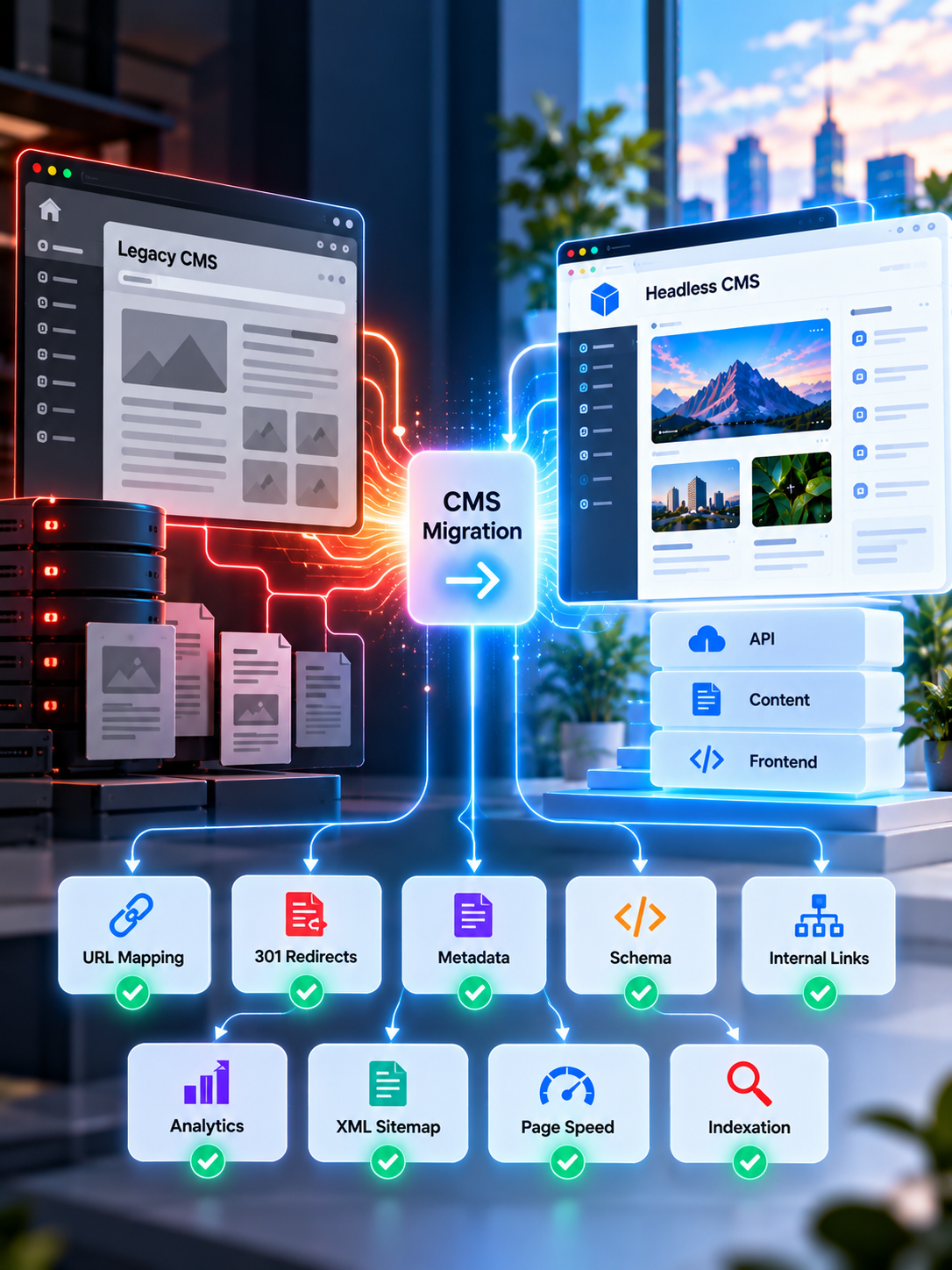
Move Headless Without Losing Rankings
Protect URLs, metadata, traffic, Core Web Vitals, and conversions with a structured, SEO-first headless CMS migration strategy.
2. Audit Content Before Migrating It
Do not migrate all content; classify existing content into:
Keep – valuable content, accurate, ranking, or commercially important.
Improve – useful content that needs better structure or information updated.
Merge – pages competing for similar intent.
Remove – outdated or low value content with no strategic reason to exist.
A good migration is a chance to improve your content architecture, and not simply reproduce years of duplication and technical debt.
Our headless CMS migration services approach content, technology, SEO, and launch validation together.
3. Design the Headless Content Model First
Traditionally, CMS content has been coupled tightly with templates.
With headless CMS, design your content model to be usable across different outputs and decouple presentation logic from content structure.
Rather than migrating an HTML page as one field, model entities like:
- Services
- Products
- Authors
- Locations
- FAQs
- Testimonials
- Case studies
- Categories
- Calls to action
- SEO metadata
This makes content more reusable across websites, apps, search experiences, and future AI interfaces.
For organizations weighing different architecture options, our headless CMS development services address structured content modelling and frontend implementation.
4. Create a Complete URL Mapping File
URL mapping is one of the most important components of an SEO-safe CMS migration.
Every valuable existing URL should have a desired outcome:
Old URL → New URL → Redirect status
Wherever possible, retain existing URLs.
If a URL has to change, redirect to the most appropriate new page.
Avoid:
- Redirect chains
- Loops
- Redirecting everything to the homepage
- Sending unrelated URLs to broad category pages
- Leftover valuable old URLs as 404s
The redirect map should be complete before launch, and not created reactively during a drop in rankings.
5. Migrate SEO Metadata as Data
Do not assume that your new frontend will recreate existing SEO signals.
Explicitly migrate:
- SEO titles
- Meta descriptions
- Canonical URLs
- Robots directives
- Open Graph metadata
- Social images
- Image alt text
- Breadcrumbs
- Hreflang
- Schema inputs
In a headless architecture, SEO fields should ideally be in the CMS rather than hard-coded in the frontend, giving marketing teams control over SEO without needing development tickets.
6. Rebuild and Validate Structured Data
A front-end rebuild can inadvertently remove structured data that was present on the previous version of the website, so document your current schema types before migration.
Depending on the site, these may include:
- Organization
- Article
- Product
- Service
- FAQ
- BreadcrumbList
- Person
- LocalBusiness
Generate structured data from the same source as visible content so visible content and schema remain aligned.
AI-focused content teams can also embed structured summaries, key facts, direct answers, and entity information. Our AI search optimization services address this broader SEO, AEO, and GEO layer.
7. Validate Rendering and Crawlability
Headless migration does not guarantee SEO wins or losses – it is implementation-dependent.
Before launch, verify that search crawlers can access the important content without resorting to suspect client-side behaviors.
Test:
- Rendered page content
- Heading structure
- Metadata
- Canonicals
- Internal links
- Pagination
- Images
- Structured data
- Robots directives
Critical SEO content should appear in the rendered experience that is seen by crawlers.
8. Protect Internal Linking
Redirects may get the most attention during a migration, but internal linking should not be overlooked.
Update internal links so that pages point directly to their new URL rather than relying on redirects.
Review:
- Navigation
- Breadcrumbs
- Blog links
- Related content
- Footer links
- CTAs
- Image links
- Pagination
Also check for orphan pages after migration.
A technically correct page can underperform if nothing on the new website is pointing to it.
9. Generate a Clean XML Sitemap
Your new XML sitemap should include canonical, indexable production URLs only.
Do not include:
- Staging URLs
- Redirected URLs
- Noindex pages
- Broken pages
- Duplicate URL variants
Regenerate the sitemap using the new CMS as the source of truth and validate it before launch.
Also ensure that production robots rules do not accidentally inherit staging restrictions.
Protect Your Rankings Before Your Headless CMS Migration Begins
10. Test Analytics and Conversion Tracking
SEO traffic is only valuable if you can track what users do after arriving, so validate:
- Analytics tags
- Consent management
- Conversion events
- Form submissions
- Ecommerce events
- Call tracking
- CRM attribution
- Advertising pixels
Compare important events between the old and new site before cut-over.
A migration that preserves rankings but breaks revenue attribution can cause major reporting problems.
11. Benchmark Performance and Core Web Vitals
A headless migration is an opportunity to improve performance, particularly if modern frontend frameworks replace heavier themes or plugin stacks, but a better architecture does not guarantee a faster website.
Test representative templates for:
- Largest Contentful Paint
- Interaction to Next Paint
- Cumulative Layout Shift
- Server response
- Image optimization
- JavaScript weight
- Third-party scripts
Our case study on migrating to a headless CMS with Sanity and Next.js shows how a migration can combine architecture, content, performance, and SEO work.
You can also review our WordPress to headless Next.js SEO optimization strategy.
12. Run a Pre-Launch SEO QA
Before switching over production traffic, crawl the staging website and compare it to your original benchmark.
Check:
- Status codes
- Missing pages
- Redirects
- Metadata
- Canonicals
- Hreflang
- Schema
- Internal links
- Images
- Robots rules
- Sitemap
- Page speed
- Analytics
- Forms
Do not leave launch day as the first time your full migration has been tested.
13. Monitor Aggressively After Launch
Migration work does not stop after deployment - continue to monitor:
- Crawl errors
- 404s
- Redirect failures
- Indexation
- Sitemap processing
- Organic landing pages
- Rankings
- Core Web Vitals
- Analytics
- Conversions
- Server errors
Compare against your pre-migration baseline.
If visibility changes significantly, investigate technical reasons before assuming normal migration volatility.
A headless migration should not simply reproduce your old website on new technology – it should ensure your organization is left with cleaner content models, stronger SEO controls, better performance, more reliable analytics, and an easier-to-evolve architecture.
Our headless CMS migration guide covers platforms, costs, architecture, and migration considerations in greater depth.
If your team is preparing a replatform, redesign, or legacy CMS replacement, always begin with a documented SEO baseline and migration checklist before development reaches production.
For larger projects, work with a headless CMS migration service that treats URLs, content, SEO, analytics, performance, and launch monitoring as part of the same delivery plan.
The objective is not simply to launch a new CMS – it is to move forward without leaving your search visibility behind.
Frequently Asked Questions
Can a CMS migration hurt SEO?
Yes. Rankings can be affected when URLs, redirects, metadata, internal links, structured data, rendering or crawlability change incorrectly. A documented SEO migration plan significantly reduces these risks.
Does moving to a headless CMS hurt SEO?
Headless architecture itself does not inherently hurt SEO. SEO performance depends on implementation, including rendering, metadata, canonicals, redirects, structured data, internal links, sitemaps and frontend performance.
What should a CMS migration checklist include?
A CMS migration checklist should cover content inventory, URL mapping, redirects, metadata, content models, structured data, internal links, analytics, XML sitemaps, robots rules, performance testing, QA and post-launch monitoring.
How do I protect SEO during a CMS migration?
Benchmark the existing website, preserve valuable URLs where possible, map changed URLs with permanent redirects, migrate SEO metadata, validate schema and internal links, test crawlability, submit clean sitemaps and monitor search performance after launch.
Should URLs change during a CMS migration?
Not unless there is a good reason. Preserving established URLs can reduce migration complexity. When URLs must change, map each valuable old URL to the most relevant new URL using a permanent redirect.
What redirects should be used during CMS migration?
Permanent URL changes should normally use server-side or edge-level 301 or 308 redirects. Avoid redirect chains, loops and mass redirects to unrelated pages.
Should SEO metadata be migrated to a headless CMS?
Yes. Important titles, descriptions, canonical URLs, robots directives, social metadata and structured-data inputs should be preserved and ideally stored as structured CMS fields.
How should Core Web Vitals be handled during migration?
Benchmark important templates before migration and test equivalent new templates before launch. Monitor loading performance, interaction responsiveness, layout stability, JavaScript, images and third-party scripts.
How long should SEO be monitored after CMS migration?
SEO should be monitored closely immediately after launch and continue throughout search-engine recrawling and reindexing. Track errors, indexation, traffic, rankings, conversions and performance against the pre-migration baseline.
When should I hire a CMS migration company?
Consider specialist help when the migration involves many indexed URLs, complex redirects, multiple content types, integrations, localization, custom frontend development, significant organic traffic or business-critical conversion tracking.