Custom CRM and ERP Software for Growing Businesses in India, UAE and Southeast Asia
In This Article
- Why Growing Businesses Need More Than a Basic CRM
- ERP Starts Where the Sale Continues
- Inventory Visibility Becomes Critical as You Grow
- Role-Based Access Creates Better Business Control
- Approval Workflows Replace Informal Follow-Ups
- CRM and ERP Should Not Become New Data Silos
- One Dashboard Should Tell Management What Is Happening
- India, UAE and Southeast Asia Require Flexible Systems
- Do You Need Custom CRM, ERP or Both?
- Build Custom CRM ERP
Growth creates opportunity, but also creates operational complexity.
A business that was previously using spreadsheets to manage sales leads, separate software to manage inventory, WhatsApp for approvals, and manually entered reports can quickly find itself in a position where these silos no longer work together effectively.
Sales does not know about stock availability, Operations waits for updated order information, Finance keeps their own set of books and Managers request reports from a number of different departments. Employees have unnecessary access to information, and managers are unable to extract information relevant to their decision making.
For growing companies across India, the UAE and Southeast Asia, custom software solutions can offer far more value than another disconnected application.
It is not a matter of installing more software, but connecting sales, customers, inventory, staff functions, approvals and management reporting in one controlled business system.
Why Growing Businesses Need More Than a Basic CRM
A basic CRM may store contacts and opportunities.
A custom CRM should help your sales team control the complete journey from enquiry to conversion.
That can include:
- lead capture and automatic assignment;
- sales pipeline stages;
- follow-up reminders;
- calls and meeting history;
- quotation management;
- customer records;
- deal probability;
- salesperson performance;
- lost-deal analysis;
- and sales dashboards.
Management should be able to answer important questions immediately.
How many qualified leads are active?
Which opportunities require follow-up?
What is the expected pipeline value?
Which salesperson is converting the most opportunities?
Where are deals getting stuck?
A properly designed CRM makes the sales process measurable rather than dependent on individual spreadsheets, notebooks or WhatsApp conversations.
Businesses exploring a broader implementation can review this guide to CRM and ERP software development and how connected workflows can bring sales and operations together.
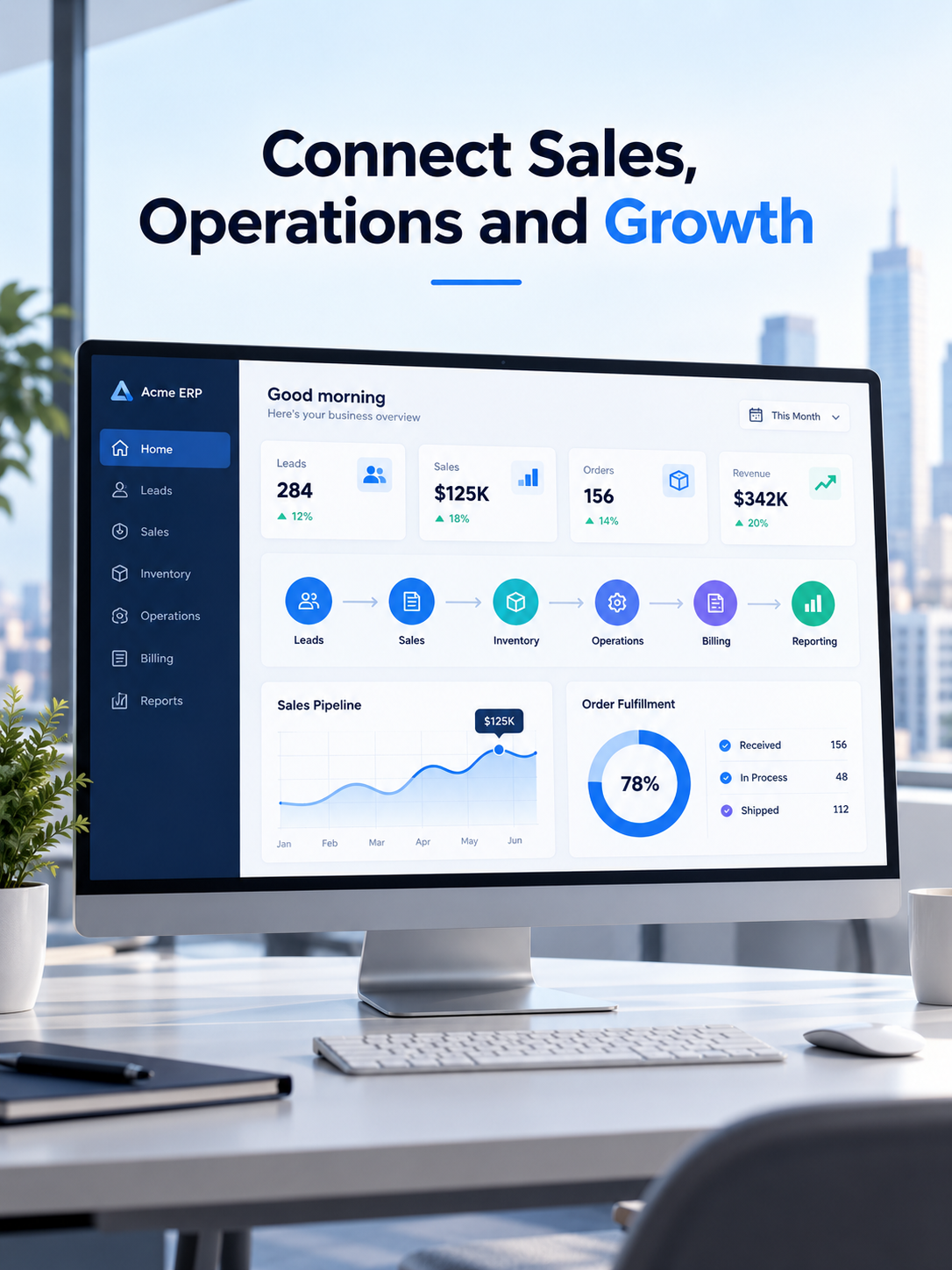
Connect Sales, Operations and Growth
Build a custom CRM ERP platform that unifies leads, inventory, approvals, reporting, permissions and daily business operations.
ERP Starts Where the Sale Continues
Closing a deal is only the beginning.
The business still needs to fulfil the order.
That may involve inventory, procurement, billing, finance, delivery, service, employee tasks and multiple approval stages.
This is where custom ERP software becomes important.
Consider a connected workflow:
Lead → Opportunity → Quotation → Sales Order → Inventory → Billing → Delivery → Payment → Reporting
Instead of employees repeatedly entering the same information, data moves through the business as the transaction progresses.
A confirmed order can trigger inventory allocation.
Low stock can create a purchase requirement.
An invoice can flow into financial reporting.
Delivery information can become visible to customer-facing teams.
Management can monitor the entire process without requesting separate reports from every department.
For businesses needing broader workflow automation, custom software development can combine CRM, ERP, dashboards, integrations and business-specific processes into one scalable platform.
Inventory Visibility Becomes Critical as You Grow
Inventory problems rarely remain small.
A retailer may need visibility across multiple stores. A distributor may need warehouse-level stock. A manufacturer may need raw materials and finished goods. A service business may need equipment or spare-parts tracking.
A custom ERP can support:
- purchases and suppliers;
- stock receipts;
- stock transfers;
- warehouses;
- reorder levels;
- product variants;
- sales-linked stock movement;
- branch-wise inventory;
- damaged or returned stock;
- and inventory reports.
For retail and distribution environments, a connected retail billing, ERP and inventory platform can bring POS, purchases, inventory, CRM, warehouses and multi-store reporting together.
Build a Custom CRM ERP That Scales With Growth
Role-Based Access Creates Better Business Control
Not all data is open for all employees.
A sales representative has access to customers and quotations but not to finances.
A warehouse manager can update stock levels but not prices.
A branch director sees only data related to their region.
Finance managers have approval rights over payments, while system administrators manage all the settings.
Some directors may need a complete view of all processes in the company.
A CRM or ERP software can be configured to provide different levels of access to users in relation to:
their personal account
roles
departments
locations
permissions
and
approval rights
The importance of such a system increases with the number of users and the distance between company locations. In addition to security, such a configuration will help establish accountability.
Approval Workflows Replace Informal Follow-Ups
Many growing businesses still manage approvals through email, calls, spreadsheets or chat messages.
That becomes difficult to control when the number of employees and transactions increases.
Custom business automation software can route processes such as:
Purchase Request → Manager Approval → Finance Approval → Purchase Order
or:
Expense Submission → Reporting Manager → Department Head → Accounts
A real example of this approach is an approval-driven expense management system that replaced spreadsheet-heavy reimbursement processes with structured permissions, multi-level approvals, dashboards and reporting.
The same principle can be applied to purchases, discounts, vendor onboarding, credit limits, leave requests and internal operational workflows.
CRM and ERP Should Not Become New Data Silos
Some companies already use strong CRM and ERP platforms but still face another problem:
The systems do not communicate properly.
Customer data may exist in CRM.
Products and inventory exist in ERP.
Orders move manually between them.
Invoice status arrives late.
Employees re-enter the same records.
This creates duplicate data, reconciliation work and reporting inconsistencies.
CRM ERP development should therefore include an integration strategy from the beginning.
The architecture may need APIs, webhooks, middleware, event processing, validation, synchronization monitoring and error recovery.
A practical example is this Salesforce and SAP real-time integration case study, where CRM and ERP information was synchronized through a controlled integration layer instead of relying on manual transfers.
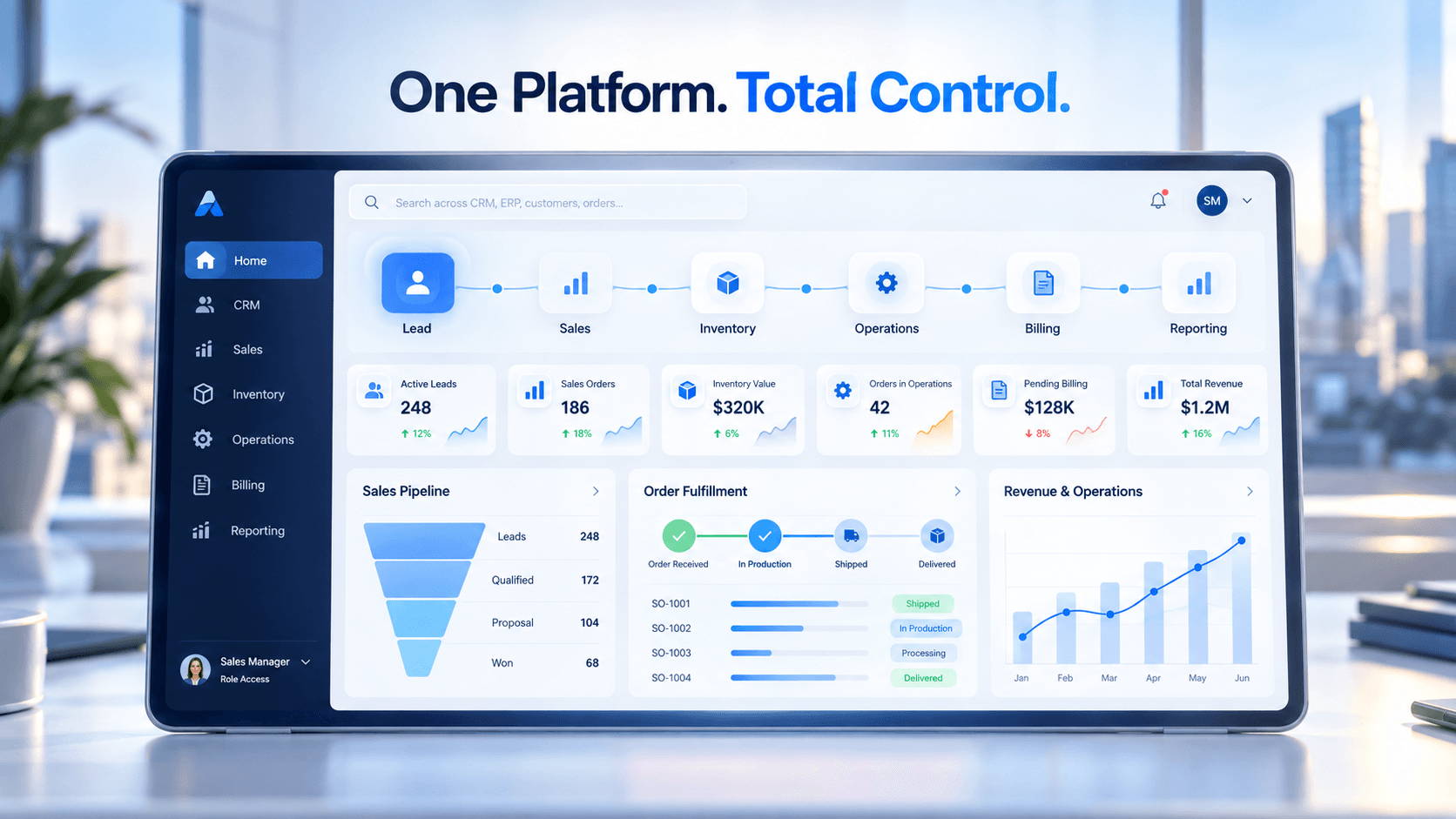
Connect Sales Operations and Reporting With One Smart Platform
One Dashboard Should Tell Management What Is Happening
Good ERP software does more than record transactions.
It creates visibility.
A management dashboard might show:
1. sales pipeline and conversion;
2. revenue by branch;
3. pending quotations;
4. open orders;
5. inventory levels;
6. low-stock products;
7. outstanding payments;
8. purchasing activity;
9. approval bottlenecks;
10. employee performance;
11. and operational KPIs.
Instead of asking departments to prepare spreadsheets every week, leadership can work from current business data.
That is where CRM and ERP become management systems not simply databases.
India, UAE and Southeast Asia Require Flexible Systems
Growing businesses across these markets often operate with different tax requirements, currencies, locations, approval structures, customer processes and reporting needs.
A single rigid workflow may not work across every operation.
Custom CRM and ERP architecture can support configurable business rules, multiple branches, region-specific processes, integrations and future modules without rebuilding the entire platform.
Businesses that require connected billing, stock and financial workflows can also explore billing, inventory and accounting software.
Do You Need Custom CRM, ERP or Both?
Choose custom CRM software when your biggest challenge is controlling leads, sales teams, customers and follow-ups.
Choose custom ERP software when inventory, purchasing, finance, operations and internal workflows are creating complexity.
Choose a connected CRM + ERP platform when the customer journey and operational journey must work together.
The strongest business system is not the one with the longest feature list.
It is the one that gives the right employee the right information, triggers the right workflow and gives management the right visibility at the right time.
If your business is growing faster than your current systems can handle, it may be time to build custom CRM and ERP software around the way your company actually operates.
Build Custom CRM ERP
Connect sales, inventory, operations, permissions, approvals and reporting in one scalable business platform designed around your workflows and growth plans.
Frequently Asked Questions
What is custom CRM and ERP software?
Custom CRM and ERP software is a business platform designed around a company's specific sales, customer, inventory, operations, approval and reporting workflows instead of forcing teams to adapt to a generic system.
What is the difference between CRM and ERP software?
CRM software primarily manages leads, customers, sales pipelines and follow-ups, while ERP software manages operational processes such as inventory, purchasing, billing, finance, fulfillment and internal workflows.
When should a growing business build custom CRM software?
A business should consider custom CRM software when spreadsheets or generic CRM tools cannot support its lead assignment, sales stages, quotations, follow-ups, approvals, customer history or management reporting requirements.
When does a business need custom ERP software?
Custom ERP software becomes valuable when inventory, purchasing, billing, operations, approvals, branch management or reporting become too complex for disconnected tools and manual processes.
Can CRM and ERP be combined into one platform?
Yes. A connected CRM and ERP platform can link leads, quotations, sales orders, inventory, operations, billing, payments and management reporting so information flows across departments without repeated data entry.
Can custom CRM ERP software support role-based access?
Yes. Custom CRM ERP software can provide permissions by user, role, department, branch, location or approval authority so employees only access the information and actions relevant to their responsibilities.
Can custom ERP software manage multiple branches and warehouses?
Yes. A custom ERP can support multiple branches, stores, warehouses, stock transfers, location-based inventory, regional workflows and consolidated management reporting.
Can custom CRM and ERP integrate with existing software?
Yes. Custom platforms can integrate with accounting software, payment systems, e-commerce platforms, CRM products, ERP products, communication tools and other business systems through APIs, webhooks or middleware.
How much does custom CRM and ERP software development cost?
The cost depends on modules, users, integrations, inventory complexity, reporting, permissions, mobile access, security, automation and deployment requirements. Businesses should define a phased scope before estimating development cost.
Is custom CRM ERP software suitable for businesses in India, UAE and Southeast Asia?
Yes. Custom CRM ERP software can be configured for regional workflows, currencies, branches, approval structures, operational requirements, integrations and market-specific business processes across India, the UAE and Southeast Asia.