Software Support and Maintenance for Businesses With Existing Applications
In This Article
- Existing Software Does Not Need to Be Perfect to Be Worth Saving
- Sign 1: The Application Is Becoming Slow
- Sign 2: The Same Bugs Keep Coming Back
- Sign 3: The Original Developer Is Gone
- Sign 4: Every New Feature Breaks Something Else
- Software Maintenance Has Four Different Jobs
- Support Should Improve the Application not Just Keep It Alive
- Repair, Modernize or Rebuild?
- Your Existing Software Is Already a Business Asset
- Get Software Support
We all have software in our business.
The issue is that it no longer meets the needs and requirements of the company.
Web pages are loading slowly, there are recurring bugs reported by users, a vital feature is not fully developed, systems are failing to integrate properly with no warning, projects are becoming more of a gamble with every deploy due to risk factors, the original develop is unreachable, nobody wants to touch the codebase because any change could cause a cascade failure.
At this crossroads, rewriting everything is not always the answer.
Sometimes you must take stock of the current application, make vital fixes and begin a maintenance plan to ensure proper performance and a roadmap to future-proof your investment.
This is where professional software support and application maintenance come in.
Existing Software Does Not Need to Be Perfect to Be Worth Saving
Many businesses assume they have only two choices:
Continue struggling with the existing application or rebuild everything from scratch.
There is usually a third option.
A capable support team can audit the current application, identify technical and operational problems, prioritize critical fixes and determine which parts should be retained, improved, modernized or replaced.
For software that is already supporting real business workflows, preserving the useful parts can protect years of investment.
If the application requires deeper modernization or additional functionality, custom software development can extend the existing system rather than forcing the business to start again unnecessarily.
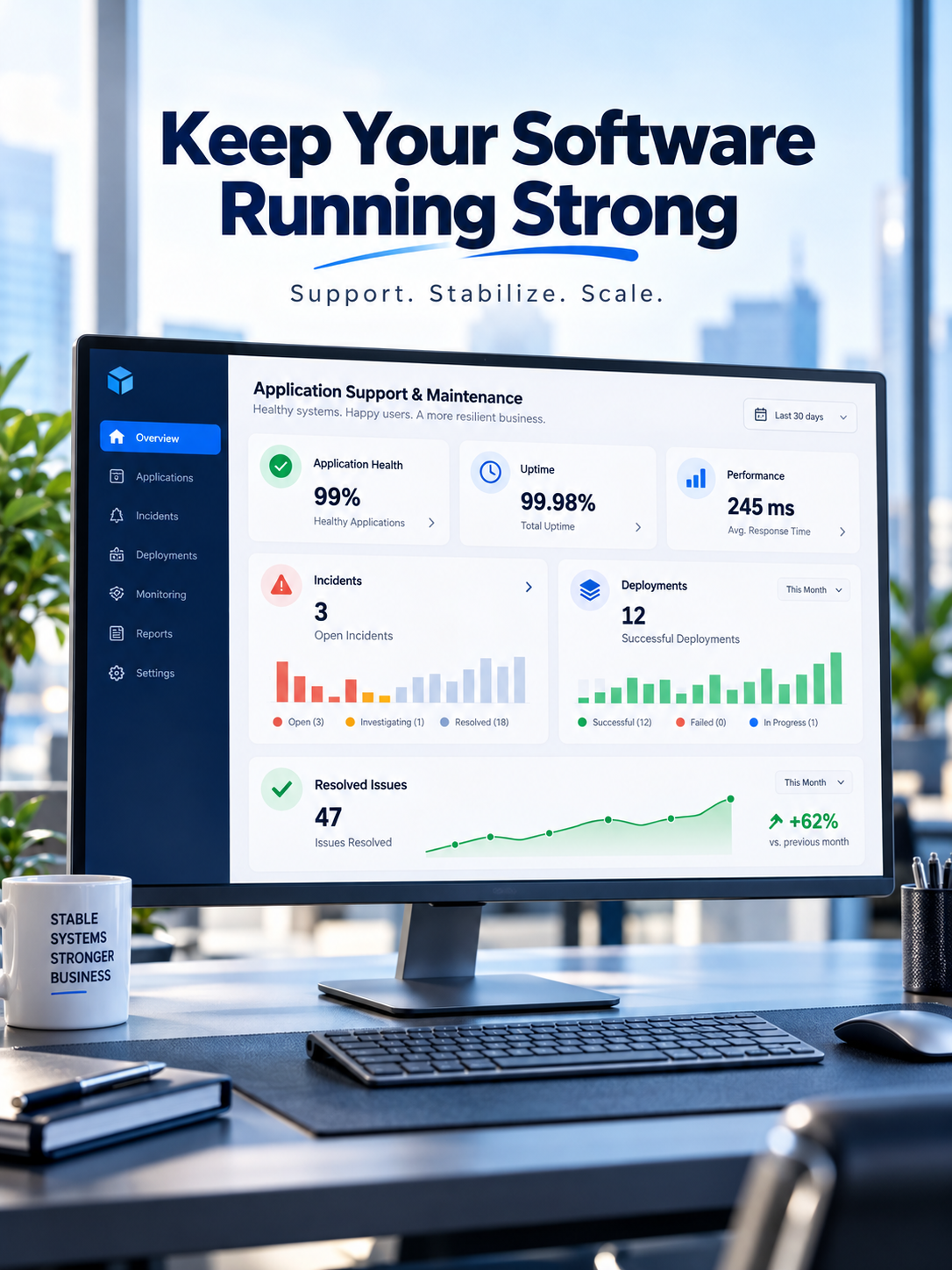
Keep Your Software Running Strong
Stabilize existing applications, fix critical issues, improve performance, reduce downtime, and get ongoing development support as your business evolves.
Sign 1: The Application Is Becoming Slow
Performance issues rarely come on suddenly.
A database is queried, and it starts returning records slower than before. An API starts taking longer to respond. Reports or dashboards take a few seconds too long to appear. The infrastructure built for 100 users is stretched to accommodate 1,000.
And, users slowly get used to the new sluggish state of the application until it starts impacting their productivity or customer satisfaction.
Application maintenance will look at the database performance, backend processes, APIs, front-end rendering, infrastructure utilization, caching mechanisms and potential code-level bottlenecks.
They will not only try to optimize a single screen but look for the root cause of the performance degradation to resolve the issue and ensure it does not recur.
Sign 2: The Same Bugs Keep Coming Back
Fixing symptoms is not the same as fixing the cause.
If login failures, payment errors, broken reports, synchronization problems or application crashes repeatedly return after temporary fixes, the system may need deeper technical diagnosis.
Good bug fixing support should include root-cause analysis.
That means understanding:
Issue → Cause → Dependency → Fix → Testing → Deployment → Monitoring
When a live system is already failing and the business needs immediate technical help, an instant technical support desk can be more appropriate than waiting for a larger development engagement.
Production outages, API failures, broken functionality, deployment problems and critical application errors need a different response from normal feature development.
Stabilize and Improve Your Existing Software Without Rebuilding Everything
Sign 3: The Original Developer Is Gone
This is more common than many businesses expect.
A freelancer disappears.
An employee resigns.
An agency relationship ends.
A startup inherits software built by an earlier team.
The software may still work, but nobody fully understands its architecture.
A new support team should not immediately start changing code.
The safer approach is to review the repository, dependencies, database, hosting environment, integrations, deployment process, logs and available documentation first.
From there, the business can establish what is stable, what is risky and what needs attention.
For applications that are unfinished, abandoned or difficult to launch, a focused software and MVP rescue approach can determine whether the existing codebase can be stabilized before considering a rebuild.
Sign 4: Every New Feature Breaks Something Else
This is frequently a symptom of developing technical debt
which can accumulate due to quick fixes, outdated architecture, replication of logic and a lack of automated tests
A minor request to add a field to a report, change a calculation or integrate a new API can require days of investigation
Maintenance in such cases requires more than just building new features. It may also entail redesigning parts of the system, updating dependencies, improving tests, refining modules, or even enhancing the deployment process. The goal is to reduce risk and increase confidence during future development.
Software Maintenance Has Four Different Jobs
Businesses often think maintenance simply means fixing bugs.
In practice, healthy application maintenance normally covers four areas:
- Corrective maintenance: repairing bugs, failures and incorrect behaviour.
- Adaptive maintenance: keeping software compatible with new APIs, platforms, operating systems, regulations or infrastructure.
- Perfective maintenance: improving performance, usability and features as business requirements evolve.
- Preventive maintenance: reducing future risk through refactoring, dependency updates, security improvements and technical cleanup.
A business application may need all four at different stages of its lifecycle.
Fix Critical Software Issues Before They Disrupt Your Business
Support Should Improve the Application not Just Keep It Alive
Software support should not become an endless cycle of tickets.
Once an application is stable, the support relationship can shift toward continuous improvement.
That might include improving workflows, automating manual tasks, adding reports, connecting third-party services, upgrading user interfaces, strengthening access control or supporting increased transaction volumes.
For businesses that need a team available beyond one-time bug fixes, a managed software development and support subscription can provide ongoing development, patches, monitoring, upgrades and planned sprint-based improvements.
This model is particularly useful when a business has active software but does not want to maintain a full internal development team.
Repair, Modernize or Rebuild?
Not every old application should be saved.
But not every imperfect application should be rebuilt either.
The decision should depend on the condition of the architecture, code quality, security, database, integrations, infrastructure, business value and future requirements.
Repair when the architecture is fundamentally usable and the main problems are bugs or isolated performance issues.
Stabilize and maintain when the application is valuable but requires structured ongoing ownership.
Modernize when core functionality works but the technology, architecture or user experience has become outdated.
Rebuild when maintaining the current system would create more cost, risk and limitation than replacing it.
The decision should follow an application audit not assumptions.
Your Existing Software Is Already a Business Asset
If employees, customers or operations rely on an application on a daily basis, the application holds business value even it's technology is imperfect.
The correct software support team should help you to safeguard this value.
This requires an understanding of the existing system before change, addressing root causes rather than repeated symptomatic treatments, reducing downtime, improving general performance and allowing clear future development.
Software does not always require another replacement project, sometimes it needs experienced engineers to stabilize, improve and take responsibility.
Get Software Support
Have an existing application that is slow, unstable, unfinished or difficult to maintain?
Get software support to assess the application, prioritize critical issues and create a practical improvement roadmap.
Frequently Asked Questions
Can a software support company take over an existing application?
Yes. An experienced software support team can review an existing codebase, architecture, database, hosting environment, integrations, dependencies and deployment process before taking responsibility for maintenance and future improvements.
What does software support and maintenance include?
Software support and maintenance can include bug fixing, performance optimization, monitoring, security updates, dependency upgrades, compatibility fixes, deployment support, API troubleshooting, database improvements and ongoing feature development.
Can you fix software developed by another company or developer?
Yes. Existing applications can often be supported even when they were developed by another agency, freelancer or internal team. The safest approach begins with a technical assessment before changing production code.
When should a business hire a software support team?
A business should consider software support when its application becomes slow, unstable, difficult to maintain, affected by recurring bugs, dependent on outdated technology or unsupported by the original development team.
What is the difference between software maintenance and software development?
Software development typically focuses on building new applications or major functionality, while maintenance focuses on keeping existing software stable, secure, compatible and performant while making controlled improvements over time.
Can an unstable application be repaired without rebuilding it?
Often yes. If the core architecture and codebase remain usable, targeted bug fixes, refactoring, performance improvements, dependency upgrades and infrastructure changes may stabilize the application without a complete rebuild.
When should existing software be rebuilt instead of repaired?
A rebuild may be appropriate when the architecture creates severe limitations, security risks are difficult to resolve, technology is no longer maintainable or ongoing repairs would cost more than replacing the system.
What is emergency software support?
Emergency software support focuses on urgent production problems such as outages, broken APIs, failed deployments, payment errors, critical bugs, database problems or functionality that is preventing users from completing important tasks.
Can software maintenance improve application performance?
Yes. Maintenance can improve database queries, APIs, frontend rendering, caching, infrastructure usage, background processes and other bottlenecks that affect application speed and reliability.
Can businesses get ongoing software maintenance instead of hiring developers full time?
Yes. Managed software support can provide ongoing access to developers for bug fixes, upgrades, monitoring, maintenance and planned improvements without maintaining a full internal development team.