Sanity CMS Migration in Australia: Move From Wix, Webflow, WordPress, AEM or Drupal
In This Article
- Why Australian Businesses Move to Sanity CMS
- Migrating From Wix to Sanity
- Migrating From Webflow to Sanity
- Migrating From WordPress to Sanity
- Migrating From AEM to Sanity
- Migrating From Drupal to Sanity
- Build the New Frontend With Sanity and Next.js
- Protect SEO During Sanity Migration
- Use Migration to Build AI-Ready Content
- Plan Your Sanity Migration Before Rebuilding
Australian businesses often outgrow the CMS or website builder that helped them launch.
Wix and Webflow can become restrictive as content operations expand. WordPress installations can accumulate plugins, custom themes and tightly coupled content. Drupal environments may become difficult to modernise. Enterprise teams using AEM may want a more composable content architecture with greater frontend flexibility.
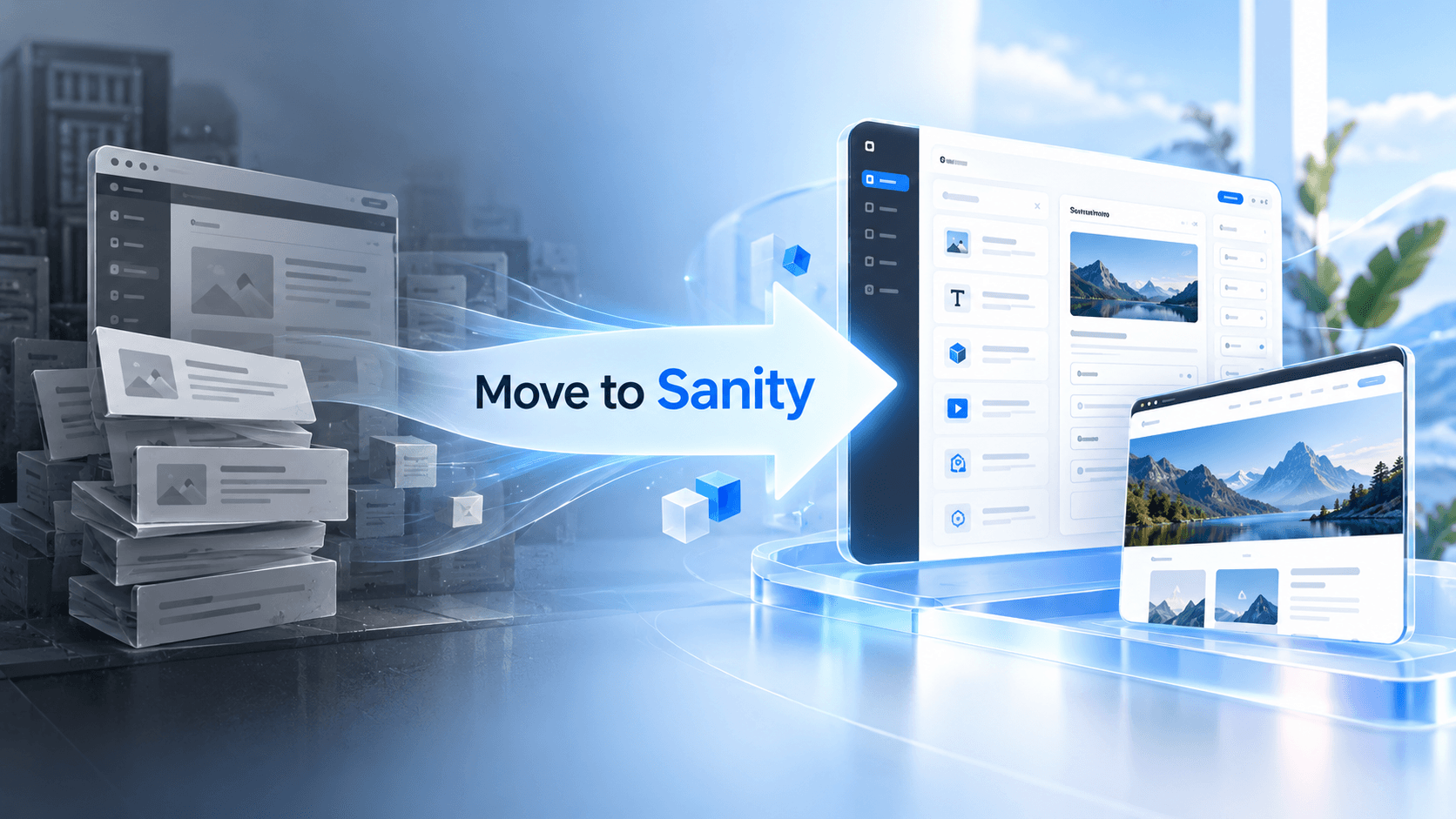
For organisations reaching that point, Sanity CMS migration in Australia provides a path toward structured content, modern frontend development and reusable digital experiences.
But a successful migration is not simply copying pages from one platform into another.
It is an opportunity to redesign how your business creates, structures, publishes and reuses content.
Why Australian Businesses Move to Sanity CMS
Traditional CMS platforms often combine content, page layout and presentation too closely.
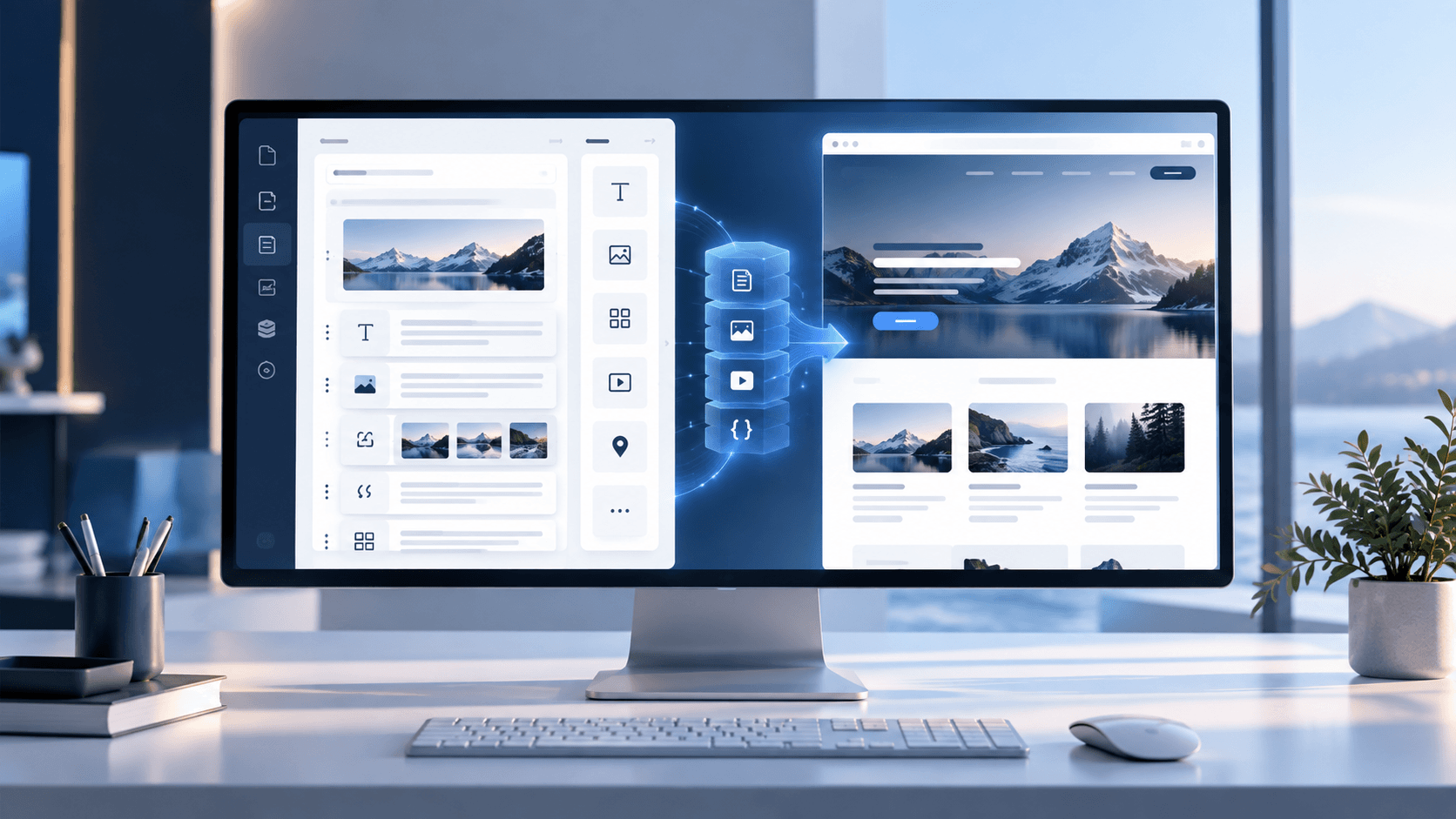
Sanity takes a structured-content approach. Content can be modelled as reusable documents, fields, references and objects instead of being locked into individual webpages.
This can support:
- corporate websites
- landing pages
- blogs and resources
- product information
- multiple brands
- regional websites
- mobile applications
- customer portals
- search experiences
- AI-powered applications
For businesses planning a broader CMS transformation, professional headless CMS migration services can help audit the existing platform, redesign content models and protect critical SEO assets during re-platforming.
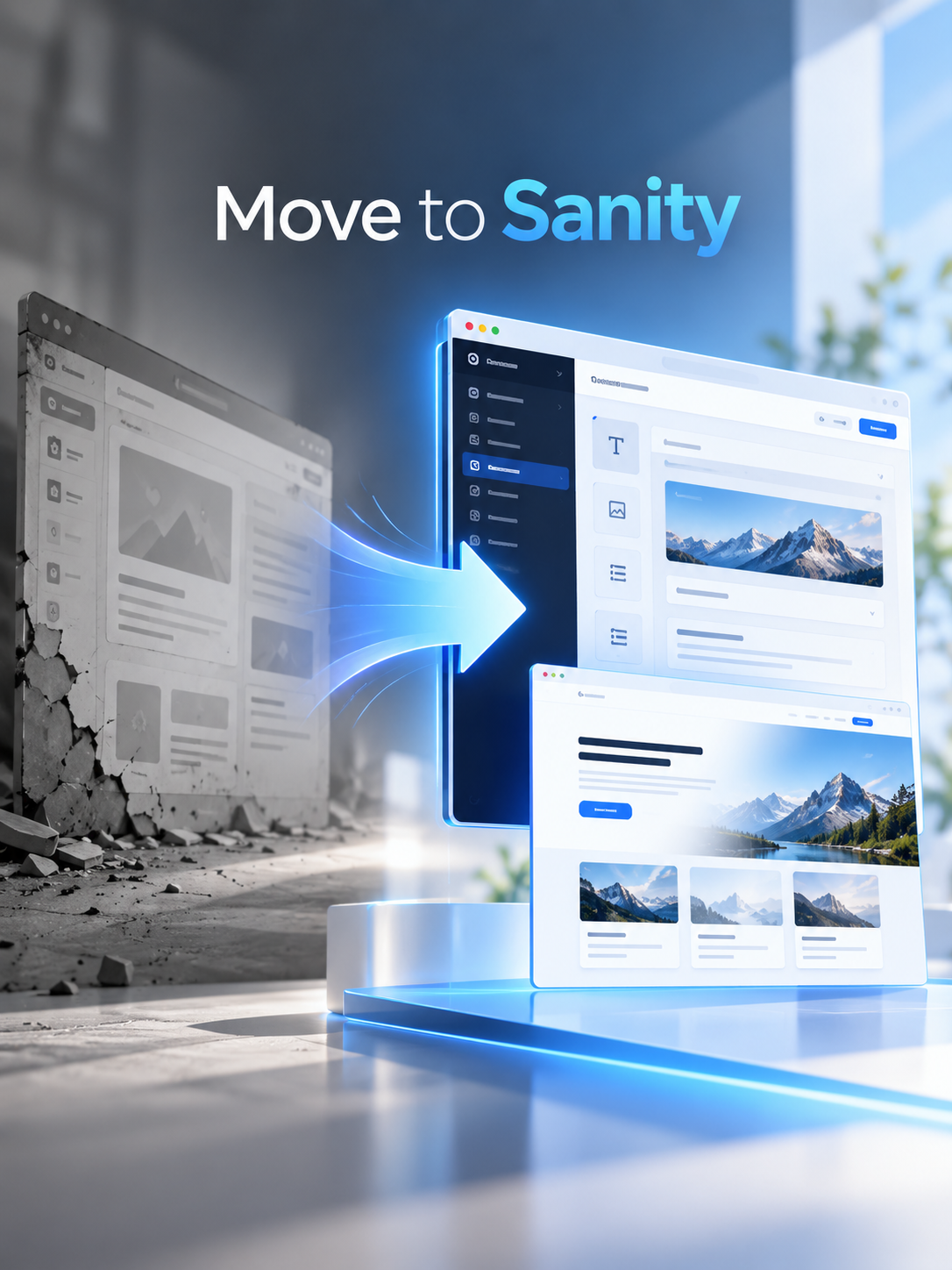
Modernize Your CMS With Sanity
Migrate from Wix, Webflow, WordPress, AEM or Drupal to structured Sanity CMS with scalable content architecture and modern frontend delivery.
Migrating From Wix to Sanity
A Wix to Sanity migration is useful when a business needs more control over content architecture, integrations or frontend development.
Rather than recreating every Wix page exactly as it exists, the migration should identify reusable information such as services, locations, team members, FAQs, testimonials, products and SEO metadata.
These can become structured Sanity document types.
The frontend can then be rebuilt independently, giving developers more control over rendering, components, technical SEO and application architecture.
Migrating From Webflow to Sanity
A Webflow to Sanity migration should begin with a detailed content audit.
Sanity's current migration guidance covers mapping Webflow collections to Sanity document types, moving assets, resolving references, converting rich text into Portable Text, validating imported content and rebuilding essential functionality such as redirects, forms, sitemaps and preview workflows.
This is important because Webflow collections should not automatically become identical Sanity schemas.
Migration provides an opportunity to simplify duplicated content models, separate content from visual presentation and create reusable structured information.
Migrate to Sanity CMS Without Losing SEO Value
Migrating From WordPress to Sanity
A WordPress to Sanity migration can involve posts, pages, categories, authors, tags, images, custom post types and SEO information.
Sanity's official WordPress migration workflow uses the WordPress REST API and migration scripts to transform existing data into Studio-ready structured documents. It also covers migrating assets, converting HTML and WordPress blocks into Portable Text, and restructuring content rather than preserving legacy modelling problems.
This distinction matters.
If years of WordPress content are copied without redesigning the structure, the new CMS may inherit the same limitations as the old one.
A stronger migration models information around what the organisation actually manages and how that information should be reused.
Migrating From AEM to Sanity
An AEM to Sanity migration is typically more complex because enterprise implementations may contain large content repositories, component libraries, DAM assets, multilingual content, workflows and integrations.
The migration should therefore begin with an inventory of:
- templates and components
- content types
- assets
- metadata
- taxonomy
- multilingual relationships
- URLs
- redirects
- integrations
- publishing workflows
Instead of replicating every AEM component, teams can redesign the content layer around reusable business entities and structured content.
This can create a cleaner foundation for modern websites and composable digital experiences.
Migrating From Drupal to Sanity
A Drupal to Sanity migration should pay particular attention to Drupal content types, fields, taxonomy terms, media, references and custom modules.
Content relationships can often be mapped into Sanity references, while old page-oriented structures can be transformed into reusable documents and objects.
The objective is not merely moving database records.
It is creating a Sanity architecture that remains understandable for editors and extensible for developers after launch.
Build the New Frontend With Sanity and Next.js
CMS migration is also an opportunity to modernise the frontend.
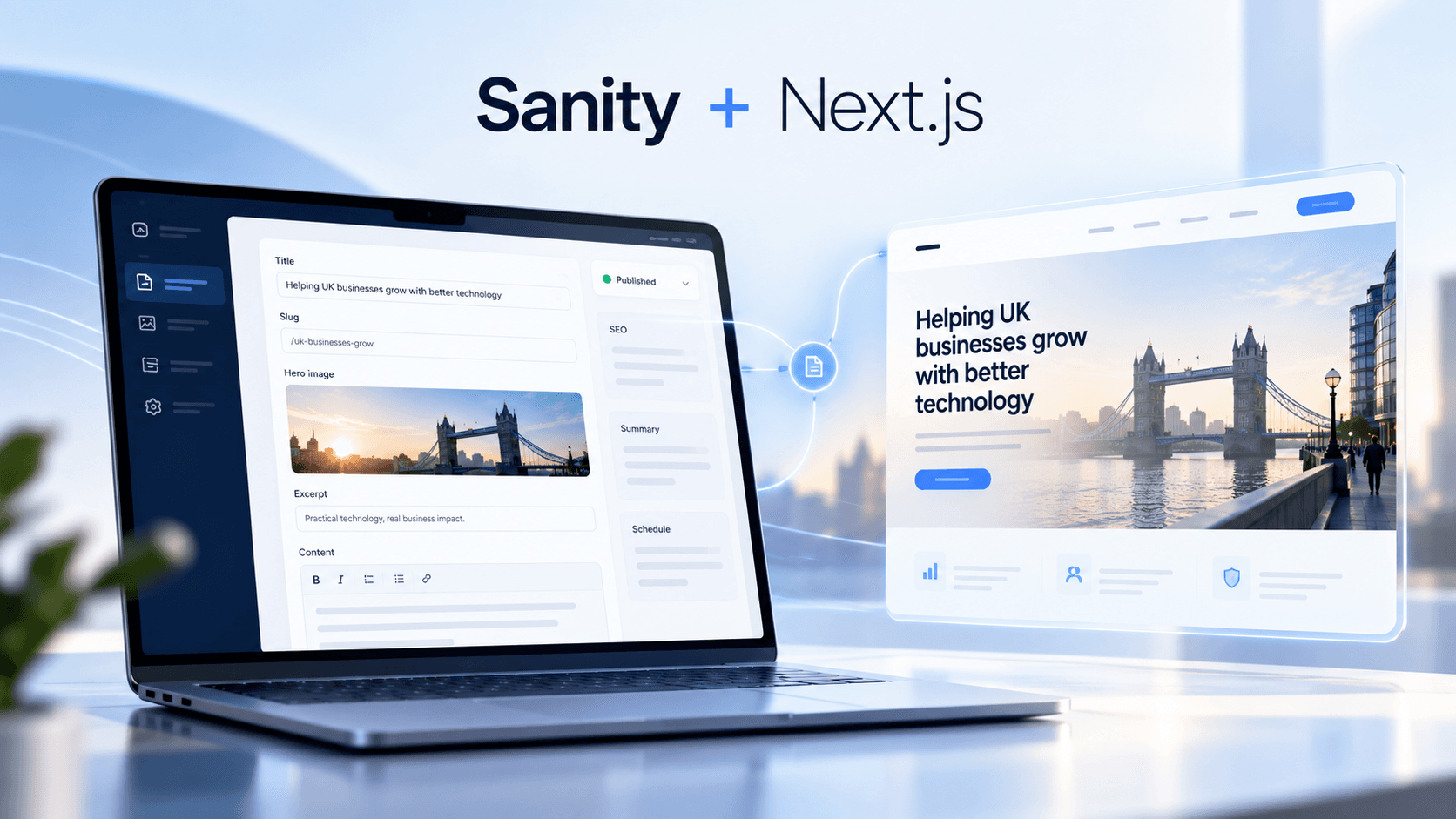
Sanity can manage structured content while Next.js handles routing, rendering, UI components and the digital experience.
A modern Sanity Next.js development architecture can include:
- reusable React components
- GROQ queries
- dynamic and server rendering
- caching and revalidation
- image optimisation
- structured metadata
- canonical URLs
- schema markup
- XML sitemaps
- preview environments
Sanity's current Next.js integration also supports Visual Editing and Live Content. Editors can preview drafts, click rendered content to reach its corresponding Studio field and see changes reflected as they work.
That helps combine headless architecture with a more intuitive editorial experience.
Discuss Your Sanity Migration Strategy With Our Experts
Protect SEO During Sanity Migration
CMS migration can create significant SEO risk if URLs and metadata are treated as an afterthought.
Before launch, preserve or deliberately map:
- important existing URLs
- title tags
- meta descriptions
- canonical URLs
- headings
- structured data
- internal links
- image metadata
- high-value landing pages
- redirect relationships
Every changed URL should have a clear redirect strategy.
Sitemaps, robots directives, canonical behaviour, analytics and search-console configurations should also be validated before and after cutover.
The migration process itself should follow a structured sequence: audit → content mapping → schema design → transformation → import → validation → frontend integration → launch → monitoring. This audit-first approach is also reflected across current CMS migration practice.
Use Migration to Build AI-Ready Content
A modern CMS should support more than conventional webpages.
Sanity schemas can structure:
- entities
- key facts
- FAQs
- direct answers
- summaries
- authors
- locations
- products
- services
- semantic relationships
- SEO metadata
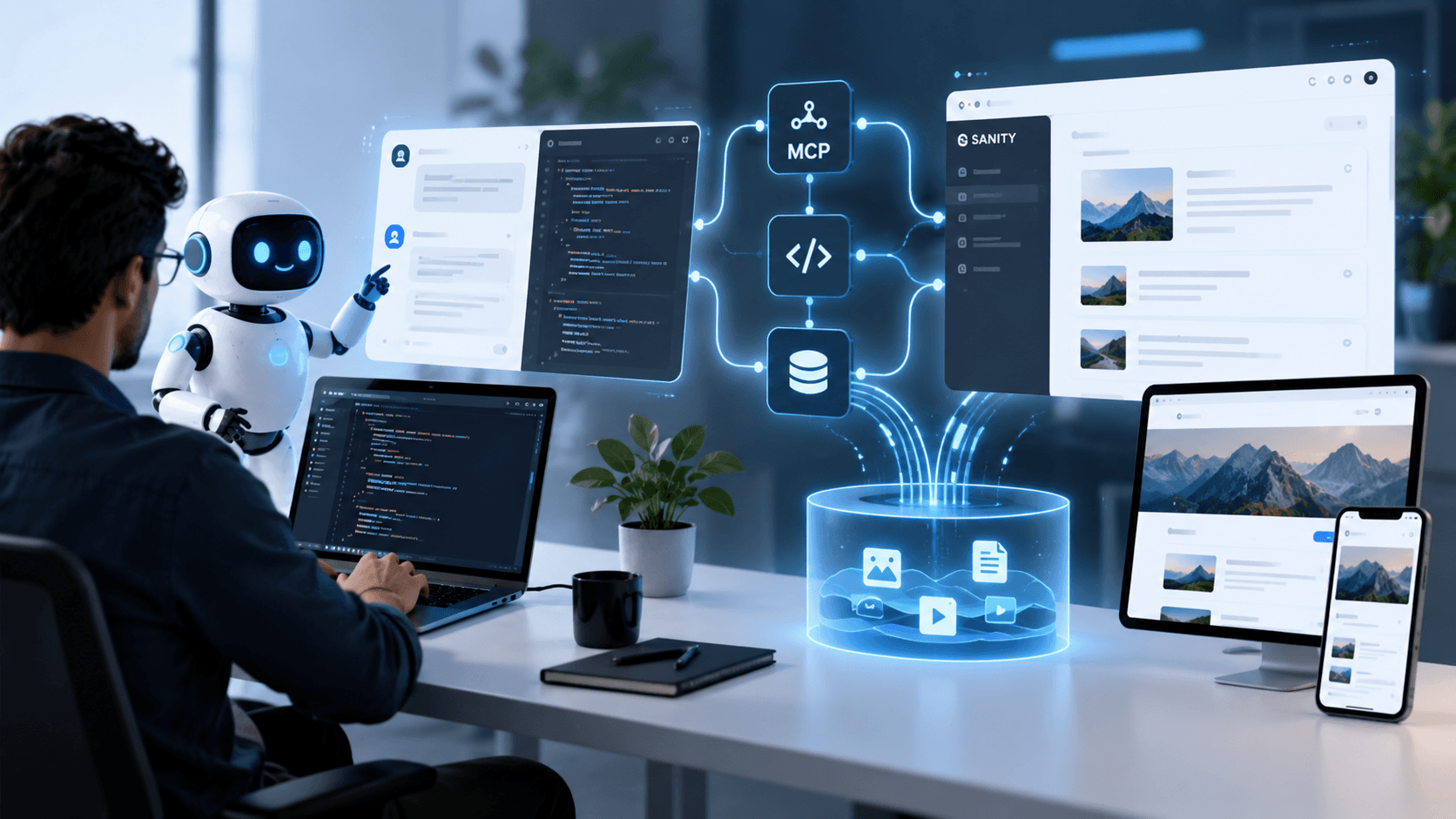
That structured approach creates content that can be reused consistently across websites, applications, search experiences and AI interfaces.
Businesses needing schema architecture, Studio customisation, Visual Editing, integrations and migration execution can use dedicated Sanity CMS development services.
Plan Your Sanity Migration Before Rebuilding
Moving from Wix, Webflow, WordPress, AEM or Drupal to Sanity should not begin with migration scripts.
Start by understanding what content exists, what should be retained, which URLs generate value, what should be restructured and how editors need to work in the new platform.
Then design the Sanity content model and frontend around where the business is going not around the limitations of the platform being replaced.
For Australian organisations modernising their digital experience, a well-planned Sanity CMS migration can create a stronger foundation for structured content, Next.js development, visual editing, SEO and future AI-powered experiences.
Plan Sanity Migration
Frequently Asked Questions
What is Sanity CMS migration?
Sanity CMS migration is the process of moving content, assets, metadata and relationships from an existing platform into structured content models in Sanity. A migration can also include frontend modernization, URL mapping, redirects, SEO preservation and Next.js development.
Can I migrate from Wix to Sanity CMS?
Yes. A Wix to Sanity migration can move important content, media and SEO information into structured Sanity schemas while rebuilding the frontend independently with technologies such as Next.js.
How do you migrate from Webflow to Sanity?
A Webflow to Sanity migration typically starts with a content and collection audit, followed by schema mapping, data and asset extraction, content transformation, import, validation and frontend integration. Existing URLs and redirects should also be reviewed before launch.
Can WordPress content be migrated to Sanity?
Yes. WordPress posts, pages, categories, tags, authors, assets and custom content can be transformed into Sanity documents. HTML or WordPress block content can also be converted into structured Portable Text where appropriate.
Can an enterprise migrate from AEM to Sanity?
Yes. AEM to Sanity migration can include templates, structured content, assets, taxonomy, multilingual relationships and integrations. Enterprise migrations normally require a detailed content and architecture audit before schema design and migration begin.
Can Drupal content be migrated to Sanity?
Yes. Drupal content types, fields, taxonomy, media and references can be mapped into Sanity documents, objects and references. The migration is also an opportunity to simplify legacy structures instead of recreating every Drupal model.
Can Sanity CMS be used with Next.js?
Yes. Sanity integrates with Next.js for structured content delivery, dynamic routes, server rendering, caching, preview workflows and Visual Editing. This architecture separates content management from frontend presentation.
Does Sanity support visual editing and live preview?
Yes. Sanity Visual Editing can connect Studio with a Next.js frontend so editors can preview draft content, click rendered content to locate its source field and see content changes reflected during editing.
How do you protect SEO during a Sanity CMS migration?
SEO protection should include URL inventory, redirect mapping, metadata migration, canonical validation, internal links, structured data, XML sitemaps, robots directives, analytics and post-launch monitoring. High-value URLs should be preserved whenever practical.
Why should Australian businesses migrate to Sanity CMS?
Australian businesses may choose Sanity when they need structured reusable content, independent frontend development, multi-channel delivery, modern editing workflows, Next.js integration and a content architecture that can support future digital and AI experiences.