Headless CMS Migration in Australia: Sitecore, Sanity, Umbraco and Cloud CMS Guide
In This Article
- What Is Headless CMS Migration?
- Sitecore vs Headless CMS: Is Migration Necessary?
- Sitecore XP vs XM vs Cloud Architecture
- Sitecore to Sanity Migration
- Sitecore to Umbraco Migration
- Umbraco to Headless CMS
- Build a Next.js Headless Architecture
- Protect SEO During Headless CMS Migration
- Move From Page Based Content to AI-Ready Content
- How to Plan a Headless CMS Migration
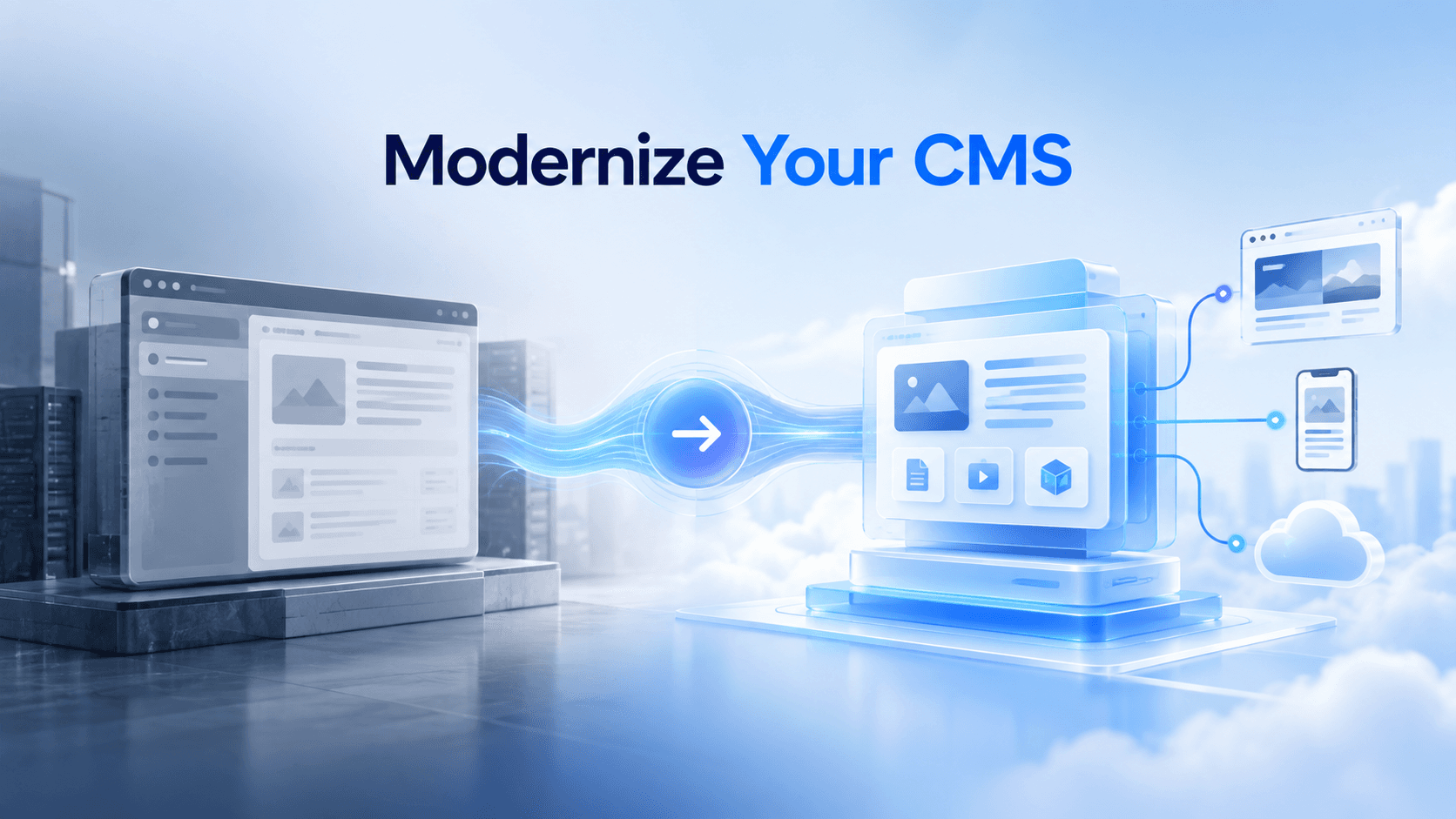
- Modernize Your Enterprise CMS
Australian enterprises are rethinking how their websites, applications and digital content platforms should operate.
Traditional CMS architectures can become difficult to scale when organisations need faster releases, multiple websites, mobile experiences, reusable content, modern frontend frameworks, integrations and AI-ready content.
This is driving demand for headless CMS migration in Australia.
But migration does not always mean abandoning an existing platform. A Sitecore organisation might modernise toward SitecoreAI/XM Cloud and Next.js. Another enterprise may choose Sanity for structured content. A .NET-focused team might prefer Umbraco, while others may evaluate a different cloud-native headless CMS.
The right decision starts with architecture, business requirements and total cost not platform trends.
What Is Headless CMS Migration?
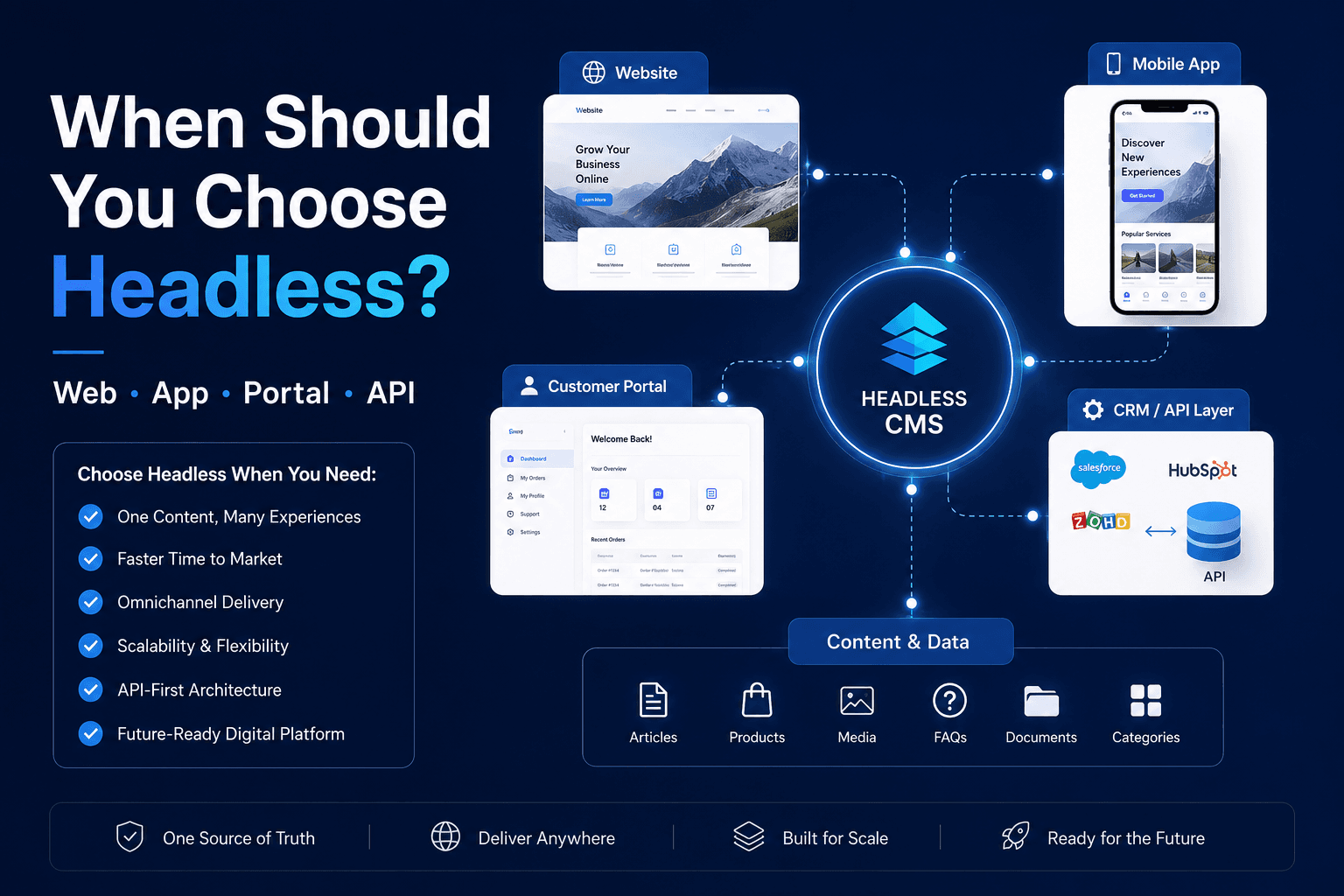
A headless CMS separates content management from frontend presentation.
Instead of storing content primarily as finished webpages, content can be structured and delivered through APIs to websites, mobile apps, portals, digital displays and AI-powered experiences.
Modern headless platforms also work naturally with frameworks such as Next.js because content and frontend code can evolve independently.
A successful migration therefore involves much more than transferring articles and images.
It may include:
- content modelling
- frontend rebuilding
- component architecture
- APIs and integrations
- media migration
- search
- personalisation
- URL redirects
- SEO preservation
- analytics
- editorial workflows
- hosting and deployment
Professional headless CMS migration services can help Australian organisations evaluate these dependencies before committing to a new architecture.
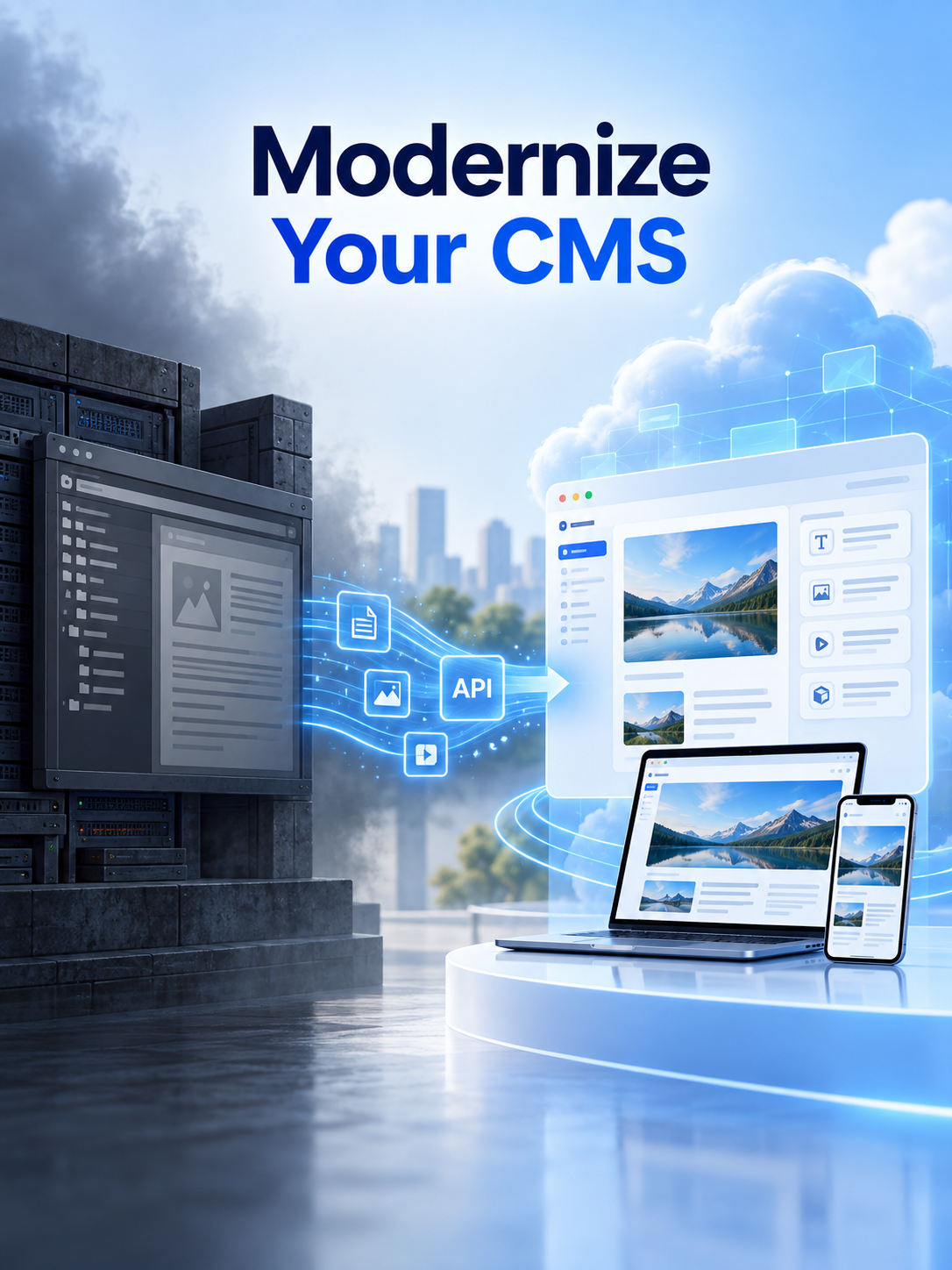
Modernize Your Enterprise CMS
Move from legacy CMS architecture to headless, cloud-ready content delivery with safer migration, modern frontend development and scalable structured content.
Sitecore vs Headless CMS: Is Migration Necessary?
The phrase Sitecore vs headless CMS can be misleading because modern Sitecore architecture itself supports headless delivery.
Enterprises running older Sitecore XP or XM environments may have several options.
They can modernise within the Sitecore ecosystem, move toward cloud SaaS architecture, retain Sitecore content management while replacing the frontend, or migrate to another headless CMS entirely.
Current Sitecore documentation supports Next.js applications, Headless SXA, multisite implementations and headless delivery through Experience Edge. Sitecore's current documentation is also transitioning XM Cloud terminology into the broader SitecoreAI platform.
Sitecore XP vs XM vs Cloud Architecture
Businesses comparing Sitecore XP vs XM often need to understand what functionality they actually use.
A highly customised Sitecore XP implementation may contain personalisation, analytics, integrations, workflows and infrastructure that require careful assessment before migration.
For some businesses, modernising toward Sitecore's cloud-first architecture is more appropriate than switching platforms.
A Sitecore XM Cloud development strategy can introduce a modern Next.js frontend, headless components, cloud deployment and edge-based content delivery while allowing organisations to remain within the Sitecore ecosystem.
This can be particularly useful when existing Sitecore knowledge, content models, governance or enterprise integrations still provide business value.
Modernize Your Enterprise CMS With a Safer Migration
Sitecore to Sanity Migration
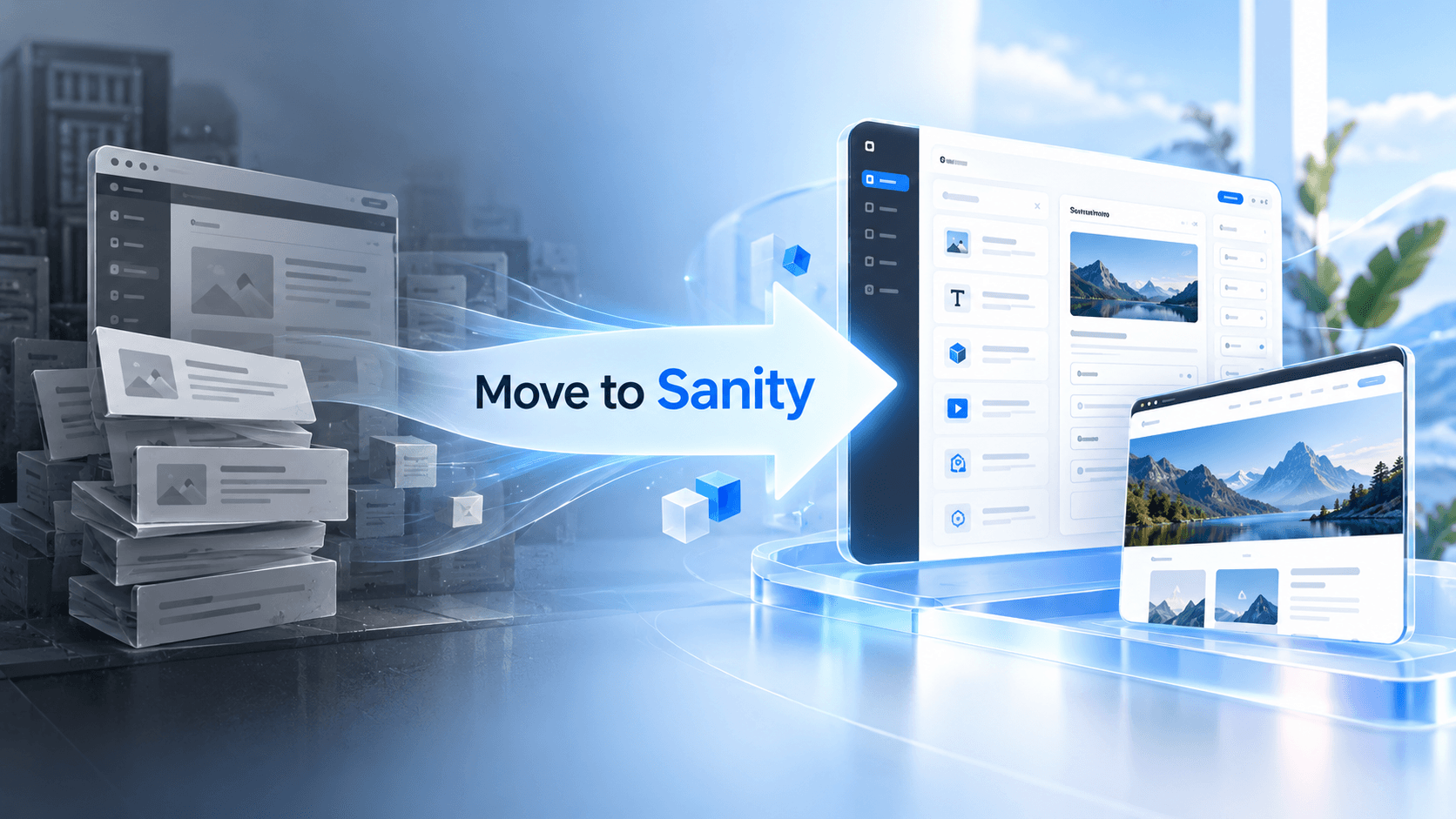
Sanity offers a different approach centred on structured content.
Rather than modelling the CMS primarily around webpages, teams can model business entities such as:
- products
- services
- locations
- campaigns
- authors
- resources
- FAQs
- brands
- categories
That content can then be reused across websites, applications and other channels.
For enterprises migrating from Sitecore, this is important because recreating every legacy template in a new CMS can reproduce the same technical debt.
Instead, migration provides an opportunity to redesign content around reusable information.
Sitecore to Umbraco Migration
Umbraco can be attractive to organisations with strong Microsoft and .NET development capability.
A Sitecore-to-Umbraco project may simplify architecture while retaining familiar .NET development practices.
Migration can involve mapping Sitecore templates to new document types, migrating content and media, rebuilding components, recreating integrations and redesigning publishing workflows.
A phased approach can also reduce migration risk by moving one website, region or business unit at a time rather than replacing an entire enterprise ecosystem in one launch.
Umbraco to Headless CMS
The opposite migration is also possible.
Some organisations running Umbraco eventually require a CMS designed primarily around API delivery, JavaScript frameworks and multi-channel content.
In that case, migration normally includes four major layers:
Content model → content → media → frontend
The frontend rebuild can be one of the largest parts of the programme because traditional templates may need to become React or Next.js components.
This is why CMS migration budgets should separate content migration from frontend redevelopment.
Build a Next.js Headless Architecture
Next.js has become an important part of modern enterprise CMS architecture.
The CMS manages content while Next.js manages presentation, routing, components and rendering.
A modern headless CMS development architecture can combine:
- structured CMS content
- Next.js components
- server-side rendering
- static generation
- API delivery
- preview environments
- image optimisation
- schema markup
- reusable page sections
- CDN or edge deployment
This separation allows frontend developers to innovate without requiring the CMS itself to control every presentation decision.
Protect SEO During Headless CMS Migration
Migration can damage organic visibility if SEO is considered only after development.
Before moving platforms, crawl the existing website and record:
- indexed URLs
- organic landing pages
- title tags
- meta descriptions
- canonical URLs
- structured data
- internal links
- media URLs
- redirects
- XML sitemaps
A CMS migration should also begin with a content audit and data assessment, followed by mapping between old and new content architectures. Trial migrations, backups and contingency plans can significantly reduce launch risk.
When URLs change, use appropriate redirects and validate them before production release.
After launch, monitor crawl errors, indexing, rankings, traffic, page performance and conversion behaviour.
Discuss Your Headless CMS Migration Strategy With Experts
Move From Page Based Content to AI-Ready Content
One of the most important long-term advantages of headless architecture is structured content.
AI search systems and answer engines work better with information that is clearly defined and semantically organised.
Instead of storing an entire service page as one large content block, a modern CMS can separately structure:
- summaries
- services
- locations
- people
- key facts
- FAQs
- specifications
- relationships
- sources
- calls to action
This creates content that can potentially be reused by websites, search, apps, APIs and AI-powered interfaces.
For enterprises planning digital transformation, cloud-ready CMS development and AI-ready content architecture should now be considered together.
How to Plan a Headless CMS Migration
A practical enterprise migration roadmap can follow:
Audit → Requirements → Platform selection → Content modelling → Frontend architecture → Migration → SEO validation → Testing → Phased launch → Monitoring
Do not begin by asking which CMS is most popular.
Begin with questions such as:
- What content needs to be reused?
- Which integrations must remain?
- What editing experience do marketers need?
- Which frontend technologies will developers use?
- Do we need multiple brands or countries?
- How important are personalisation and search?
- What needs to become AI-ready?
- What is our three-to-five-year operating model?
The answers determine whether SitecoreAI/XM Cloud, Sanity, Umbraco or another enterprise headless CMS is the stronger fit.
Modernize Your Enterprise CMS
Headless migration is not simply a technology replacement.
It is an opportunity to simplify technical debt, improve content structure, modernise frontend delivery and create a platform capable of supporting websites, applications, search and AI-driven experiences.
Australian enterprises should therefore evaluate the complete content ecosystem before migrating not just the CMS interface.
Plan CMS Migration
Frequently Asked Questions
What is headless CMS migration?
Headless CMS migration is the process of moving content, assets, integrations and publishing workflows from a traditional or tightly coupled CMS into an architecture where content management is separated from frontend presentation and delivered through APIs.
Why are Australian enterprises moving to headless CMS platforms?
Australian enterprises may move to headless CMS architecture to support faster frontend development, reusable structured content, multiple websites and channels, cloud delivery, modern frameworks such as Next.js and more flexible integration with digital and AI experiences.
Can Sitecore be used as a headless CMS?
Yes. Modern Sitecore architecture supports headless delivery. Sitecore content can be delivered through Experience Edge and consumed by frontend applications using technologies such as Next.js, GraphQL and Sitecore headless development tools.
Do Sitecore customers need to migrate away from Sitecore to become headless?
No. A business can modernize within the Sitecore ecosystem rather than moving to another CMS. Existing XM Cloud customers are part of the SitecoreAI platform, while organizations on older Sitecore environments can evaluate cloud and headless modernization options.
What is the difference between Sitecore XP, XM and SitecoreAI?
Sitecore XP combines content management with additional experience capabilities, while XM focuses primarily on content management. SitecoreAI is Sitecore's current unified platform, with XM Cloud forming its core content platform and additional data, personalization, search and AI capabilities connected around it.
Can Sitecore be migrated to Sanity CMS?
Yes. Sitecore content can be audited and transformed into structured Sanity documents, objects and references. A migration may also include content model redesign, asset migration, URL mapping, frontend rebuilding and Next.js integration.
Can Sitecore be migrated to Umbraco?
Yes. A Sitecore-to-Umbraco migration can include mapping templates and content types, migrating media and content, rebuilding components and integrations, preserving SEO value and redesigning publishing workflows.
Why use Next.js with a headless CMS?
Next.js gives development teams control over frontend rendering, routing, caching and components while the CMS manages structured content. This separation can support modern performance, reusable components, preview workflows and independent frontend releases.
How do you protect SEO during a headless CMS migration?
SEO protection should include crawling the existing site, preserving valuable URLs, mapping redirects, migrating metadata, validating canonical tags, rebuilding structured data, retaining internal links, checking sitemaps and monitoring indexing and rankings after launch.
How should an Australian enterprise choose a headless CMS?
Enterprises should compare content modelling, editor experience, integrations, frontend technology, multi-site requirements, localization, personalization, search, security, scalability, migration complexity, developer skills and long-term total cost of ownership before selecting a platform.