Headless CMS Development Services Cost, Platforms & Migration Guide

In This Article
- Planning a Headless CMS Migration?
- What Does Headless CMS Development Include?
- How Much Does Headless CMS Development Cost?
- Structured Content Is the Real Advantage
- Which Headless CMS Platform Fits?
- Sanity
- Strapi
- Build AI-Ready Content From Day One
- Next.js Performance for Headless CMS
- SEO-Safe Headless CMS Migration Checklist
- Related Headless CMS Services
- Modernize Content Without Migration Risk
- Ready to Move Headless?
Headless CMS development services help enterprises separate content management from frontend delivery so structured content can power websites, mobile apps, ecommerce, portals, search and AI experiences through APIs. Typical projects include content modeling, CMS configuration, Next.js development, integrations, migration, SEO preservation and DevOps. Indicative project costs can range from $2,500–$7,000 for smaller implementations to $20,000–$50,000+ for complex enterprise platforms.
The goal is not simply to replace one CMS with another. A successful headless project should improve how content is structured, reused, delivered and discovered across traditional search and emerging AI channels.
Murmu Software Infotech provides Headless CMS Development Services for enterprises modernizing legacy content platforms.
Planning a Headless CMS Migration?
Before rebuilding the frontend, assess your current URLs, content models, integrations, editorial workflows, SEO signals and future digital channels.

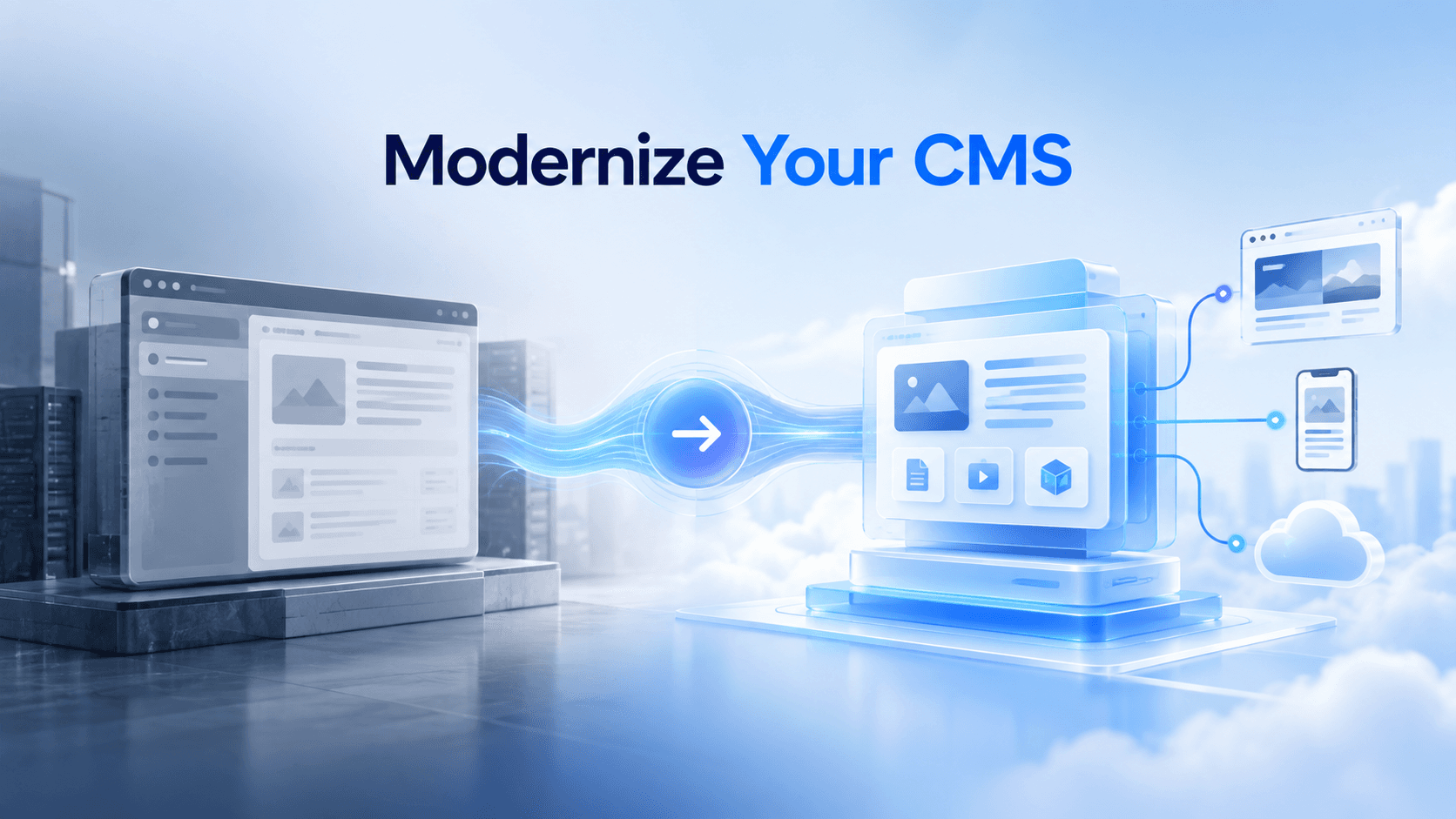
Modernize Content Without Migration Risk
Choose the right headless CMS, migrate content safely, preserve SEO, and build faster digital experiences across web, mobile, and AI.
What Does Headless CMS Development Include?
A complete headless CMS engagement can include:
- CMS strategy and platform selection
- Structured content modeling
- CMS configuration
- Next.js or React development
- API integration
- Multilingual architecture
- Search and ecommerce integration
- CRM and ERP connectivity
- Content migration
- SEO migration
- Preview and editorial workflows
- Deployment and DevOps
- Training and support
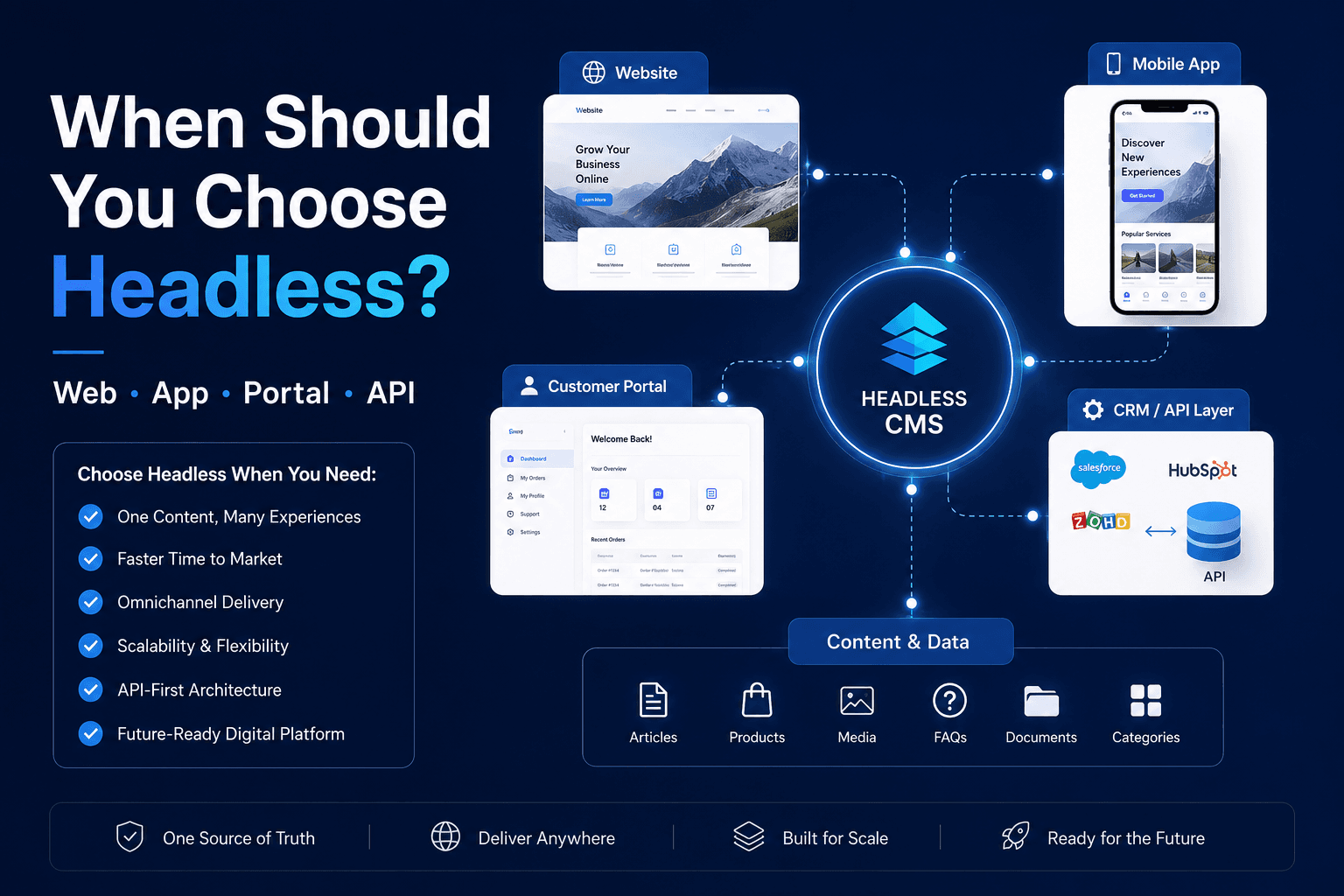
Headless architecture becomes especially valuable when the same governed content needs to serve multiple websites, applications, regions or customer experiences.
How Much Does Headless CMS Development Cost?
CMS licensing is only one part of the investment.
Indicative project ranges can include:
Starter: $2,500–$7,000
Suitable for focused marketing websites, smaller content models and limited integrations.
Growth: $7,000–$20,000
Suitable for larger Next.js websites, multilingual content, custom components, integrations and migration.
Enterprise: $20,000–$50,000+
Suitable for multi-brand platforms, complex integrations, high-volume migration, advanced workflows and multi-channel delivery.
Final cost depends on content volume, frontend requirements, integrations, languages, migration complexity, editorial workflows and AI requirements.
Structured Content Is the Real Advantage
Headless CMS architecture becomes much more valuable when content is modeled as reusable business entities instead of large page-level rich-text fields.
Instead of storing an entire service page as one content block, structure information as:
Service → Expert → FAQ → Location → Testimonial → CTA → Article → Product
Each object can have its own fields, relationships and validation.
This allows the same content to power:
- Website pages
- Mobile applications
- Search
- Chatbots
- Product experiences
- Regional websites
- RAG systems
- AI assistants
Structured content also reduces duplication because the business maintains the information once and delivers it wherever required.
Which Headless CMS Platform Fits?
There is no universally best platform.
Sanity
A strong option when structured content, configurable editorial workflows, modern APIs, Next.js and AI-oriented content operations are priorities.
Explore Sanity CMS Development Services.
For organizations specifically building a modern frontend around Sanity, see Sanity + Next.js Development Services.
Strapi
A useful option when development teams value open architecture, backend extensibility, API control and flexible deployment.
Explore Strapi CMS Development Services.
Platform selection should consider editorial experience, integrations, security, hosting, localization, scalability, developer ecosystem and long-term content strategy not popularity alone.
Build AI-Ready Content From Day One
AI readiness should be part of the content model before migration.
Useful structured fields can include:
- AI summary
- Key facts
- FAQs
- Direct answers
- Primary entity
- Service area
- Audience
- Author
- Sources
- Last reviewed date
- Related entities
This information can support websites, internal search, answer engines, RAG systems and AI assistants from the same governed content source.
AI-ready architecture does not mean generating more content. It means making existing expertise more structured, factual and reusable.
Next.js Performance for Headless CMS
Moving to headless does not automatically make a website fast.
Performance still depends on implementation.
A Next.js headless frontend should consider:
- Server versus static rendering
- Appropriate caching
- API request efficiency
- Image optimization
- JavaScript bundle size
- Third-party scripts
- Metadata generation
- Core Web Vitals
- CDN strategy
- Content revalidation
The CMS API should also avoid forcing unnecessary requests for every component.
The objective is a frontend that remains fast for users while still giving editors predictable publishing and preview workflows.
SEO-Safe Headless CMS Migration Checklist
Migration can damage organic visibility if URLs and search signals are treated as an afterthought.
Before launch, validate:
- Existing URL inventory
- URL parity where appropriate
- 301 redirect mapping
- Page titles and descriptions
- Canonical URLs
- Heading structure
- Structured data
- Internal links
- Image alt text
- XML sitemap
- Robots directives
- Hreflang and language URLs
- Crawlable rendered content
- Analytics and conversion tracking
- Core Web Vitals
- Broken links
- High-value landing pages
Run the legacy and new platforms in parallel before cutover.
Compare:
Content → URLs → Metadata → Redirects → Schema → Forms → Analytics → Integrations → Performance
SEO migration should be planned alongside content migration, not after development is complete.
Related Headless CMS Services
Headless CMS Migration
Move from legacy or monolithic CMS platforms while protecting content, URLs, SEO and integrations.
Explore Migration Services →
Headless CMS Development
Build API-first content platforms with structured models, modern frontends and enterprise integrations.
Explore Headless Development →
Sanity + Next.js Development
Build structured, high-performance content experiences using Sanity and modern Next.js architecture.
Explore Sanity + Next.js →
Modernize Content Without Migration Risk
A successful headless CMS project should create more than a modern frontend.
It should give your organization structured reusable content, faster digital delivery, safer publishing, better frontend performance and an architecture ready for websites, mobile experiences, search and AI.
Ready to Move Headless?
Start by auditing your current CMS, URLs, content structures, integrations and editorial bottlenecks before choosing the target platform.
Assess → Model → Migrate → Validate → Launch → Optimize
Plan Your Headless Migration →
Frequently Asked Questions
What are headless CMS development services?
Headless CMS development services include platform strategy, structured content modeling, CMS configuration, frontend development, APIs, integrations, migration, SEO preservation, deployment, training and ongoing support.
How much does headless CMS development cost?
Indicative projects can range from $2,500–$7,000 for smaller implementations, $7,000–$20,000 for growth projects and $20,000–$50,000+ for complex enterprise platforms.
What is structured content in a headless CMS?
Structured content stores information as reusable entities such as services, products, FAQs, authors and locations instead of one large page body, allowing content to serve multiple channels.
Which headless CMS platform should I choose?
Choose based on editorial workflow, structured-content needs, integrations, hosting preferences, security, localization, scalability, frontend stack, AI roadmap and long-term total cost.
Is Sanity good for Next.js websites?
Yes. Sanity and Next.js can support structured content, customizable editorial workflows, API-driven delivery, preview, multilingual websites and high-performance modern frontends.
When should businesses consider Strapi?
Strapi can be suitable when technical teams want API-first content management, backend extensibility, custom application logic and greater flexibility around application architecture and hosting.
Can we migrate to headless CMS without losing SEO?
Yes. Protect URLs, redirects, metadata, canonicals, schema, internal links, sitemaps, hreflang, crawlability and analytics, then validate the old and new platforms before cutover.
Does headless CMS automatically improve performance?
No. Performance depends on frontend rendering, caching, API efficiency, images, JavaScript, hosting and third-party scripts. Headless architecture provides more frontend control but still requires optimization.
How does headless CMS support AI-ready content?
Structured fields for summaries, entities, facts, questions, answers, authors and relationships can expose governed content through APIs to search, RAG systems, assistants and other AI experiences.
How long does a headless CMS migration take?
Smaller projects may take several weeks, while enterprise migrations can require several months depending on content volume, templates, integrations, languages, frontend redevelopment and validation requirements.