SitecoreAI Introduces Custom Context IDs for Safer, More Flexible Integrations
In This Article
SitecoreAI has introduced custom Context IDs, giving developers more control over how applications access resources within the Sitecore Cloud Portal.
The improvement, announced on July 14, 2026, is designed to make integrations more flexible while helping teams create stronger security boundaries around their applications and services.

Build Secure, Flexible Sitecore Integrations
Connect SitecoreAI with enterprise systems through secure APIs, custom integrations, headless architecture, and scalable workflows built for evolving digital experiences.
More Control Over Resource Access
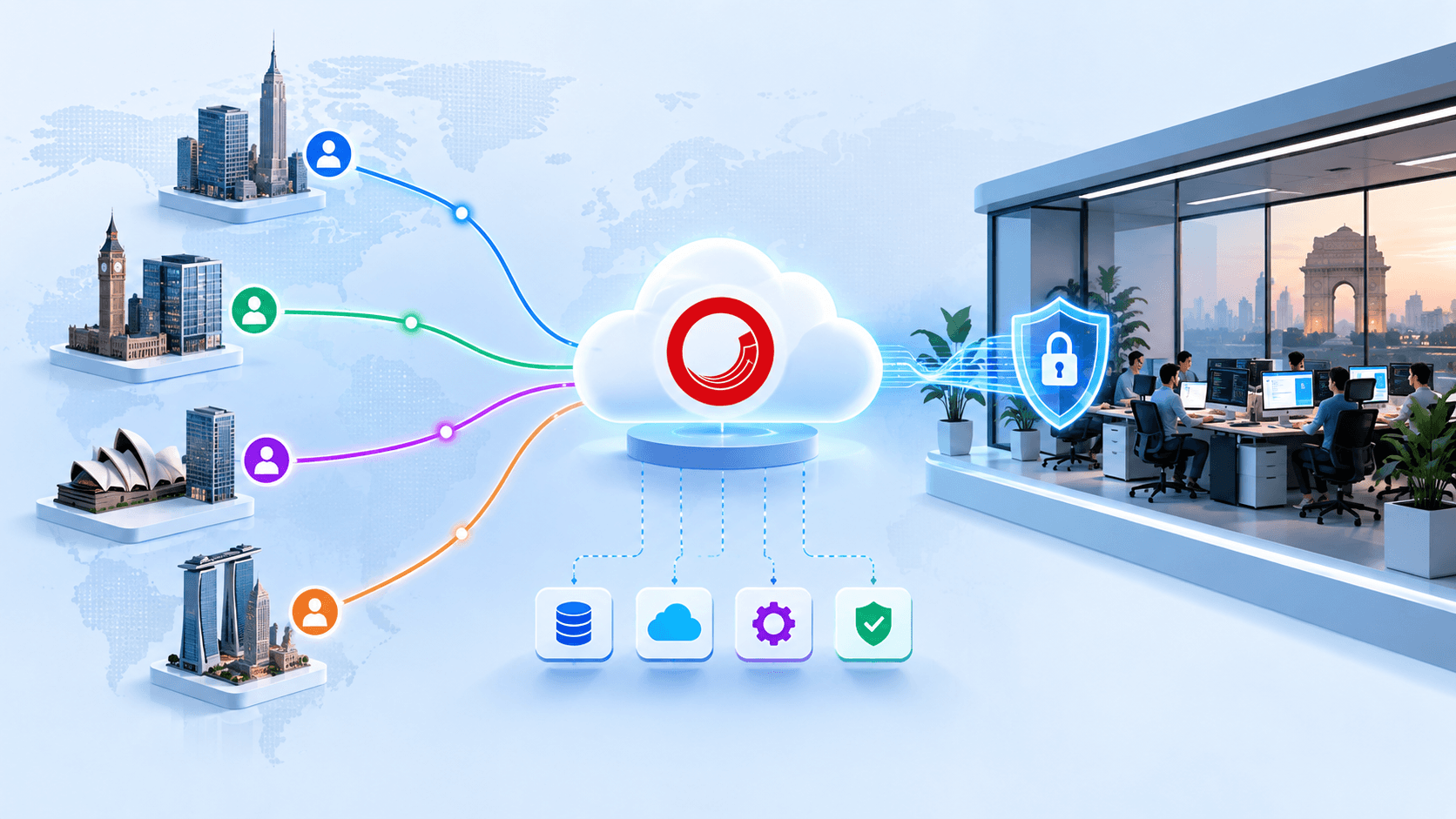
Custom Context IDs allow developers to define exactly which resources an application can access. Rather than providing broad access to multiple services, teams can create a context that is limited to the resources required for a particular integration.
This approach can help reduce unnecessary exposure and make application permissions easier to understand and manage.
Secure Your Sitecore Integrations With Smarter Context Control
Better Separation Between Applications
The new capability is also useful when different parts of an architecture require different levels of access.
For example, client-side applications can be given access to only the resources they need, while server-side components can use a separate Context ID with broader permissions where appropriate. This separation helps teams establish clearer security boundaries across their solutions.
Example: A Focused Sitecore Search Integration
Consider an application that only needs to use Sitecore Search.
With custom Context IDs, developers can create a context containing Search as the only resource. The application can then use Search functionality without automatically gaining access to unrelated services such as Content Delivery or Event Ingestion.
This creates a more focused integration and follows the principle of granting applications only the access they actually require.
Building More Secure Architectures
Custom Context IDs can make integrations easier to maintain as applications grow. Each context can be designed around a specific use case, making it simpler to understand which resources a particular application or component can access.
For development teams, this means greater flexibility in designing integrations without sacrificing control over resource access.
Need Help Securing Your Sitecore Cloud Integrations?
A Step Toward More Modular Sitecore Solutions
The introduction of custom Context IDs gives SitecoreAI developers another tool for creating modular and secure architectures. By limiting access to necessary resources, teams can reduce unnecessary exposure, separate application responsibilities, and create integrations that are easier to manage.
For organizations building solutions on Sitecore Cloud, custom Context IDs provide a practical way to combine flexibility, security, and scalability as their technology landscape evolves.
Frequently Asked Questions
What are SitecoreAI Custom Context IDs?
SitecoreAI Custom Context IDs allow developers to define which Sitecore Cloud resources a specific application or integration can access, providing more focused control over resource permissions.
Why are Custom Context IDs important for Sitecore integrations?
Custom Context IDs help limit applications to the resources they actually need, reducing unnecessary access and making application permissions easier to understand and manage.
How do Custom Context IDs improve Sitecore Cloud security?
Custom Context IDs can strengthen security boundaries by restricting applications and services to specific Sitecore Cloud resources instead of granting broader access than required.
Can I create a Context ID with only Sitecore Search access?
Yes. A Custom Context ID can be designed around a specific use case, such as an integration that requires Sitecore Search without automatically providing access to unrelated resources.
Can different applications use different Sitecore Context IDs?
Yes. Different applications or architectural components can use separate Context IDs with permissions appropriate to their individual responsibilities and resource requirements.
How can Custom Context IDs support the principle of least privilege?
Custom Context IDs support least-privilege architecture by allowing teams to provide an application only with access to the resources necessary for its specific function.
Can client-side and server-side applications use separate Context IDs?
Yes. Client-side applications can use a Context ID with limited resource access, while server-side components can use a separate Context ID with broader permissions when required.
How do Custom Context IDs help with Sitecore Search integrations?
Developers can create a focused context containing Search as the required resource, allowing an application to use Search functionality without automatically accessing unrelated Sitecore services.
What are the benefits of using Custom Context IDs in large Sitecore architectures?
Custom Context IDs can improve separation between applications, simplify permission management, reduce unnecessary resource exposure, and make complex Sitecore architectures easier to maintain.
Do Custom Context IDs make Sitecore integrations more flexible?
Yes. Developers can design contexts around specific applications, services, and use cases, providing greater flexibility while maintaining control over which Sitecore Cloud resources each integration can access.