SitecoreAI Simplifies Marketer MCP Setup Across Copilot Studio, Postman, and Codex
In This Article
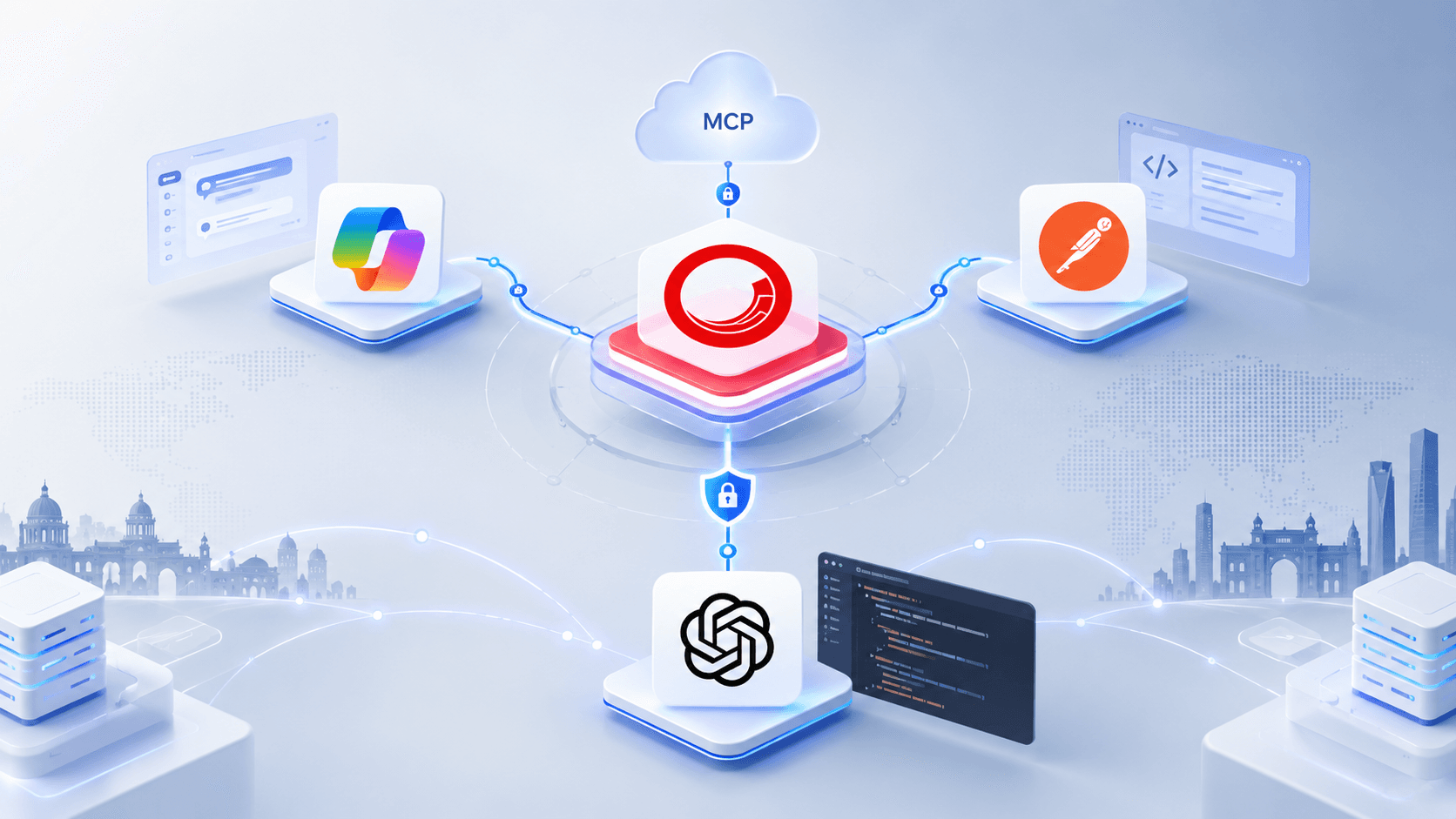
SitecoreAI has made it easier to connect the Marketer MCP server with popular AI development and automation tools, including Microsoft Copilot Studio, Postman, and the Codex app.
The update, released on July 30, 2026, streamlines the setup process and removes some of the manual configuration that was previously required.
A Simpler Copilot Studio Setup
For Microsoft Copilot Studio, SitecoreAI now follows the standard Model Context Protocol setup flow. Users no longer need to use the previous OAuth workaround or manually add a resource query parameter to the authorization URL.
This makes authentication more straightforward and reduces the amount of configuration needed before users can start working with the Marketer MCP server.

Build Smarter SitecoreAI Experiences
Extend SitecoreAI, MCP, and enterprise content workflows with scalable implementation, integration, customization, and ongoing Sitecore expertise for modern digital teams.
New Guides for Postman and Codex
SitecoreAI has also introduced dedicated setup instructions for Postman and the Codex app.
The updated procedures walk users through the complete connection process, including:
- Connecting to the SitecoreAI Marketer MCP server
- Authorizing access through Sitecore
- Choosing the appropriate organization and tenant
- Verifying that the connection is working
Users can then test the integration with a simple prompt such as “List all available sites.”
Simplify Your SitecoreAI MCP Integration With Expert Guidance
What This Means for Users
Once the connection is configured, users can interact with SitecoreAI through natural-language prompts directly from Copilot Studio, Postman, or Codex.
The simplified setup lowers the technical barrier for teams that want to bring SitecoreAI capabilities into their AI workflows. Instead of dealing with additional OAuth configuration, users can follow the standard MCP connection process and get started more quickly.
Overall, the update makes the Marketer MCP server easier to configure while giving developers and marketers more flexibility in how they work with SitecoreAI and AI-powered tools.
Frequently Asked Questions
What is the SitecoreAI Marketer MCP server?
The SitecoreAI Marketer MCP server enables AI development and automation tools to connect with SitecoreAI capabilities through the Model Context Protocol (MCP).
How do I connect SitecoreAI Marketer MCP with Copilot Studio?
Copilot Studio can connect to the SitecoreAI Marketer MCP server using the standard MCP setup flow. The updated process removes the need for the previous OAuth workaround and manual resource query parameter configuration.
Can I connect SitecoreAI Marketer MCP with Postman?
Yes. SitecoreAI provides setup guidance for connecting Postman to the Marketer MCP server, authorizing access through Sitecore, selecting the appropriate organization and tenant, and verifying the connection.
Can I use SitecoreAI Marketer MCP with Codex?
Yes. The Marketer MCP server can be connected to the Codex app using the provided MCP setup process, including Sitecore authorization, organization and tenant selection, and connection verification.
What is Model Context Protocol (MCP)?
Model Context Protocol is a standardized way for AI applications and development tools to connect with external tools, services, and data sources.
Do I still need the OAuth workaround for Copilot Studio?
The updated SitecoreAI setup for Copilot Studio follows the standard MCP connection flow and removes the need for the previous OAuth workaround.
What information is needed to configure the Marketer MCP connection?
The setup generally involves connecting to the SitecoreAI Marketer MCP server, authorizing access through Sitecore, selecting the correct organization and tenant, and verifying that the connection works.
How can I verify that the SitecoreAI MCP connection is working?
After completing the connection and authorization steps, you can test the integration with a simple prompt such as 'List all available sites.' A successful response confirms that the connection is working.
What are the benefits of using SitecoreAI Marketer MCP with AI tools?
The integration makes SitecoreAI capabilities more accessible from supported AI tools, reduces manual configuration, simplifies authentication, and enables users to interact with SitecoreAI through natural-language prompts.
Which AI tools support SitecoreAI Marketer MCP setup?
The updated setup guidance covers Microsoft Copilot Studio, Postman, and the Codex app, giving developers and marketers multiple ways to work with the SitecoreAI Marketer MCP server.