Ecom & Retail
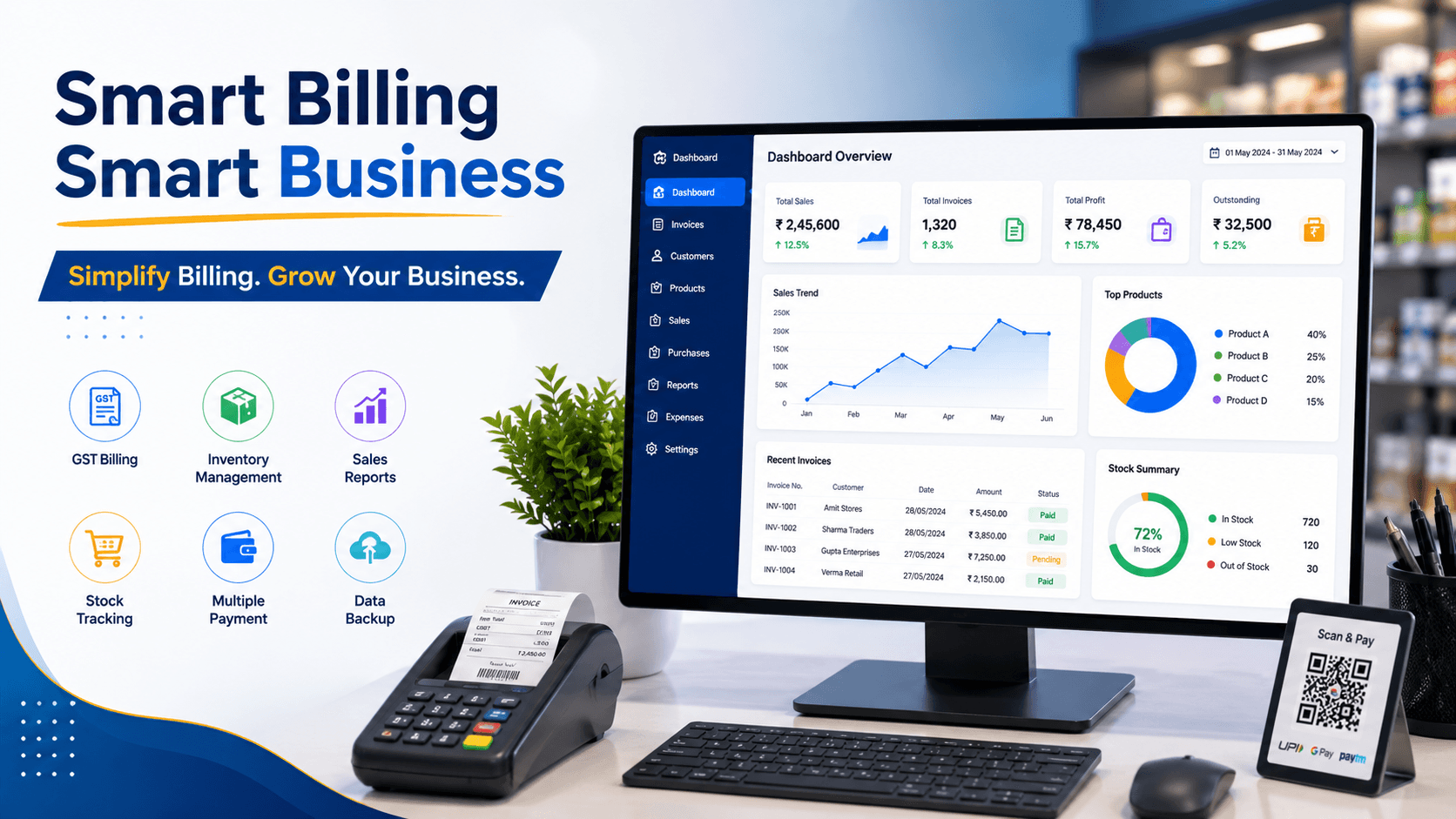
Retail Billing Software for Growing Businesses: POS, Inventory, Reports and Multi-Store Control
GGovind Murmu5 Min Read
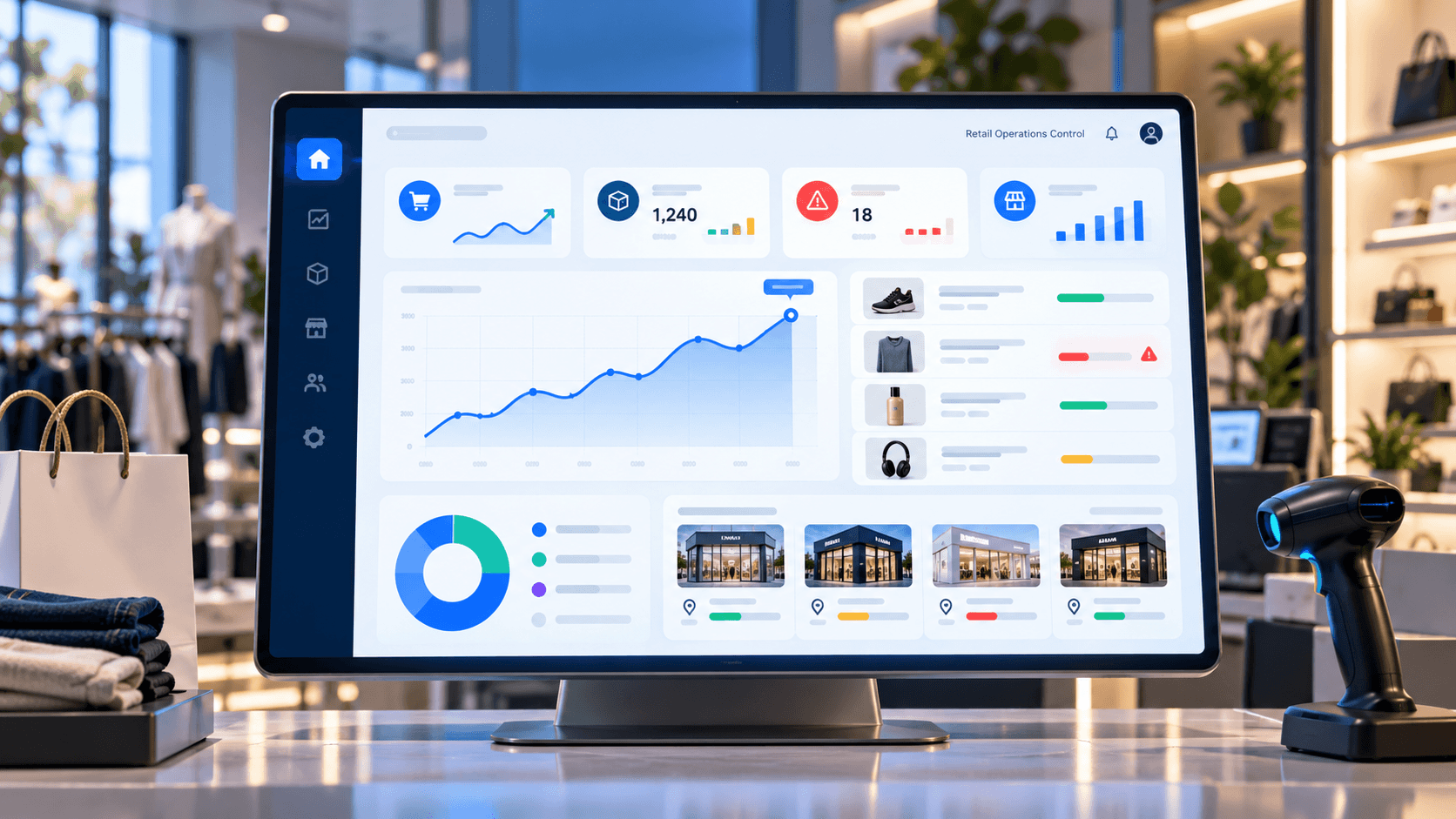
For a small shop, billing software may begin with one simple requirement: create invoices quickly.
But as the business grows, invoice printing is no longer enough.
More products mean more inventory to track. More suppliers create purchasing complexity. More customers mean more records, credit, loyalty and payment history. And once a retailer opens a second or third outlet, disconnected billing systems can make it difficult to understand what is actually happening across the business.
Modern retail billing software therefore needs to become more than a checkout application. It should connect POS billing with inventory, purchases, customers, payments, reporting and multi-store operations.
That is the difference between software that simply records sales and a system that helps control retail growth.
Retail billing software is a POS and business-management system that connects the transaction at the checkout counter with the operational workflows behind that transaction.
A customer purchases a product. The system generates the bill, records the payment, reduces available stock, updates the customer record and makes the transaction available for sales and profitability reporting.
For retailers looking beyond standalone invoicing, a connected retail billing, ERP and inventory software platform can bring these workflows into one operating environment.
The goal is simple: every transaction should improve business visibility, not create another data-entry task.
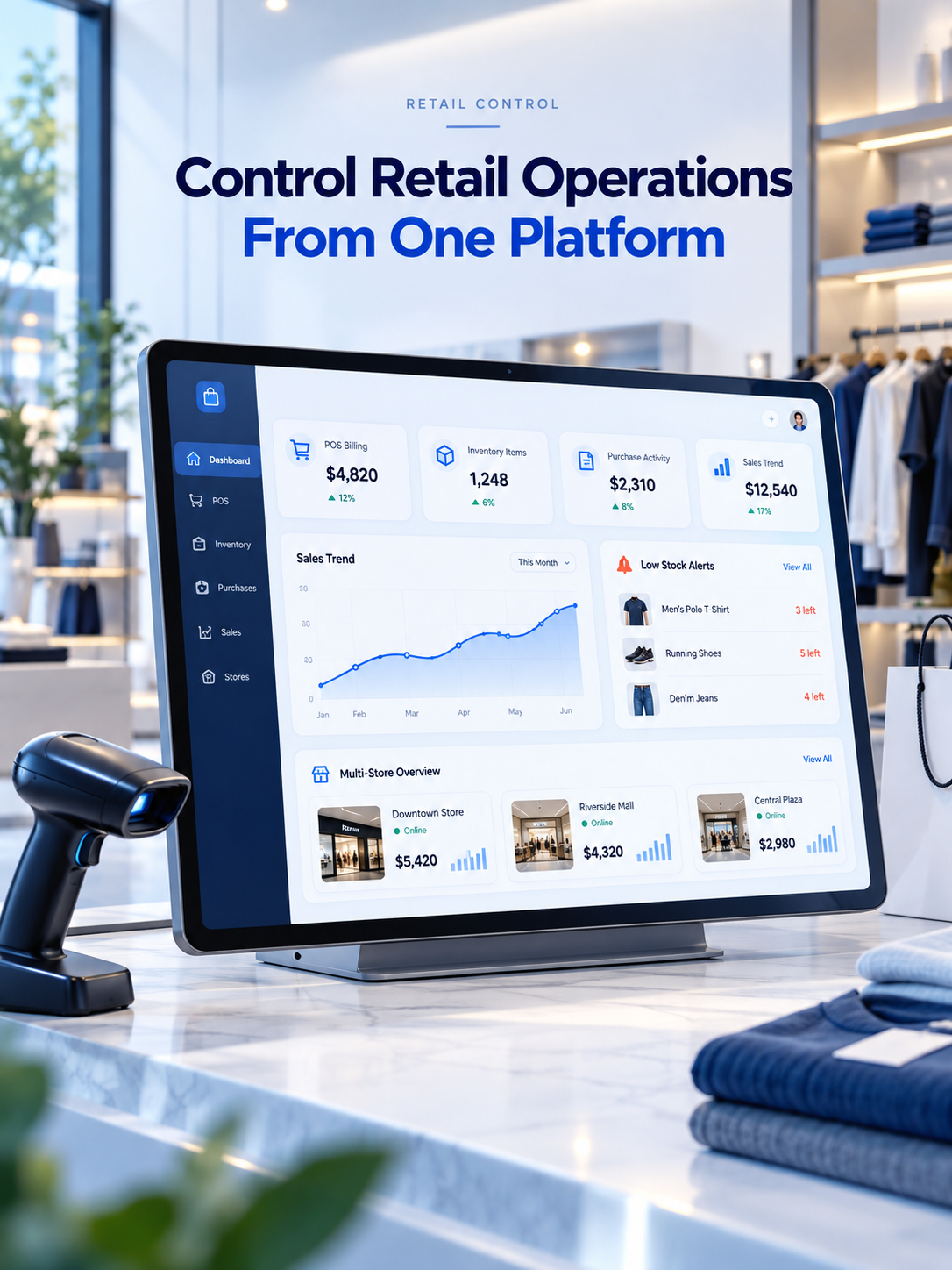
Checkout speed remains important.
Retailers may need barcode scanning, product search, discounts, taxes, multiple payment methods, returns, exchanges and digital or printed invoices.
But fast billing alone does not provide business control.
A better POS workflow connects:
This connected approach turns POS software into the transaction layer of a wider retail ERP.
A practical example is the Smart Billing Pro retail POS case study, where billing is connected with inventory, CRM, loyalty, warehouses, multi-store operations, reporting and AI-assisted business insights.
Inventory problems often become visible only after they have already affected the business.
A product appears available but cannot be found at the store. A popular SKU sells out unexpectedly. Slow-moving products continue occupying working capital. Another branch has excess stock while one location is losing sales.
Connected billing inventory software helps reduce these gaps.
When a product is sold, stock can be updated automatically. Purchase entries add incoming inventory. Transfers move stock between stores or warehouses. Low-stock visibility helps purchasing teams identify replenishment needs.
For businesses with more complex merchandise, inventory may require much deeper workflows.
For example, this jewellery ERP, inventory and POS platform case study demonstrates how procurement, goods receiving, product labeling, barcode and QR management, branch allocation, POS billing and centralized reporting can operate as one controlled product lifecycle.
The lesson applies beyond jewellery: inventory software should match how the business actually buys, stores, transfers and sells products.
Sales tell you what left the business.
Purchasing tells you how inventory entered it.
Growing retailers, wholesalers and distributors therefore need systems that can connect suppliers, purchase orders, purchase entries, goods receiving, costs, returns and stock availability.
Without this connection, teams often end up maintaining separate spreadsheets for purchases while relying on POS software for sales.
That creates fragmented information.
A connected retail ERP provides a clearer path from:
Supplier → Purchase → Inventory → Store/Warehouse → Sale → Payment → Report
This makes it easier to understand product movement and make better procurement decisions.
Retail software produces valuable information every day.
The challenge is turning that information into decisions.
Business owners should be able to quickly understand questions such as:
Which products are selling fastest?
Which products are moving slowly?
What is selling at each outlet?
Which categories generate stronger sales?
Where is stock running low?
Which customers are purchasing repeatedly?
How are stores performing against each other?
That is why reporting should be connected directly to billing and inventory rather than assembled later from multiple spreadsheets.
Advanced systems can also add AI-assisted analysis to surface patterns in sales, customers, stock movement and revenue.
Opening additional outlets changes the software requirement significantly.
Instead of asking, “Can this system create a bill?” the retailer needs to ask:
Can I control the business across every location?
Good multi-store retail billing software should provide centralized visibility while still preserving outlet-level information.
Head-office teams may need store-wise sales, branch inventory, warehouse stock, centralized product data, pricing controls, staff permissions, stock transfers and consolidated reporting.
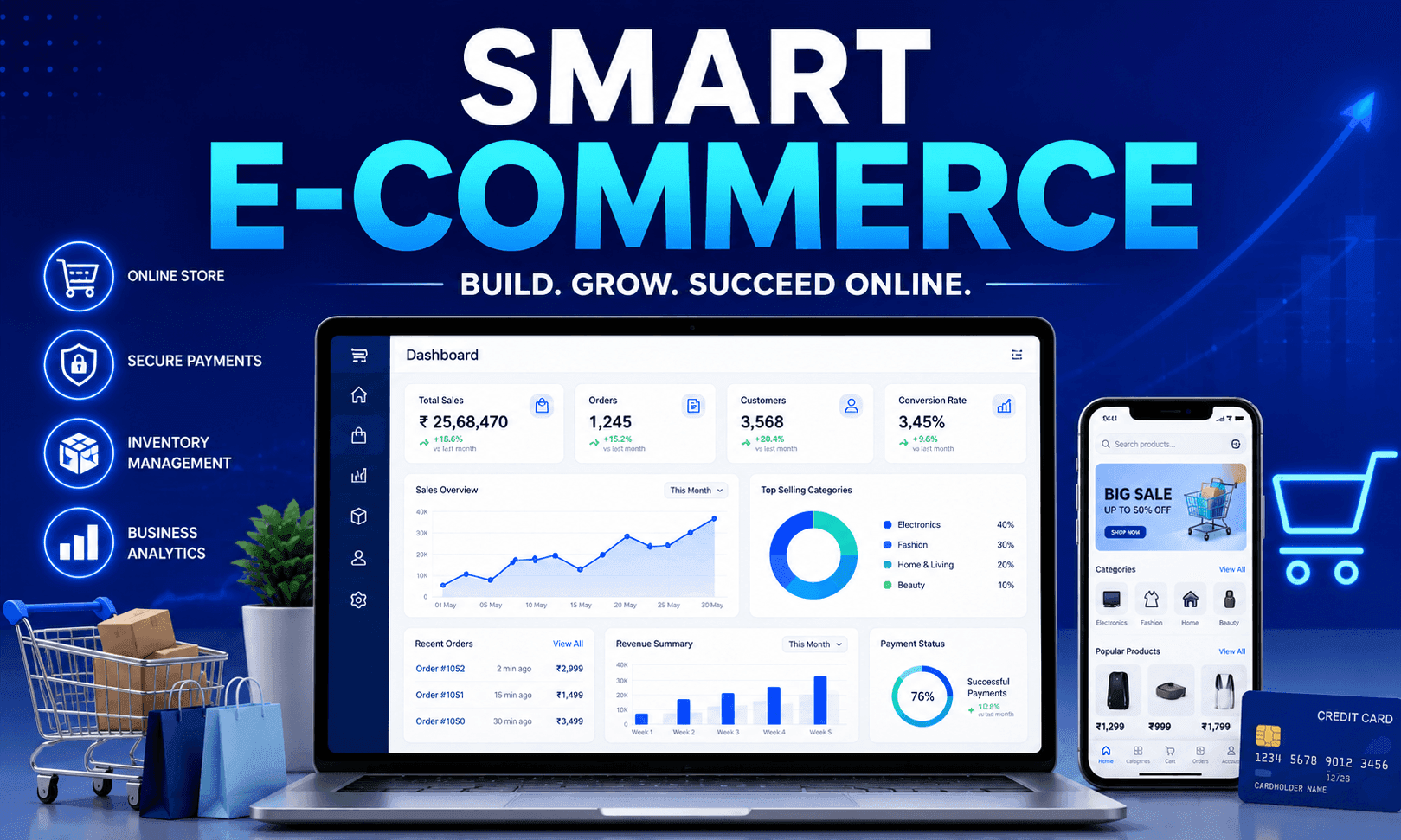
When online sales are also involved, retailers can extend this model toward a connected retail and eCommerce commerce platform, helping align digital commerce with inventory and operational workflows.
This becomes increasingly important as customers expect consistent product availability and purchasing experiences across physical and digital channels.
Off-the-shelf billing software can work well when business workflows are straightforward.
But retailers, wholesalers and distributors often reach a point where their processes no longer fit generic software.
They may need specialized pricing rules, approval workflows, warehouse logic, industry-specific inventory, custom dashboards, ERP integrations, mobile applications, loyalty systems or unique branch-management processes.
In those situations, businesses can evaluate custom software development rather than forcing teams to redesign operations around software limitations.
The objective should not be customization for its own sake.
It should be software that matches the way the business operates and can continue scaling as locations, transactions, users and workflows grow.
The best retail billing software is no longer simply an invoice generator.
It connects the checkout counter with the rest of the operation.
POS captures the transaction.
Inventory records the movement.
Customer management builds purchase history.
Purchasing replenishes stock.
Reports turn activity into visibility.
Multi-store control connects locations.
And retail ERP workflows bring all of these functions together.
For growing shops, retail chains, wholesalers and distributors, that connected foundation can be far more valuable than adding another isolated billing application.
Need POS billing, inventory, purchasing, customer management, reports, warehouse workflows or multi-store control in one platform?
Get Retail Software Demo and explore a retail system designed around your actual operational requirements.
Retail billing software is a POS and business management system that helps retailers create invoices while connecting sales with inventory, payments, customers, purchases, taxes, reports and other retail operations.
Good retail billing software should include POS billing, barcode support, inventory management, purchase management, customer records, payments, returns, discounts, sales reporting, user permissions and multi-store management.
Connected POS billing software can automatically reduce inventory when products are sold, increase stock when purchases are received, track transfers and returns, and provide low-stock or replenishment visibility.
Multi-store retail billing software connects billing, inventory and reporting across multiple retail locations while giving management centralized visibility into branch sales, stock, transfers, users and performance.
Yes. Retail billing software designed for Indian businesses can be configured for GST billing, tax calculations, GST-compliant invoice formats, product tax information and reporting requirements.
Billing software primarily records sales and generates invoices, while retail ERP software connects billing with inventory, purchasing, suppliers, customers, warehouses, reporting and multi-location business operations.
Yes. A connected retail system can manage suppliers, purchase orders, goods receipt, purchase entries, purchase returns, costs and inventory updates so purchasing and sales remain synchronized.
Custom POS software is useful when standard products cannot support specialized pricing, approvals, industry-specific inventory, warehouse processes, integrations, loyalty programs, reporting or multi-store workflows.
Yes. Retail billing and inventory platforms can be integrated with eCommerce systems to synchronize product information, stock, orders, customers and operational data across physical and digital sales channels.
Retail billing software can provide real-time visibility into sales, inventory, low-stock products, fast and slow-moving items, customer activity, purchases, store performance and other operational metrics.