OPD Queue Management Software

In This Article
Hospital Workflow, Features and Demo
OPD queue management software helps hospitals and clinics organize outpatient visits using digital tokens, doctor-wise queues, live displays and patient notifications. When integrated with hospital management software, it connects registration, consultation, laboratory, pharmacy and billing, giving patients, doctors and administrators better visibility throughout the visit.
Long queues are not always caused by a shortage of doctors. Manual registration, missed tokens, disconnected departments and poor communication can create unnecessary delays.
A connected OPD queue management system helps hospitals manage these workflows through one coordinated digital platform.
Simplify Your Entire OPD Workflow
Connect patient registration, digital tokens, doctor queues, consultation and billing through a coordinated outpatient management system.

Make Every OPD Queue Smarter
Reduce waiting confusion, improve patient flow, give doctors live visibility, and manage appointments, walk-ins, lab, and billing more efficiently.
How Does OPD Queue Management Software Work?
A modern OPD system coordinates patients, reception counters, doctors and other hospital departments.
When a patient arrives, registration staff select the appropriate doctor or department and generate a unique token. The token can include the department, doctor, consultation room and queue number.
Doctor-wise dashboards display waiting patients, while reception counters and waiting-area screens show live queue information. Staff can recall missed tokens, manage approved priority cases and direct patients to their next service.
The system should connect the token to the hospital's patient registration record without displaying unnecessary personal or medical information on public screens.
Healthcare Software Development
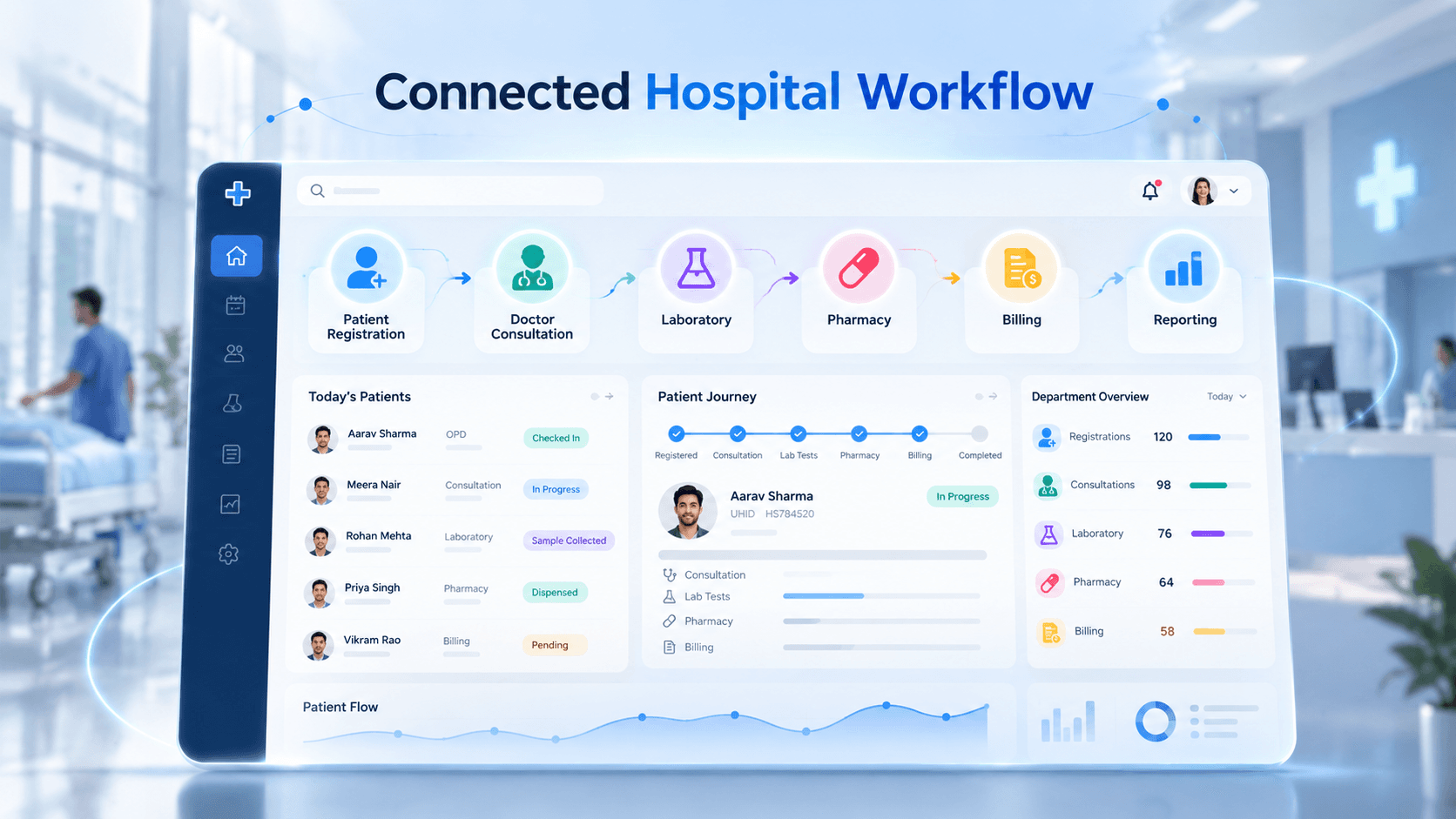
Hospital OPD Workflow Diagram
From OPD Registration to Billing
A connected workflow begins at reception and continues beyond the doctor's consultation.
Registration and token: Staff register or identify the patient, confirm the appointment and issue a department-specific token.
Doctor consultation: The doctor calls the next patient, records the consultation in an integrated clinical system and orders investigations where necessary.
Laboratory and pharmacy: Patients receive instructions or additional queue assignments for prescribed tests and medication collection.
Billing and checkout: The billing system receives applicable consultation, investigation and pharmacy charges according to the hospital's charging rules.
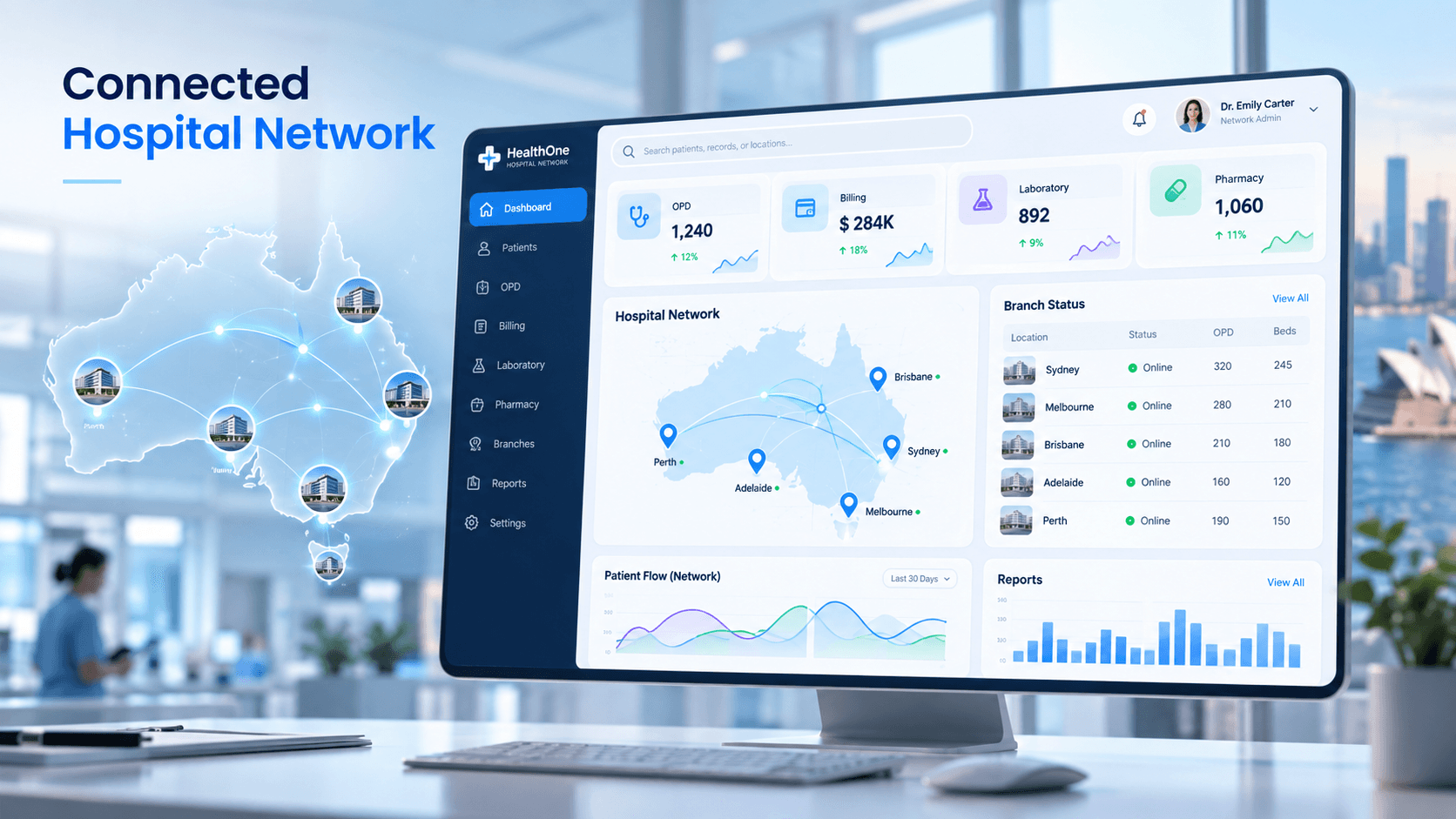
Integration with Healthcare ERP Software Development can connect outpatient operations with finance, inventory and administrative reporting.
Patient, Doctor and Administrator Roles
A successful OPD platform must provide different capabilities for every hospital
| User | Key capabilities |
|---|---|
| Patient | Receive token, locate department, follow queue status and receive notifications |
| Reception staff | Register patients, assign doctors, generate tokens and manage missed calls |
| Doctor | View the consultation queue, call patients and update consultation status |
| Administrator | Manage departments, doctors, counters, schedules, permissions and reports |
Each user should access only the information required for their responsibilities.
Essential OPD Queue Management Features
Hospitals should prioritize digital token generation, doctor-wise queues, appointment and walk-in management, live displays, approved priority handling, missed-token recall and operational dashboards.
Larger hospitals may also require multiple registration counters, departmental transfers, patient notifications, multilingual displays and HMS integration.
Where reliable connectivity is a concern, hospitals can evaluate local-network or on-premises deployment according to their infrastructure and data-management requirements.
Telemedicine and Video Consultation
OPD Analytics and Waiting-Time Management
Administrators need more than the number of patients registered each day.
Useful metrics include average registration time, waiting time by doctor, consultation duration, missed tokens, peak OPD hours and departmental delays.
These measurements help hospitals distinguish queue-coordination problems from genuine clinical-capacity constraints.
A digital queue can improve visibility and routing, but reducing actual waiting time also depends on staffing, scheduling and operational decisions.
Request a Live OPD Software Demo
Before purchasing a system, ask the development team to demonstrate a realistic outpatient visit.
Test walk-in registration, token generation, doctor calling, missed tokens, priority handling, department transfers and billing integration.
A controlled pilot involving one department, a few doctors and existing reception staff can help validate usability before hospital-wide deployment.
Frequently Asked Questions
What is OPD queue management software?
OPD queue management software organizes outpatient visits using digital tokens, doctor-wise queues, live displays and patient notifications. It can connect registration, consultation, billing, laboratory and pharmacy workflows.
How does an OPD token system work?
Registration staff assign a doctor or department and generate a token. The doctor calls patients through a dashboard, while waiting-area displays show the current token and consultation room.
Can multiple registration counters generate OPD tokens?
Yes. A centralized queue system can allow multiple reception counters to generate unique tokens for different doctors and departments while maintaining synchronized queue information.
Can OPD software manage appointments and walk-ins together?
Yes. A configurable system can combine scheduled appointments and walk-in registrations while applying hospital-approved scheduling, priority and rescheduling rules.
How does OPD queue software integrate with hospital billing?
Integration can connect patient registration and consultation status with applicable consultation, laboratory and pharmacy charges. The exact billing sequence follows the hospital's payment policies.
Can doctors manage their own OPD queues?
Yes. A doctor dashboard can display waiting patients, the current token, the next patient, appointment status, missed tokens and consultation completion.
Can patients check their OPD token status online?
Depending on the implementation, patients can access queue information through waiting-area displays, a patient portal, mobile applications or SMS and WhatsApp notifications.
Can OPD queue software work without internet?
An appropriately designed on-premises system can operate over a hospital's local network without continuous internet access. Cloud messaging, remote access and external integrations may still require connectivity.
How much does OPD queue management software cost?
Cost depends on doctors, departments, registration counters, displays, hosting, notifications, hospital-system integrations, customization and ongoing support. Hospitals should request an itemized implementation estimate.
What should hospitals check during an OPD software demo?
Test patient registration, token printing, simultaneous registration counters, doctor calling, missed tokens, priority patients, department transfers, billing integration and management reports using realistic hospital scenarios.