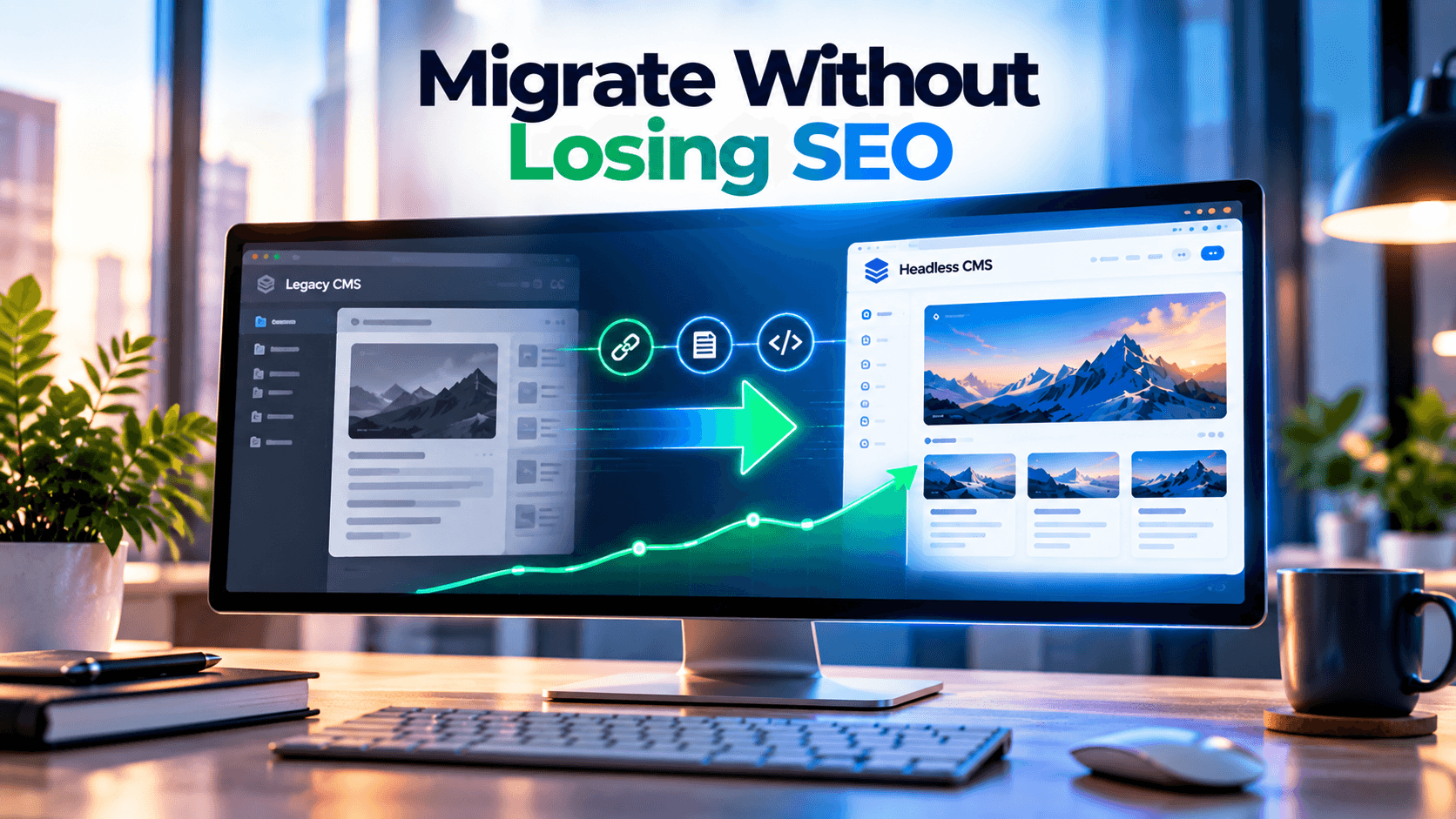
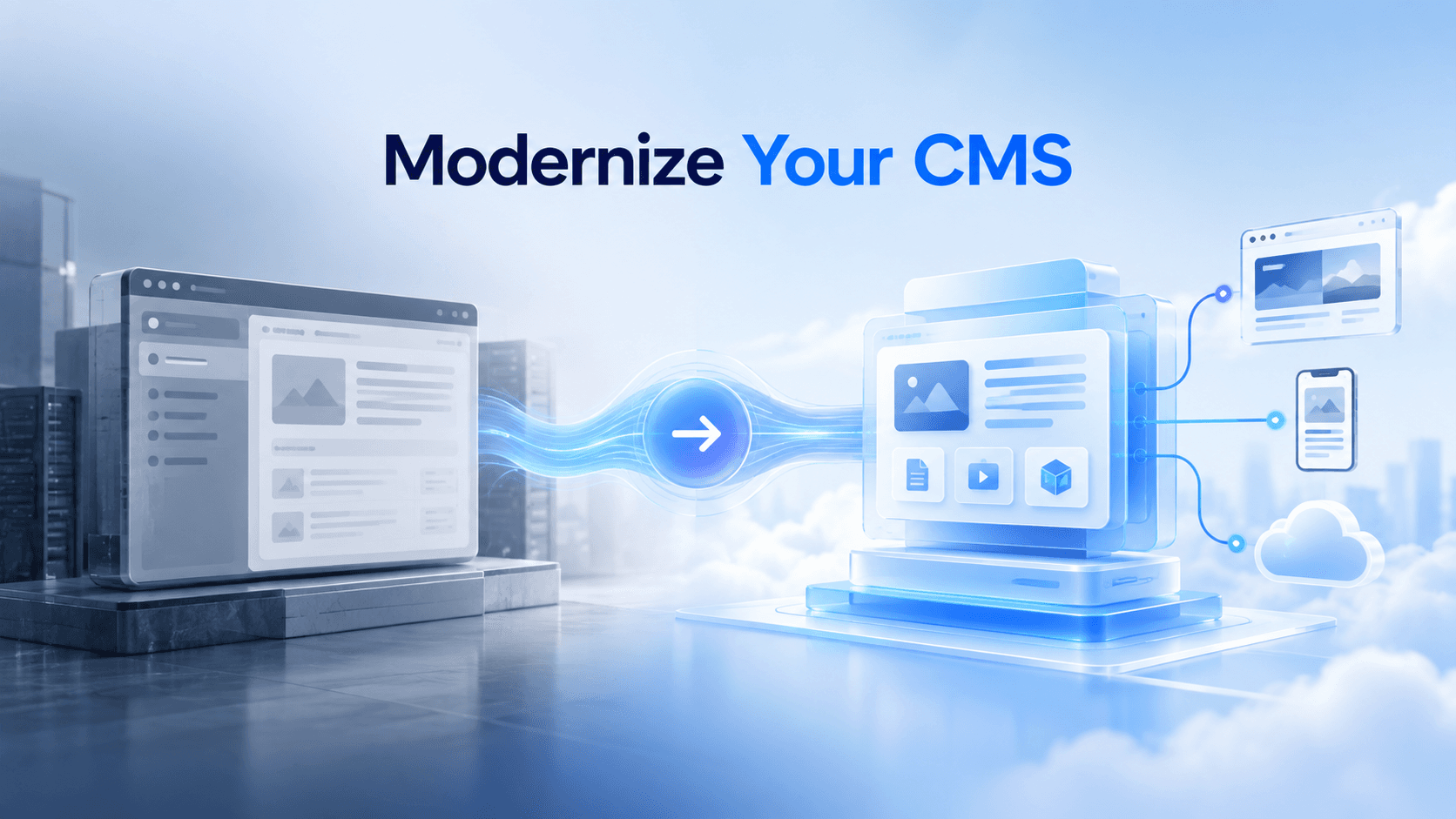
Headless CMS Migration: How Enterprises Can Modernize Without Losing SEO
In This Article
- Headless CMS Migration Should Start With an SEO Baseline
- SEO-Safe CMS Migration Requires URL and Redirect Governance
- CMS Migration Services Must Preserve Metadata and Schema
- Headless CMS Development Must Keep Content Crawlable
- Protect Organic Visibility Before Replatforming
- WordPress, Webflow and Wix to Sanity Migration
- Sitecore to Headless CMS Migration Needs Deeper Discovery
- Content Migration Should Improve the Content Model
- Protect Core Web Vitals During CMS Migration
- Analytics, Internal Links and Editor Workflows Matter Too
- Proof: Modernizing Without Losing the SEO Foundation
- Who Should Hire a Headless CMS Migration Partner?
- Modernize Without Losing Search Equity
A headless CMS migration can provide faster websites, more agile publishing, better organized content, API-first delivery and foundation for AI-ready experiences. However, a wrong migration can destroy years of SEO value by breaking URLs, redirects, metadata, schema, and/or making content less discoverable by search engines.
That is why enterprise CMS migrations should not be seen as a development-only initiative.
A successful modernization program protects SEO, content structure, performance, analytics and editor workflows while moving to a more flexible architecture.
Headless CMS Migration Should Start With an SEO Baseline
Before changing anything, capture what already works.
Your baseline should include:
- Live and indexed URLs
- Organic landing pages
- Keyword rankings
- Backlinks
- Titles and meta descriptions
- Canonicals
- Structured data
- Internal links
- XML sitemaps
- Core Web Vitals
- Analytics events
- Organic conversions
This provides a measurable reference to the teams for the before and after impact.
In enterprises, where the sites being migrated can be very large (thousands of URLs), have multilingual content or other integrations, this baseline is crucial because issues in migration can affect whole site templates.
Businesses planning modernization can start with headless CMS migration services that combine technical migration with SEO protection.

Modernize Without Losing Search Equity
Protect URLs, rankings, metadata, schema and performance while moving your enterprise CMS to a scalable modern headless architecture.
SEO-Safe CMS Migration Requires URL and Redirect Governance
URLs are one of the highest-risk areas of migration.
Each valuable legacy URL should have one of three outcomes:
Keep it → Redirect it → Retire it intentionally
Where possible, preserve established URLs.
When a URL must change, map the old address to the most relevant replacement with a permanent redirect.
Avoid:
- Redirect chains
- Redirect loops
- Mass redirects to the homepage
- Broken legacy URLs
- Unrelated destination pages
For large enterprises, URL mapping should be a dedicated migration workstream rather than something created during final QA.
Protect Your SEO Before Your Headless Migration Goes Live
CMS Migration Services Must Preserve Metadata and Schema
A frontend rebuild can easily drop SEO signals that were previously generated by a CMS theme, plugin or template.
Migration teams should explicitly rebuild:
- SEO titles
- Meta descriptions
- Canonicals
- Robots directives
- Open Graph metadata
- Social images
- Alt text
- Hreflang
- Breadcrumbs
- Structured data
Modern headless architecture is most efficient when such values are organized as CMS fields.
This makes them directly editable by the content and SEO teams rather than hard-coded within the front-end template.
Schema markup, however, should also be based on the publicly visible data on the page. If the legacy system used Article, Product, Service, Person, Organization or BreadcrumbList markup, research the required structured data model ahead of the migration.
Headless CMS Development Must Keep Content Crawlable
A headless CMS decouples content management from presentation;
this flexibility comes at the cost of increased responsibility for SEO in the frontend.
Crucially, important content, metadata, canonical tags, internal linking and structured data must be available to rendered HTML.
While modern frontend frameworks can support server-side rendering, static generation and hybrid approaches, poor JavaScript architecture can render content inaccessible to crawlers
This has implications for traditional search, but also newer AI-driven discovery approaches that benefit from easily accessible, well-structured source material. The current guidance rightly highlights that headless CMS SEO success requires deliberate attention to rendering, metadata and structural conventions beyond default CMS capabilities.
For enterprises designing this layer, headless CMS development services can connect content architecture with modern frontend delivery.
Protect Organic Visibility Before Replatforming
CMS modernization should improve the platform without sacrificing search equity accumulated over years.
Plan SEO-Safe CMS Migration
WordPress, Webflow and Wix to Sanity Migration
Growing businesses often move from page-oriented builders when they need more structured content, stronger SEO control, reusable data and scalable frontend performance.
A WordPress to Sanity migration, Webflow to Sanity migration or Wix to Sanity migration should not simply copy every page.
The stronger approach is to identify reusable business entities such as:
- Services
- Products
- Team members
- Locations
- FAQs
- Case studies
- Authors
- Testimonials
These can become structured documents that support multiple pages and channels.
Businesses evaluating this architecture can use Sanity CMS development services alongside migration planning.
Sitecore to Headless CMS Migration Needs Deeper Discovery
A Sitecore to headless CMS migration can involve more than content.
Enterprise implementations may include:
- Personalization
- Custom components
- Search
- Forms
- Integrations
- Multilingual rules
- Workflows
- Analytics
- Marketing automation
For some organizations, migrating toward XM Cloud is the preferred option for modernization. Other companies may favor Sanity or any other headless CMS in the scenario where structured content and API-driven delivery are prioritized.
Organizations remaining within the Sitecore ecosystem can explore Sitecore XM Cloud development services.
The critical decision is not “Which CMS is newest?”
It is “Which architecture supports our future content, search, integration and operational requirements?”
Content Migration Should Improve the Content Model
One of the biggest missed opportunities is carrying legacy content debt into a modern CMS.
Before migrating, classify content:
Keep - valuable and current
Improve - useful but poorly structured
Merge - overlapping content
Remove - outdated or redundant
Then redesign the target content model around reusable structured data.
This can improve:
- Editorial consistency
- Landing-page creation
- Content reuse
- Multilingual publishing
- SEO governance
- API delivery
- AI readiness
Our Sanity and Next.js migration case study shows how migration can reduce frontend dependency while creating a stronger structured-content foundation.
Protect Core Web Vitals During CMS Migration
Headless architecture can create opportunities for faster performance, but migration itself does not guarantee improvement.
Test representative page templates for:
- Largest Contentful Paint
- Interaction to Next Paint
- Cumulative Layout Shift
- Server response
- JavaScript weight
- Image optimization
- CDN caching
- Third-party scripts
Compare the new frontend against the old site before cutover.
Our guide to headless CMS development costs, platforms and migration provides additional planning context for businesses evaluating broader modernization.
Modernize Your CMS Without Sacrificing Rankings or Traffic
Analytics, Internal Links and Editor Workflows Matter Too
A migration can technically succeed while business operations fail.
Before launch, validate:
- Analytics tracking
- Conversion events
- Consent management
- CRM attribution
- Navigation
- Breadcrumbs
- Contextual internal links
- Forms
- Preview
- Draft workflows
- Publishing permissions
Internal links should point directly to new URLs instead of permanently relying on redirects.
Editors should also be trained before launch so the new CMS improves publishing rather than creating new bottlenecks.
Proof: Modernizing Without Losing the SEO Foundation
A structured migration can also create major frontend-performance gains.
Our WordPress headless Next.js SEO optimization case study demonstrates how modern frontend architecture and SEO planning can work together rather than being treated as separate goals.
The broader lesson is simple:
Headless does not create SEO success by itself. Good architecture does.
Who Should Hire a Headless CMS Migration Partner?
Specialist migration support is especially valuable when you have:
- Significant organic traffic
- Thousands of indexed URLs
- Multiple languages
- Custom integrations
- Complex schema
- High-value backlinks
- Business-critical analytics
- Sitecore or enterprise CMS dependencies
- Major frontend rebuilding
- Tight launch windows
An experienced migration partner should understand content, development and technical SEO together.
Modernize Without Losing Search Equity
Enterprise CMS modernization should leave your organization with a better platform not weaker search visibility.
The strongest migration programs protect:
URLs + redirects + metadata + schema + internal links + content models + performance + analytics + editor workflows
If your organization is going to migrate from WordPress, Webflow, Wix, Sitecore, AEM, Drupal, Contentful or any other traditional CMS to Sanity, XM Cloud, Strapi, Umbraco or any other headless CMS, it is essential to design and execute a comprehensive and well-structured migration plan.
Explore headless CMS migration services to modernize your platform while protecting SEO, performance and content operations.
Frequently Asked Questions
What is headless CMS migration?
Headless CMS migration is the process of moving content and digital experiences from a traditional or legacy CMS into an architecture where content management is separated from frontend presentation and delivered through APIs.
Can headless CMS migration hurt SEO?
Yes. Rankings can be affected when URLs, redirects, metadata, canonicals, structured data, internal links or rendering are changed incorrectly during migration.
How do you protect SEO during CMS migration?
Create a pre-migration SEO baseline, preserve valuable URLs, map permanent redirects, migrate metadata and schema, update internal links, validate rendering and monitor search performance after launch.
Should existing URLs be preserved during headless migration?
Yes, whenever practical. When URLs must change, each valuable old URL should be mapped to the most relevant replacement using an appropriate permanent redirect.
Can WordPress be migrated to Sanity CMS?
Yes. WordPress content can be transformed into structured Sanity documents while preserving important URLs, metadata, media, internal links and redirects.
Can Webflow or Wix be migrated to Sanity?
Yes. Content, media, metadata and reusable business information can be reorganized into structured Sanity schemas while the frontend is rebuilt independently.
Can Sitecore be migrated to a headless CMS?
Yes. Sitecore can move toward XM Cloud or another headless platform, but custom components, integrations, personalization, multilingual content and SEO signals require careful planning.
Does headless CMS automatically improve performance?
No. Headless architecture creates opportunities for faster rendering and caching, but actual performance depends on frontend implementation, JavaScript, images, APIs and CDN strategy.
What should be tested before a headless CMS launch?
Test redirects, URLs, metadata, schema, rendering, internal links, XML sitemaps, Core Web Vitals, forms, analytics, conversions and editor workflows before production cutover.
When should an enterprise hire a headless CMS migration partner?
Specialist support is valuable when the website has significant organic traffic, complex integrations, multilingual content, large URL inventories, enterprise CMS dependencies or major frontend rebuilding.