Sitecore XM Cloud Development Services: What to Know Before You Start
In This Article
Most companies don’t move to Sitecore XM Cloud because they love new technology. They move because their current Sitecore setup has become expensive to host, painful to upgrade, and slow to release changes. If a simple homepage update needs a developer and a deployment window, you already know the feeling.
XM Cloud fixes a lot of that, but only when the project is planned properly. This guide explains what Sitecore XM Cloud development services actually cover, how a migration works step by step, and what we’ve learned at Murmu Software Infotech from delivering XM Cloud projects in healthcare, travel and aviation.
Modernize With Sitecore Cloud Experts
Transform legacy Sitecore platforms into scalable digital experiences with expert migration, headless development, seamless integrations and dedicated technical support.
What Changes When You Move to XM Cloud?
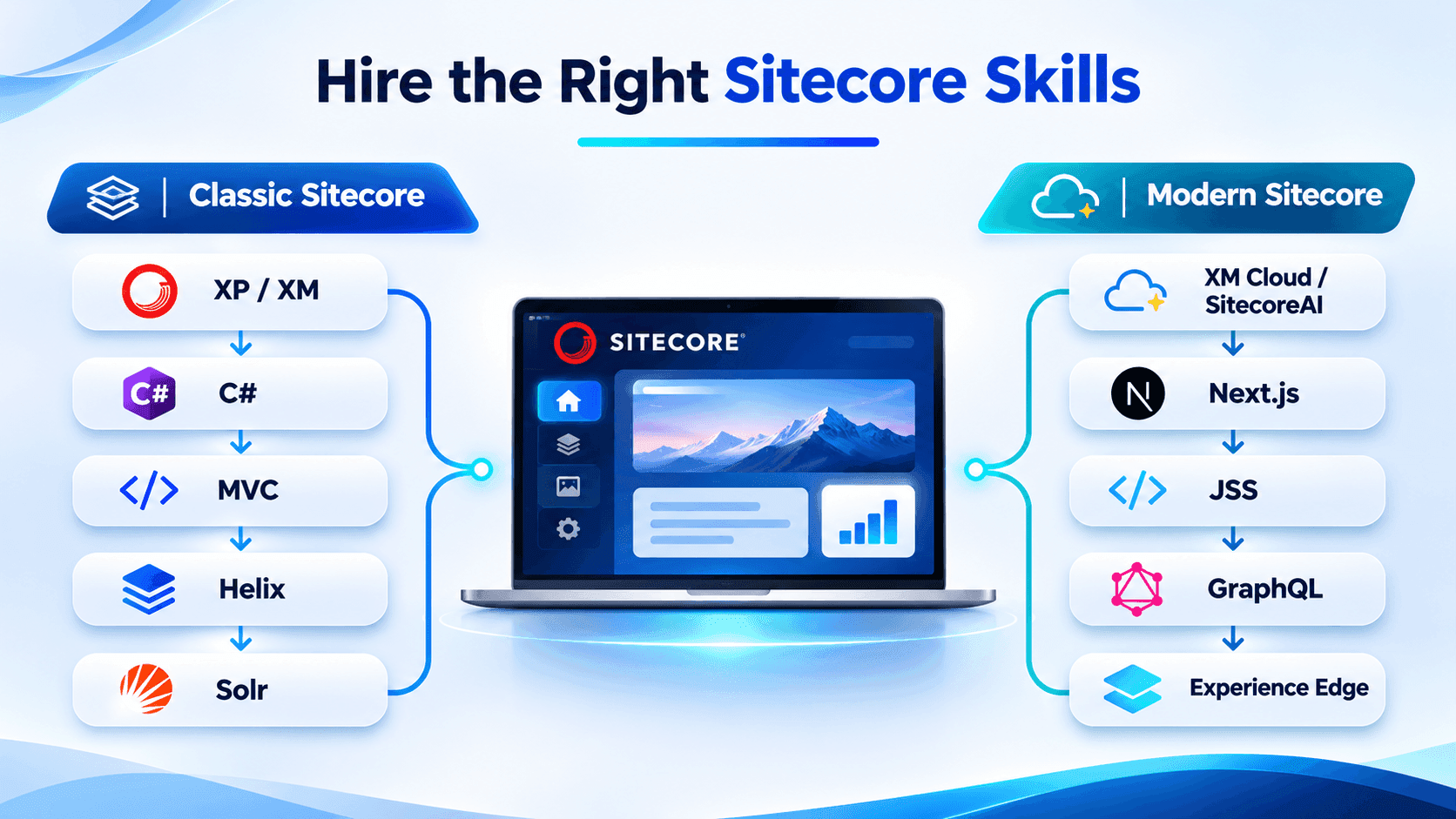
XM Cloud is Sitecore’s SaaS, headless version of its content management platform. Sitecore hosts and updates the CMS for you. Your website front end, usually built in Next.js, runs separately and pulls content through GraphQL and Experience Edge.
Here’s what that means in practice:
- For your IT team: no more big version upgrades every few years. Sitecore handles platform updates, so your developers spend time on features instead of patching servers.
- For your developers: the front end becomes a modern React and Next.js application. Pages load faster and can be deployed independently of the CMS.
- For your marketers: the Pages editor and reusable components let them build and edit pages visually, without raising a ticket for every change.
The trade-off is that XM Cloud is built for headless delivery. Old MVC renderings don’t carry over as they are. They have to be rebuilt as headless components, and that’s where most of the effort and budget goes.
Accelerate Your Sitecore XM Cloud Migration With Expert Developers
What Sitecore XM Cloud Development Services Include
A complete XM Cloud engagement usually covers six areas:
- Implementation: setting up environments, content architecture and reusable components with proper governance and multilingual rules.
- XP or XM migration: moving content, templates and media, and redeveloping the front end.
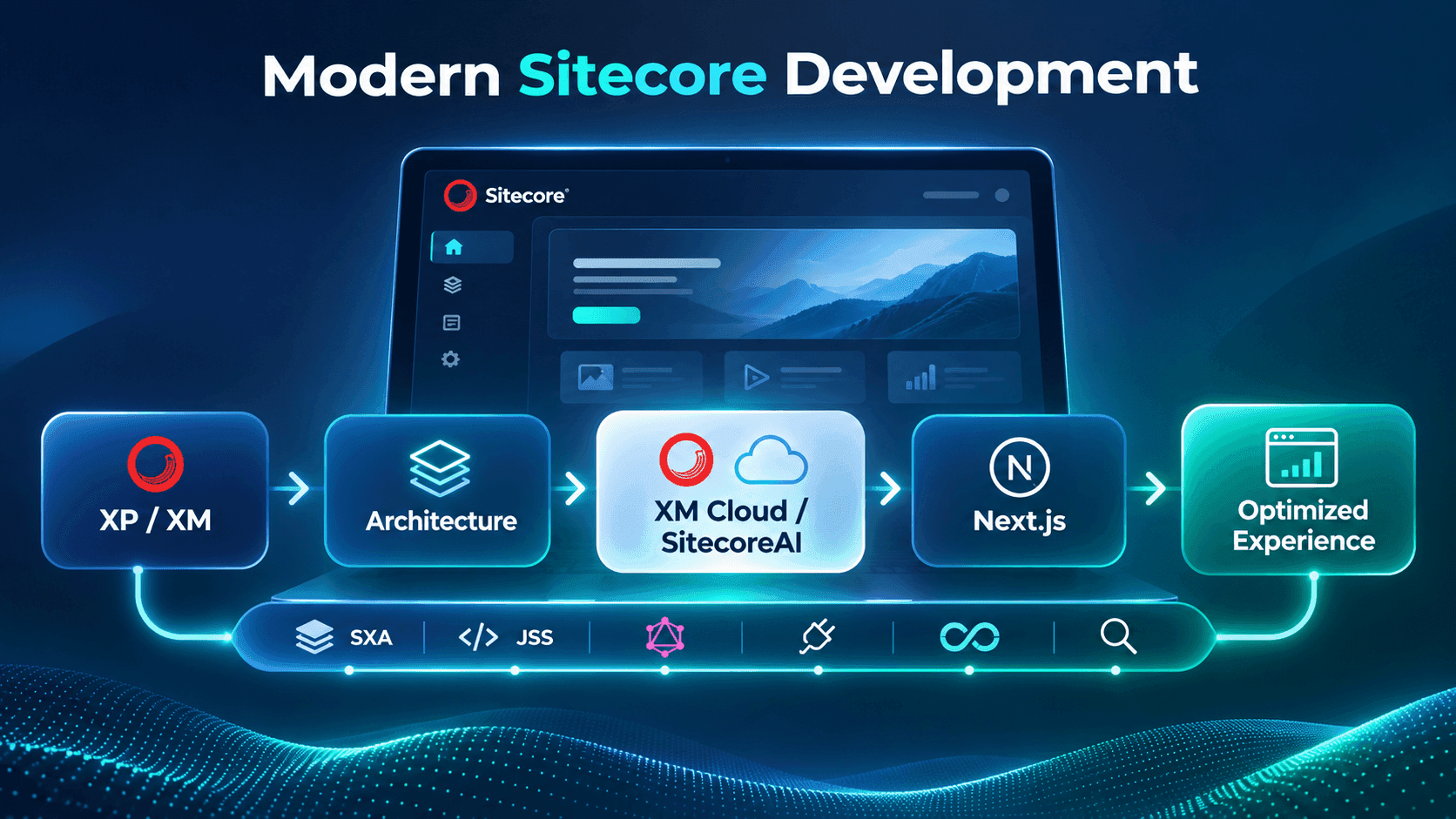
- Next.js and JSS development: building fast, SEO-friendly rendering applications and component libraries.
- GraphQL and Experience Edge delivery: connecting the front end to Sitecore content in a structured, scalable way.
- Search, personalisation and integrations: adding Sitecore Search, Personalize, Content Hub, CRM and other enterprise APIs.
- Ongoing support: new components, troubleshooting, performance work and backlog delivery after launch.
You won’t always need all six. A greenfield build skips migration. A team with strong in-house developers may only need help with components and integrations.
How an XM Cloud Migration Works, Step by Step
At Murmu Software Infotech, every XM Cloud migration follows five stages:
- Assess the existing platform. We list versions, customisations, integrations, content workflows and deployment dependencies, then deliver a readiness assessment and a scoped backlog.
- Map content and components. Templates, media, languages and components are mapped to the new architecture, with clear migration rules and owners.
- Rebuild the front end and integrations. Agreed headless components and content queries are built, and dependent APIs are adapted and reviewed in a test environment.
- Check SEO and quality. We test rendering, URLs, redirects, metadata, languages, accessibility and key user journeys against a checklist.
- Plan cutover and handover. Content freeze, final migration, deployment, rollback and post-launch checks are agreed in advance, and editors get proper guidance.
Step 4 is the one many teams rush. A migration that breaks URLs or loses metadata can wipe out years of organic traffic in a few weeks.
Real XM Cloud Project Examples
Here are three XM Cloud projects delivered by the Murmu Software Infotech team:
- Healthcare platform, XP to XM Cloud: a complex healthcare ecosystem moved from Sitecore XP to XM Cloud using Next.js, JSS, GraphQL, Sitecore Search, Content Hub and personalisation. Discovery covered far more than pages, including business modules, APIs, search and forms.
- Travel booking platform: an enterprise travel experience built with XM Cloud, Next.js, JSS and GraphQL, connected to booking integrations, with a front end that scales independently during busy travel seasons.
- Multilingual airport platform: built with XM Cloud, Next.js, editable components, GraphQL, custom .NET APIs and external integrations, deployed on Vercel to serve international audiences in several languages.
The common lesson from all three: the hardest part was never the CMS itself. It was integrations, search and making sure editors could manage content without developer help.
Build Faster Digital Experiences With Sitecore XM Cloud Experts
What Affects the Cost of XM Cloud Development?
There’s no fair fixed price for an XM Cloud project without an assessment, and anyone quoting one blind is guessing. Cost depends mainly on:
- Number of sites and languages
- Number of components that need rebuilding
- Content and media volume
- Integrations such as CRM, ERP, search and booking systems
- Personalisation and search requirements
- Who handles content entry and cutover
Sitecore licensing and hosting are separate costs. If you only need extra capacity rather than a full project, Murmu Software Infotech also offers dedicated Sitecore XM Cloud developers from $25–40 per hour or $3,000 per month.
Common XM Cloud Mistakes to Avoid
- Treating migration as a copy job. Rebuild only what’s still useful. Most older sites carry components nobody uses.
- Ignoring editors until launch. Involve your content team in component design from the start.
- Skipping SEO checks. Redirect maps and metadata checks belong in the plan, not the last week.
- No support plan after go-live. Agree who owns fixes and new features before cutover.
Planning Your Move to XM Cloud?
The right Sitecore XM Cloud development services partner will give you a clear plan before writing any code. Murmu Software Infotech offers a free XM Cloud assessment to review your current setup and outline a realistic migration path. Share your platform details and we’ll get back to you within 24 hours.
Frequently Asked Questions
What are Sitecore XM Cloud development services?
Sitecore XM Cloud development services include SaaS CMS implementation, Sitecore XP and XM migration, headless front-end development, Next.js and JSS development, GraphQL integrations, content architecture, SEO migration and ongoing technical support.
What is the difference between Sitecore XP and XM Cloud?
Sitecore XP is a digital experience platform traditionally deployed through managed or self-managed infrastructure. XM Cloud is a SaaS headless CMS that separates content management from front-end delivery, with Sitecore managing core CMS infrastructure and platform updates.
How much does Sitecore XM Cloud development cost?
Sitecore XM Cloud development costs depend on project complexity, websites, languages, components, integrations and migration requirements. Murmu Software Infotech offers dedicated Sitecore XM Cloud developers at $25–$40 per hour or from $3,000 per month. Project implementation and licensing costs are assessed separately.
How do you migrate from Sitecore XP to XM Cloud?
A Sitecore XP to XM Cloud migration involves platform assessment, content and component mapping, headless front-end redevelopment, integration migration, SEO and quality assurance, followed by production deployment and post-launch support.
How long does a Sitecore XM Cloud migration take?
Migration timelines depend on content volume, existing customizations, component complexity, integrations and multilingual requirements. A platform readiness assessment helps establish a realistic project schedule, migration scope and delivery milestones.
Can existing Sitecore MVC components be migrated to XM Cloud?
Existing Sitecore MVC renderings cannot be transferred directly into XM Cloud as traditional MVC components. They generally require redevelopment as headless components, commonly using Next.js, React and Sitecore headless SDKs. Compatible content and templates may be reusable.
Does Sitecore XM Cloud support multilingual and multisite websites?
Yes. Sitecore XM Cloud supports multilingual and multisite content architectures, allowing enterprises to manage localized content, reusable components and multiple digital experiences within a centralized CMS environment.
Is Sitecore XM Cloud good for SEO and website performance?
Sitecore XM Cloud can support strong SEO and website performance when implemented correctly. Next.js rendering strategies, optimized media, structured metadata, canonical URLs, XML sitemaps, redirects and efficient content delivery help improve crawlability and user experience.
Is Sitecore XM Cloud now called SitecoreAI?
Yes. Sitecore XM Cloud has transitioned into SitecoreAI, Sitecore's next-generation marketing platform. Existing XM Cloud customers do not need to undertake a full replatforming solely to adopt SitecoreAI.
Where can I hire experienced Sitecore XM Cloud developers?
Murmu Software Infotech provides dedicated Sitecore XM Cloud developers and consulting services for enterprise implementations, migrations, Next.js development, GraphQL integrations and ongoing support, with project experience across healthcare, travel and aviation.