Sitecore Support Services: A Practical Guide for Teams Running Sitecore
In This Article
- Official Sitecore Support vs Partner Support Services
- Common Sitecore Support Issues (Real Examples)
- What Sitecore Support Services Should Include
- Support for XM Cloud and Headless Sites Is Different
- How Much Do Sitecore Support Services Cost?
- What to Put in Your Support Contract
- Keep Your Sitecore Platform Healthy
Launching a Sitecore website is the easy part. Keeping it fast, stable and useful two or three years later is where most teams struggle. Publishing breaks before a campaign launch. Search results go stale. A deployment fails on Friday evening. The developer who built the site has moved on, and nobody remembers why that custom pipeline exists.
That is what Sitecore support services are for. In this guide, we’ll explain what support actually covers, what Sitecore’s own support team won’t do for you, the most common issues we see, what support costs, and how Murmu Software Infotech structures support for teams on XP and XM Cloud.
Official Sitecore Support vs Partner Support Services
Many companies assume their Sitecore licence includes help with their website. It doesn’t, at least not the way they expect.
Sitecore’s official support helps when the product itself misbehaves, such as a bug in the platform or a cloud service outage. It does not cover consulting, training, or problems in the custom code your agency wrote.
Most real-world issues sit in exactly that custom layer: your components, templates, integrations and deployment pipelines. That is why companies hire Sitecore support services from a development partner. A partner fixes your implementation, not just the product.
The smart setup is to use both. Raise product defects with Sitecore, and let your support partner handle everything specific to your site.

Keep Your Sitecore Business Moving
Protect revenue, minimize downtime and accelerate releases with expert Sitecore maintenance, proactive troubleshooting, performance optimization and flexible dedicated developer support.
Common Sitecore Support Issues (Real Examples)
These are the situations that bring most teams to a support partner:
- Publishing failures: content looks right in the editor but never reaches the live site. On XP, the cause is often a stuck publishing queue or a broken workflow state. On XM Cloud, it’s usually a webhook or Experience Edge publishing issue.
- Search not updating: new products or articles don’t show up in site search because Solr indexes failed to rebuild after a deployment.
- Slow pages: a homepage that took one second at launch now takes five, usually because of uncached renderings, heavy queries or unoptimised images. Core Web Vitals drop, and so do rankings.
- Broken integrations: a CRM or booking API changes its response format, and forms quietly stop sending leads. Nobody notices until sales asks why enquiries have dropped.
- Failed deployments: CI/CD pipelines on Azure or Vercel break after a dependency update, and releases stall.
- Upgrade risk: the site runs on an older Sitecore version nearing end of support, and nobody wants to touch it.
Each of these looks small in isolation. Left alone, they turn into recurring incidents that eat your team’s roadmap time.
Keep Your Sitecore Platform Running Smoothly With Expert Support
What Sitecore Support Services Should Include
A good support partner covers both firefighting and steady improvement. At Murmu Software Infotech, Sitecore support covers:
- Production issue resolution: bugs, broken components, indexing failures and integration errors across XP, XM Cloud and headless setups.
- Performance tuning: caching, Solr and search behaviour, APIs, databases, front-end delivery and Core Web Vitals.
- Upgrades and migration help: compatibility reviews, regression testing and post-release checks.
- DevOps and release support: CI/CD pipelines, environment setup and deployment troubleshooting on Azure, Vercel and other hosts.
- Ongoing development: new components, enhancements and backlog work without adding permanent headcount.
- SEO and AI-search readiness: metadata, canonicals, redirects, sitemaps, schema markup and page speed.
Support for XM Cloud and Headless Sites Is Different
If you’ve moved to XM Cloud, Sitecore now handles platform hosting and updates. That doesn’t remove the need for support. It moves it.
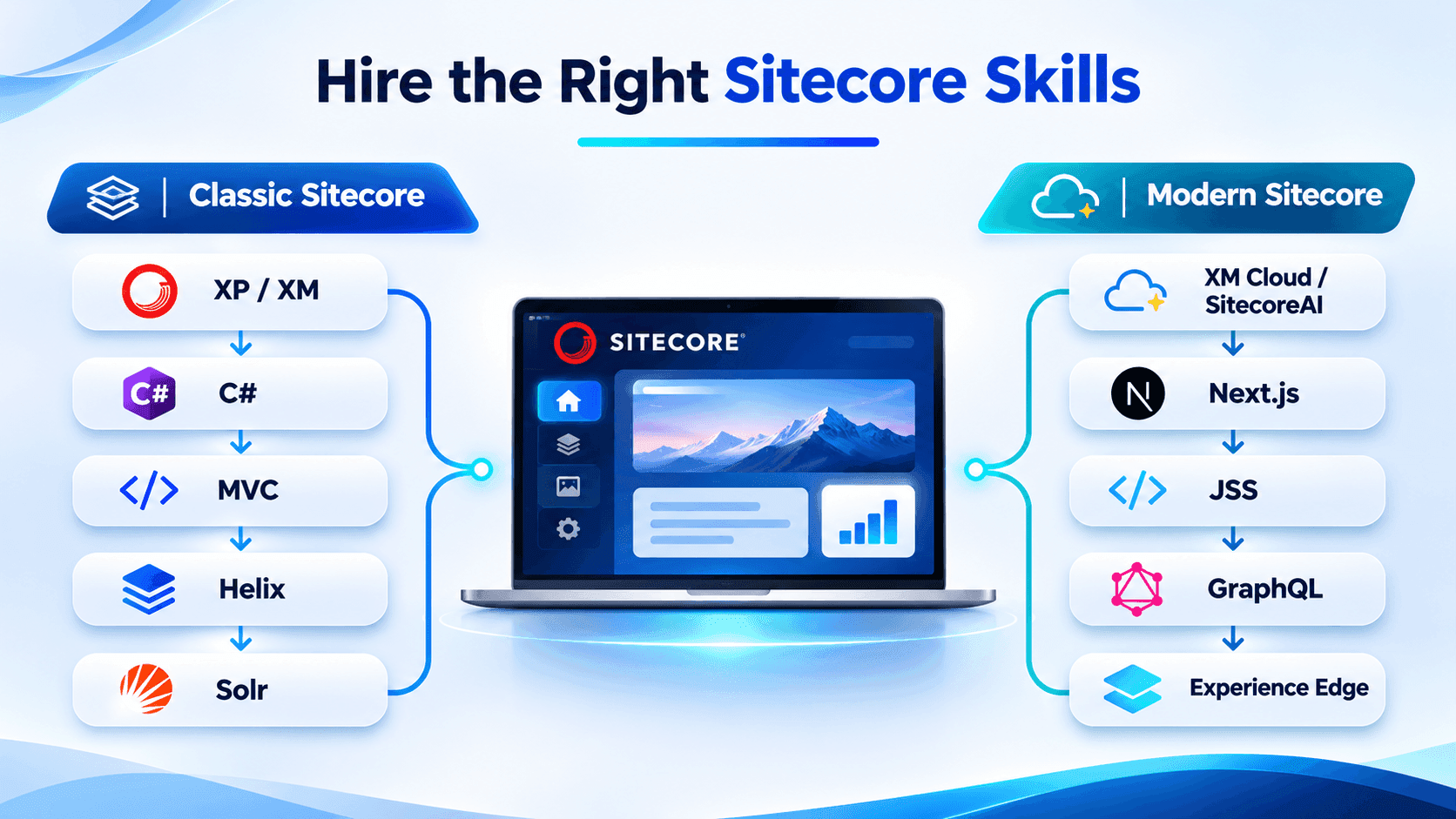
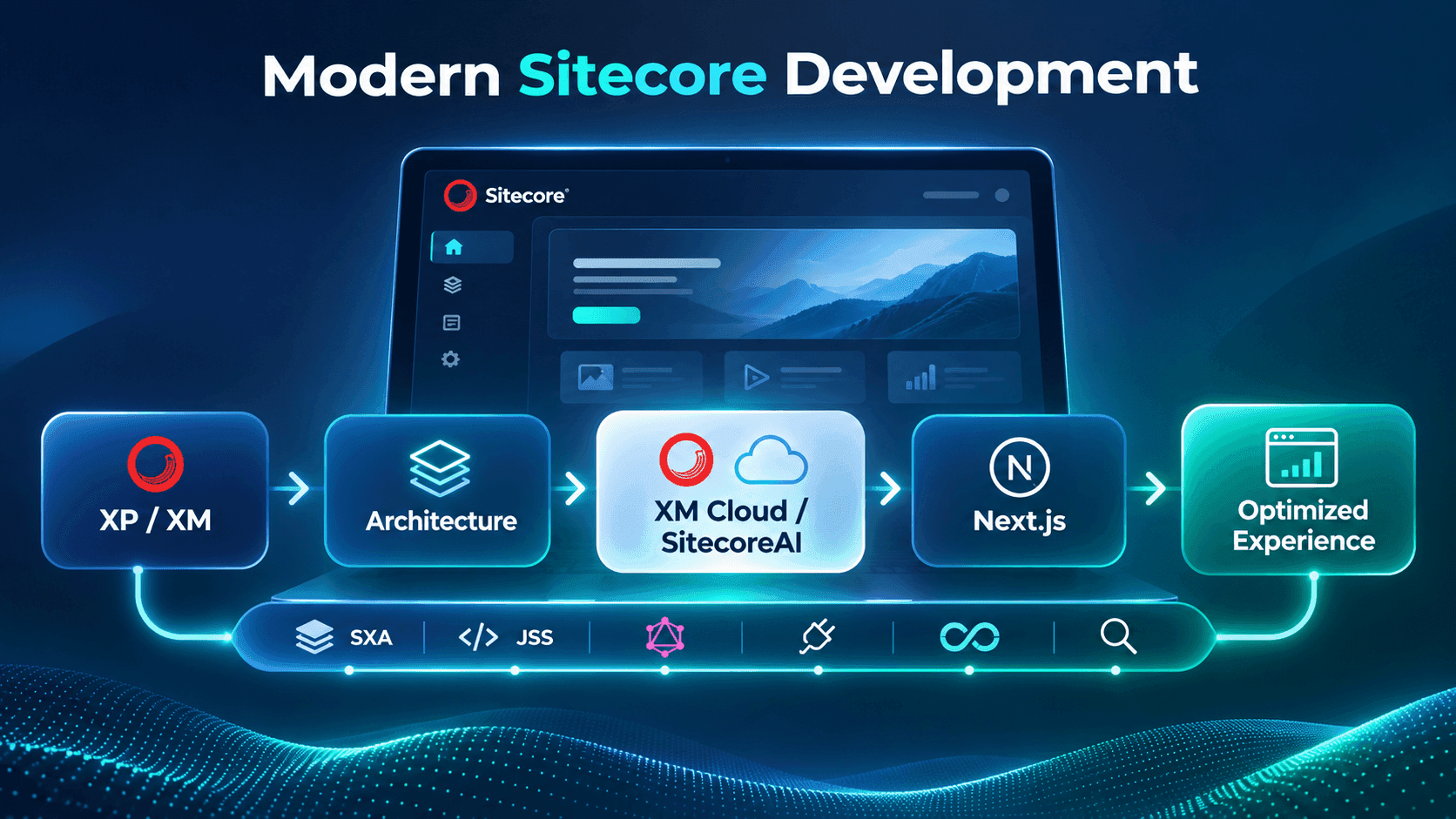
Instead of server patches, your issues now sit in the Next.js front end, JSS components, GraphQL queries, Experience Edge publishing and Vercel deployments. Your support partner needs strong React and Next.js skills, not only classic .NET Sitecore experience.
Murmu Software Infotech’s team has hands-on experience here from real XM Cloud projects, including a healthcare platform moved from XP to XM Cloud, a travel booking platform with booking API integrations and CI/CD, and a multilingual airport platform. That background helps us debug headless issues faster, because we’ve built the same kinds of components ourselves.
How Much Do Sitecore Support Services Cost?
Murmu Software Infotech publishes its rates:
- Hourly support: $25–40 per hour. Good for urgent fixes, one-off performance work and occasional help.
- Dedicated monthly developer: from $3,000 per month. Good for steady maintenance, sprint work and teams that need someone who knows their platform inside out.
- Managed support or project work: quoted separately based on your version, integrations, coverage and service levels.
Qualified engagements also get a one-day free trial, so you can test how the developer works on a real issue before committing.
Stop Sitecore Issues From Costing You Customers and Revenue
What to Put in Your Support Contract
Most support disappointments come from unclear scope, not bad developers. Before signing, agree in writing:
- Which issues are covered: bugs, publishing problems, integrations, deployment help.
- What’s excluded: large migrations, redesigns, new products, licensing and hosting.
- Included hours per month and what happens if you go over.
- Response times and coverage hours, especially if you need weekend or out-of-hours help.
- Access rules: who gets access to which environments and how credentials are handled.
- Handover notes, so knowledge stays with your company even if the partner changes.
Be careful with anyone promising 24/7 coverage at a low monthly fee without explaining how it’s staffed.
Keep Your Sitecore Platform Healthy
Strong Sitecore support services stop small issues from turning into lost leads, lost rankings and stalled releases. If your team is stuck firefighting instead of improving the site, Murmu Software Infotech can take on the support load, from urgent fixes to ongoing development. Start with a free assessment or a one-day trial.
Frequently Asked Questions
What are Sitecore support services?
Sitecore support services include website maintenance, technical troubleshooting, production issue resolution, performance optimization, security maintenance, integration support, deployment assistance and ongoing development for Sitecore XP, XM Cloud, SitecoreAI and headless implementations.
How much do Sitecore support services cost?
Murmu Software Infotech offers Sitecore support at $25–$40 per hour or dedicated Sitecore developers from $3,000 per month. Managed support packages are quoted separately based on platform complexity, integrations, coverage hours and service-level requirements.
What is the difference between official Sitecore support and third-party Sitecore support?
Official Sitecore support primarily addresses eligible product-related issues and platform defects. Third-party Sitecore support services focus on custom implementations, website components, integrations, performance optimization, deployment pipelines and ongoing development.
Can you provide support for a Sitecore website developed by another agency?
Yes. Murmu Software Infotech supports existing Sitecore websites developed by other agencies or internal teams. The engagement begins with a review of the codebase, environments, integrations and known issues before prioritizing fixes and improvements.
Do you provide Sitecore XP, XM Cloud and SitecoreAI support?
Yes. Murmu Software Infotech provides technical support for Sitecore XP, XM, SXA, Helix, XM Cloud, SitecoreAI, JSS and Next.js implementations, including traditional and headless architectures.
Why does Sitecore XM Cloud still require technical support?
Although Sitecore manages the core SaaS CMS infrastructure and updates, XM Cloud websites still require maintenance of front-end applications, custom components, GraphQL queries, integrations, Experience Edge publishing and external deployment environments.
What common Sitecore website issues can a support partner resolve?
A Sitecore support partner can troubleshoot publishing failures, Solr indexing issues, slow page performance, broken integrations, failed deployments, custom component errors, workflow problems and compatibility issues associated with upgrades.
Can Sitecore support services improve website speed and SEO?
Yes. Sitecore support services can improve technical SEO and website performance through caching optimization, efficient content queries, image optimization, Core Web Vitals improvements, redirect management, metadata validation and crawlability fixes.
Can I hire a dedicated Sitecore developer for ongoing maintenance?
Yes. Murmu Software Infotech offers dedicated Sitecore developers from $3,000 per month for ongoing maintenance, technical support, backlog development, integrations and performance improvements. Qualified engagements are eligible for a one-day free trial.
How do I get started with Sitecore support services?
Share your Sitecore version, website URL, hosting environment, integrations and current technical challenges with Murmu Software Infotech. The team can assess your requirements and recommend hourly support, dedicated developers or a managed support engagement.