Simplifying Multilingual Websites with AI-Powered Site Translation in SitecoreAI
In This Article
- What Is AI-Powered Site Translation?
- Who Can Access the Feature?
- How the Translation Process Works
- Step 1: Open the Site Dashboard
- Step 2: Choose the Target Language
- Step 3: Select the Source Language
- Step 4: Start the AI Translation
- What Content Gets Translated?
- Excluded Fields
- Translation Happens in the Background
- Centralized Localization Visibility
- Why This Matters for Enterprise Teams
- Human Review Still Matters
- Final Thoughts
- Reference:
Managing multilingual websites has always been one of the biggest challenges for enterprise content teams. Translating thousands of pages, maintaining language consistency, and coordinating localization workflows often require significant time and effort.
To simplify this process, SitecoreAI now offers full-site AI translation capabilities that allow organizations to translate an entire website — including content items and pages — with just a few clicks.
This feature helps teams accelerate localization, reduce manual translation work, and scale global digital experiences more efficiently.
What Is AI-Powered Site Translation?
SitecoreAI enables users to automatically generate translated versions of website content for supported languages directly within the platform.
Instead of manually translating every page or content item, the AI engine creates language versions automatically using the selected source language as the reference.
For example:
- If your website’s primary language is English
- And you want to launch a French version
SitecoreAI can automatically generate translated French versions of your existing content across the site.
This significantly reduces the time required to localize enterprise websites.
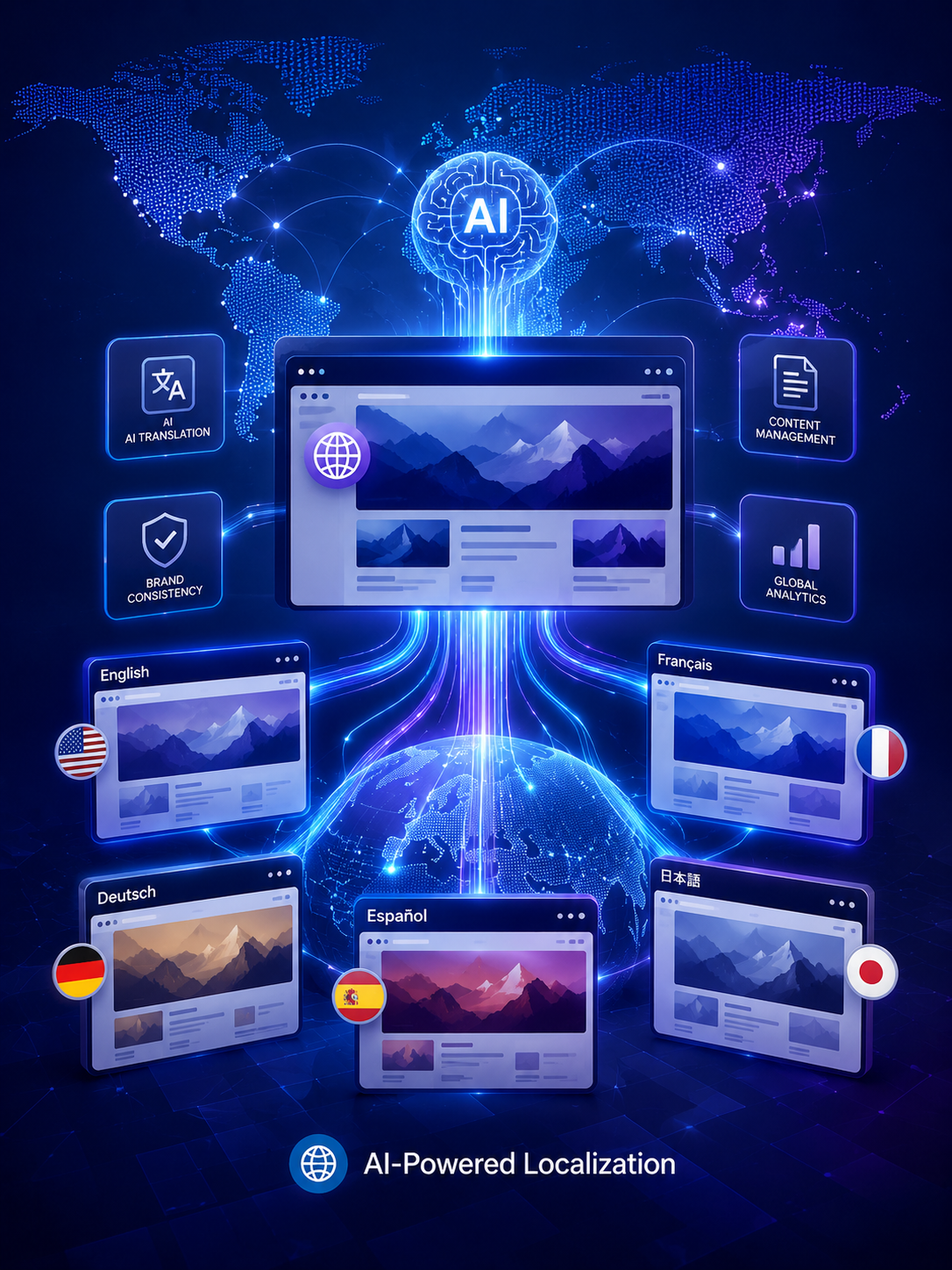
Scale Global Experiences With AI
Automate multilingual website translation, accelerate localization, maintain brand consistency, and deliver personalized global experiences with SitecoreAI’s intelligent translation capabilities.
Who Can Access the Feature?
The full-site AI translation capability is available for users with:
- Admin roles
- Sitecore Client Site Managing roles
However, translation permissions still follow Sitecore security rules.
If a Sitecore Client Site Manager does not have:
- Write access
- Language write permissions
for certain items, those items will automatically be skipped during the translation process.
This ensures content governance and permission structures remain intact.
How the Translation Process Works
Scale Global Experiences With AI
The workflow is designed to be simple and user-friendly.
Step 1: Open the Site Dashboard
Inside the Channels section, users can open the Dashboard for the desired site.
The translation tools are available through the Localization widget or the Localization tab.
Step 2: Choose the Target Language
Users select the language they want the site translated into.
The Localization section also provides visibility into:
- Supported site languages
- Translation progress percentage
- Number of untranslated items and pages
This gives content teams a centralized view of localization progress.
Step 3: Select the Source Language
Before starting the translation, users choose the source language that will act as the original content version.
In most cases, organizations select the language containing the largest amount of content.
However, SitecoreAI also allows teams to choose a linguistically similar language if it improves translation quality.
For example:
- Spanish → Portuguese
- German → Dutch
This flexibility can improve AI-generated translation accuracy.
Step 4: Start the AI Translation
Once configured, users simply click Translate.
By default, SitecoreAI only translates content items that do not already have a language version.
For example:
- If 20% of the website is already translated
- Only the remaining 80% will be processed
This helps avoid duplicate localization efforts.
However, users can also enable the option:
“Add AI translated version even if a language version already exists.”
This creates fresh AI-generated versions for all items, including previously translated content.
What Content Gets Translated?
Not every field in Sitecore is processed during AI translation.
Included Field Types
SitecoreAI translates Versioned and Unversioned fields such as:
- Single-line text
- Multi-line text
- Rich text
- General Link fields
- General Link with Search
- Image alt text
These field types cover the majority of marketing and editorial content across enterprise websites.
The list of translatable field types is defined in /sitecore/experienceAccelerator/siteManagement/translatableFieldTypes:
<translatableFieldTypes>
<fieldType key="single-line text"/>
<fieldType key="multi-line text"/>
<fieldType key="rich text"/>
<fieldType key="Image"/>
<fieldType key="General Link"/>
<fieldType key="General Link with Search"/>
</translatableFieldTypes>
Excluded Fields
Some fields are intentionally skipped during translation, including:
- Shared fields
- Certain system fields
This prevents unnecessary duplication of system-level configuration data.
Translation Happens in the Background
One of the most convenient aspects of the feature is that translations continue running even if users leave the page or close the browser window.
Teams can continue working elsewhere while SitecoreAI processes the localization tasks in the background.
However, Sitecore recommends avoiding changes to source-language content until the translation job finishes to ensure consistency between versions.
Centralized Localization Visibility
After translation completes, the Localization dashboard updates automatically.
Users can immediately see:
- Translation completion percentages
- Newly created language versions
- Remaining untranslated items
Once all items are processed, the dashboard reflects 100% localization coverage for the selected language.
This centralized reporting improves visibility for large global content operations.
Why This Matters for Enterprise Teams
AI-powered site translation addresses several common localization challenges:
| Traditional Challenge | AI Translation Advantage |
|---|---|
| Manual page-by-page translation | Automated site-wide localization |
| Long translation cycles | Faster multilingual publishing |
| Repetitive content processing | Smart translation of missing versions only |
| Fragmented workflows | Centralized localization dashboard |
| High operational costs | Reduced manual translation effort |
For organizations managing multiple regional websites, these improvements can significantly reduce operational overhead.
Human Review Still Matters
Although AI dramatically speeds up localization, translated content should still be reviewed before publishing.
AI-generated translations may occasionally require adjustments for:
- Brand tone
- Regional language nuances
- Industry terminology
- Cultural context
A final editorial review ensures content quality and brand consistency across markets.
Final Thoughts
SitecoreAI’s full-site translation capability represents a major step toward AI-driven localization workflows.
By automating the creation of multilingual content versions directly within the Sitecore ecosystem, organizations can:
- Scale global digital experiences faster
- Improve localization efficiency
- Reduce manual translation workload
- Maintain centralized governance
As enterprise websites continue expanding across international markets, AI-assisted translation is becoming an essential capability for modern digital experience platforms.
Reference:
Frequently Asked Questions
What is Simplifying Multilingual Websites with AI-Powered Site Translation in SitecoreAI?
SitecoreAI enables full-site AI translation for multilingual websites, helping enterprise teams automate localization workflows, accelerate global publishing, and simplify content management.