How to Use Design Studio in Sitecore AI
In This Article
Introduction
Artificial intelligence is changing how digital experiences are designed, built, and optimized. Organizations are moving beyond static websites and generic customer journeys toward adaptive, personalized, and AI-driven experiences. Within the Sitecore ecosystem, Design Studio in Sitecore AI represents a major step toward simplifying experience creation while improving collaboration between business teams and technical developers.
Design Studio combines AI-assisted design workflows, personalization capabilities, content intelligence, and experience orchestration into a unified environment. Instead of relying only on manual development and traditional content management processes, teams can use AI-powered tools to accelerate delivery, improve consistency, and optimize customer engagement.
For businesses, this means faster go-to-market execution, improved personalization, lower operational overhead, and better customer outcomes. For technical developers, it introduces a more efficient framework for managing components, experiences, workflows, and integrations.
This article explains what Design Studio in Sitecore AI is, why it matters, and how both business users and developers can use it effectively.

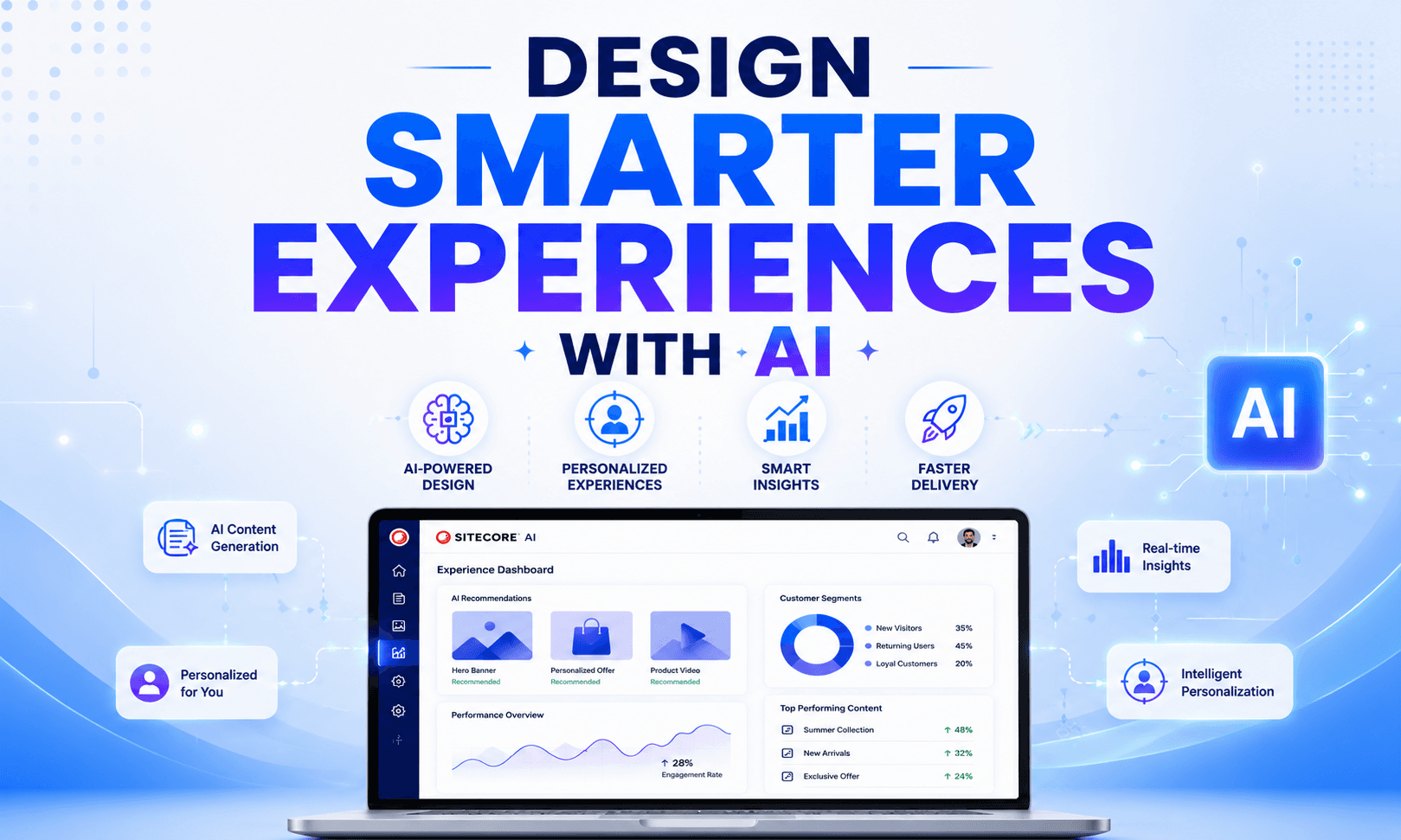
Design Smarter AI Experiences
Create personalized digital experiences with AI-assisted design, reusable components, intelligent recommendations, and analytics-driven optimization for every customer journey.
What Is Design Studio in Sitecore AI?
Design Studio in Sitecore AI is an AI-assisted digital experience design environment that helps organizations create, manage, and optimize customer experiences.
It enables:
- AI-assisted content and experience generation
- Visual experience design
- Reusable component management
- Intelligent personalization
- Automated recommendations
- Faster collaboration between marketing and development teams
- Omnichannel experience orchestration
- Design consistency across platforms
Rather than separating design, content, and development into isolated workflows, Design Studio creates a collaborative layer where business users and developers can work together.
The platform supports modern composable architecture principles, making it easier to integrate with:
- Sitecore XM Cloud
- Sitecore Personalize
- Sitecore CDP
- Sitecore Content Hub
- Sitecore Search
- Third-party APIs and services
Step 1: Define Your Experience Goals
Build Smarter Experiences with AI Personalization
Before building experiences, organizations should identify:
- Business objectives
- Target audiences
- Personalization goals
- Customer journey stages
- KPIs and analytics requirements
Examples:
- Increase lead generation
- Improve product discovery
- Reduce bounce rate
- Improve engagement time
Clear goals help AI systems generate more relevant recommendations.
Step 2: Build Reusable Components
Developers should create reusable components using Sitecore best practices.
Typical component structure includes:
- Presentation layer
- Data model
- Rendering logic
- Styling system
- Personalization rules
Reusable components improve scalability.
Recommended Practices
- Use atomic design principles
- Maintain naming standards
- Keep components modular
- Avoid tightly coupled implementations
Step 3: Configure AI Recommendations
Teams can configure AI models for:
- Content suggestions
- Audience targeting
- Product recommendations
- Dynamic layouts
- Behavioral personalization
This requires integration with:
- Sitecore CDP
- Personalize
- Analytics platforms
- Customer data systems
Step 4: Enable Personalization Rules
Create rules based on:
- Location
- Device type
- Referral source
- Purchase history
- Session behavior
- User segments
Example:
A returning customer may see:
- Personalized product recommendations
- Loyalty offers
- Recently viewed content
while a new visitor sees onboarding-focused content.
Step 5: Optimize Through Analytics
After deployment, continuously monitor:
- Conversion rates
- User engagement
- Scroll depth
- Journey drop-offs
- Content performance
- Personalization impact
AI systems improve over time with better behavioral data.
Frequently Asked Questions
What is Design Studio in SitecoreAI?
Design Studio in SitecoreAI is a centralized workspace for visualizing and testing components and forms. Teams can explore component variants, experiment with content and design configurations, and generate new component variants using AI.
How do I access Design Studio in SitecoreAI?
In the SitecoreAI interface, open the Design area and select Design Studio. You can then view and test available components and forms in a centralized workspace.
What can I do with SitecoreAI Design Studio?
You can visualize components, compare variants, test field configurations, experiment with design settings, preview responsive behavior, inspect component code, work with data sources, build forms, and generate component variants using AI.
Can I generate component variants with AI in SitecoreAI Design Studio?
Yes. SitecoreAI Design Studio supports generating new variants of existing components using AI, helping teams explore alternative component designs and configurations more efficiently.
Can I test Sitecore components without adding them to a page?
Yes. Design Studio lets teams visualize and test components outside the context of a specific site page, making it easier to experiment with layouts, content, styling, and configurations.
What are visualization values in SitecoreAI?
Visualization values are temporary preview values used to show how components look and behave in Design Studio. They help teams test layouts and styling without using final live-page content.
Can Design Studio preview components on different devices?
Yes. SitecoreAI Design Studio includes responsive visualization features that allow users to simulate how components appear across different device sizes.
Do changes made in Design Studio automatically save?
No. Changes and experiments made while visualizing components in Design Studio are not automatically saved as final component configurations. The testing insights can be used to inform changes in other SitecoreAI authoring tools.
Can Design Studio work with data sources and GraphQL?
Yes. Design Studio can display component data sources and supports testing components with different data inputs, including local sources and GraphQL queries.
What is required to use SitecoreAI Design Studio?
Your web application must use Content SDK 1.1.0 or later. Some AI and Design Studio capabilities also depend on Stream being enabled for the organization.