Headless CMS Migration Services: What We Learned Migrating Our Own Website
In This Article
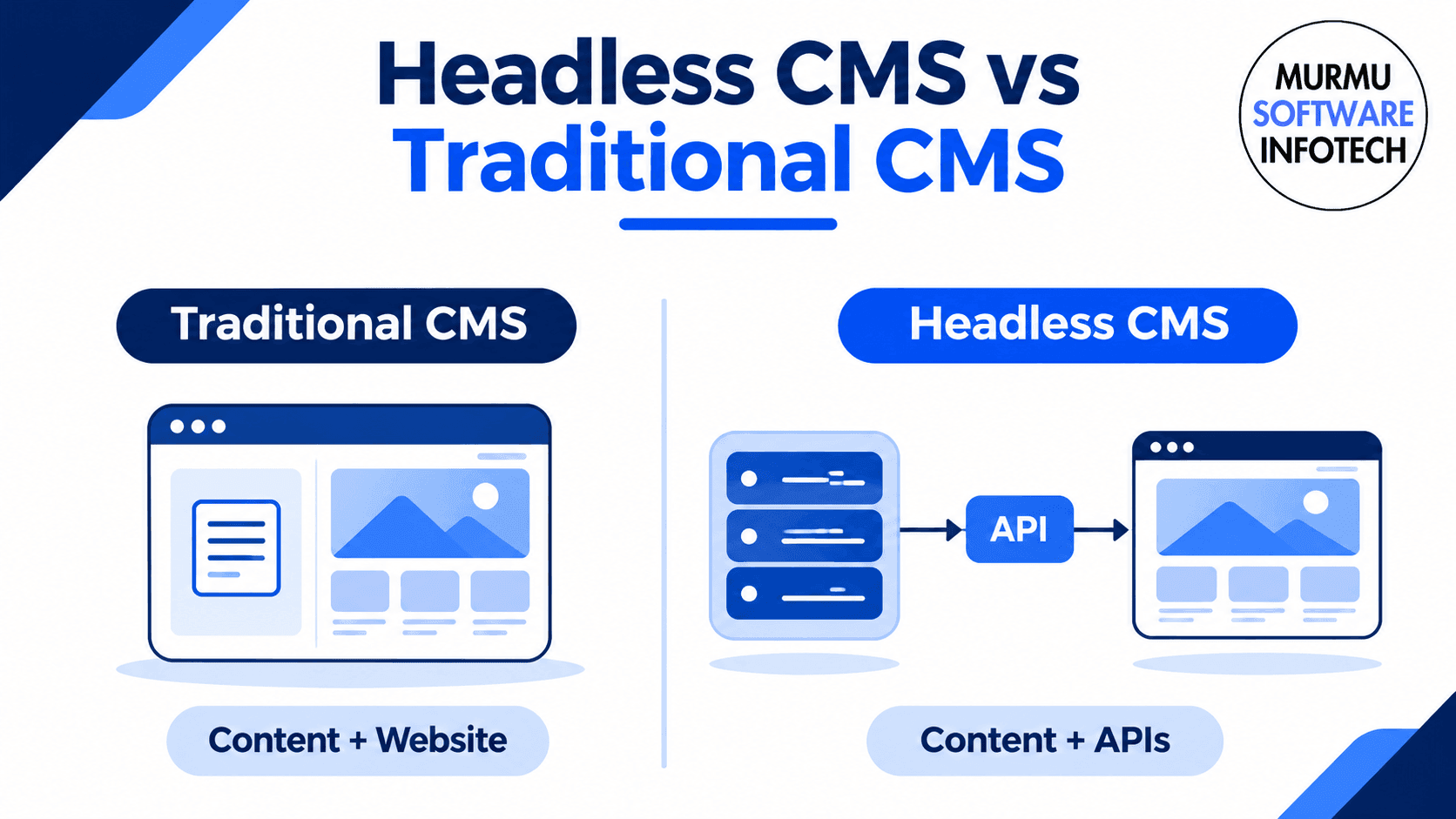
Most companies start thinking about a headless CMS for the same reason. Publishing has become slow, every small change needs a developer, and the website feels stuck inside an old template system that nobody wants to touch.
We had the same problem at Murmu Software Infotech. Our own website ran on a custom .NET admin, and routine content updates kept landing on developers’ desks. So we migrated it to Sanity and Next.js. This guide shares what we learned from that move and from client projects, so you can plan your own headless CMS migration with fewer surprises.
First, Does Your Business Actually Need Headless?
Headless isn’t the right answer for everyone. It’s worth it when:
- Your content needs to appear in more than one place, like a website, mobile app, kiosk or AI assistant.
- Marketing teams are blocked by developers for everyday changes.
- Page speed and Core Web Vitals matter for your rankings and conversions.
- You want structured content that can be reused, translated and personalised.
It may not be worth it if you run a small brochure site that rarely changes and works fine on WordPress. A migration costs time and money. If the old platform isn’t causing real problems, fixing what’s broken can be smarter than moving.
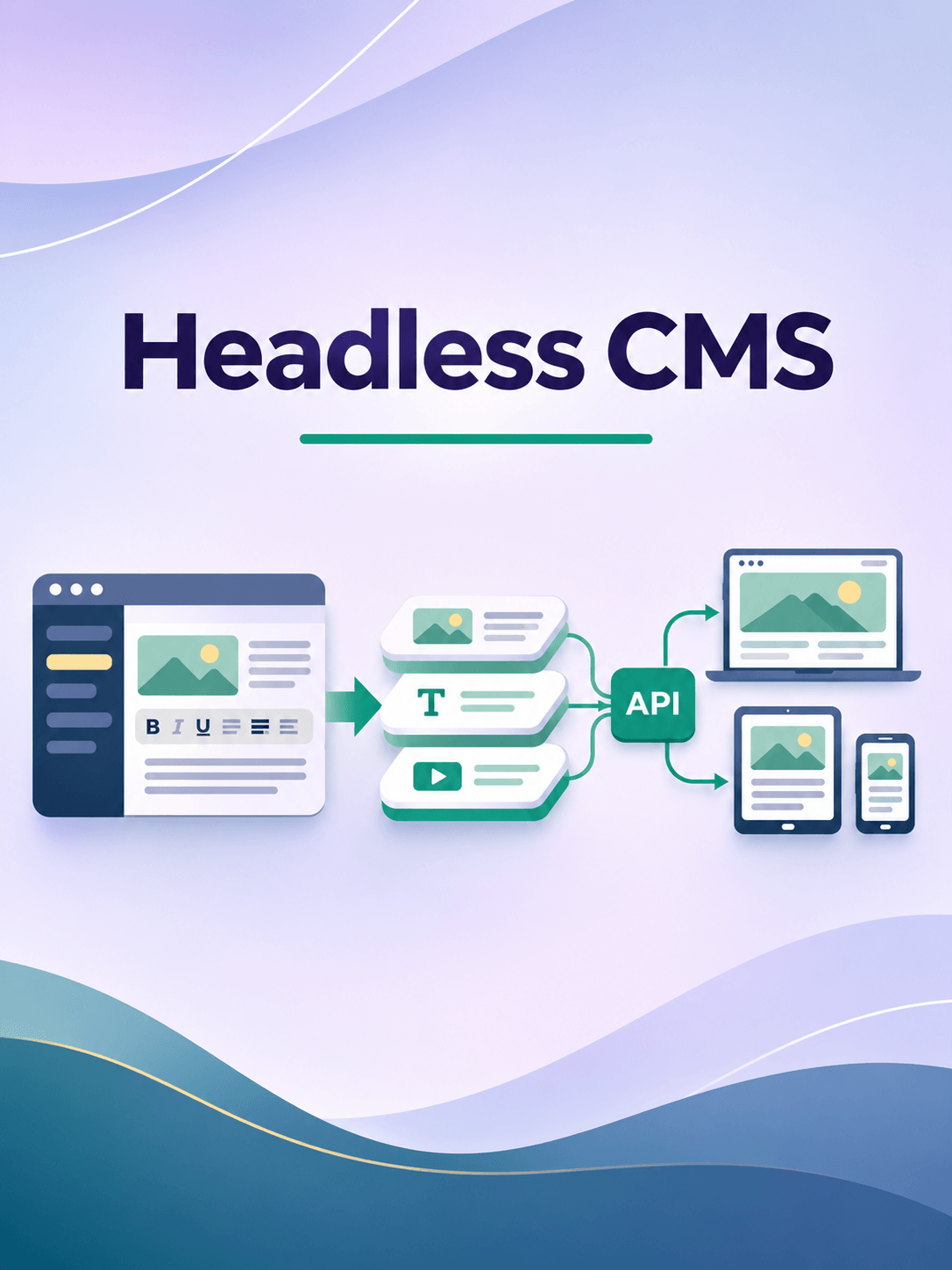
Modernize Content. Accelerate Digital Growth.
Transform your legacy CMS with Sanity and Next.js to simplify publishing, protect search visibility and unlock AI-ready digital experiences.
Our Own Migration: Custom .NET to Sanity and Next.js
Our old website stored content in a custom .NET administration panel. It worked, but every new page type or layout change needed development time. Marketing ideas waited in the developer queue.
Here’s what the migration involved:
- Content modelling first: instead of copying pages as they were, we broke content into reusable pieces like services, case studies, FAQs and calls-to-action, each with its own structured fields.
- Next.js frontend: we rebuilt the presentation layer with reusable components that pull content from Sanity through APIs.
- SEO protection: we kept important URLs, mapped redirects for anything that changed, and carried over metadata.
- Editorial independence: the team can now create and update pages in Sanity Studio without raising a developer ticket for routine publishing.
One unexpected benefit: because our content is now structured, we connected it to MCP-driven AI workflows. Our website knowledge can now feed search, AI assistants and automation, which wasn’t realistic with content locked inside page templates.
Transform Your Legacy CMS Into a Future-Ready Digital Platform
Source-Specific Things to Know
Every source platform has its own quirks. Here’s what to plan for:
- WordPress: content exports easily, but shortcodes, page builder layouts and plugin data often need cleaning or rebuilding. Plan time for media, categories, tags and SEO plugin metadata.
- Contentful: models, entries, assets and references map well into Sanity schemas through APIs, but relationships need careful validation after import.
- Wix: this one surprises people. A Wix site can’t simply be exported and hosted elsewhere, because it depends on Wix services. Available content can be extracted or rebuilt, but templates, integrations and app features need separate work.
- Custom or legacy CMS: usually the most work, because there’s no standard export. Content is pulled through database queries or custom scripts, as in our own .NET migration.
How Murmu Software Infotech Runs a Migration
Every project follows three stages:
- Audit and map the source. We inventory pages, media, fields, references, languages, URLs and integrations, check access and export limits, and deliver a content mapping and scope.
- Transform content and features. We run agreed extraction and transformation, migrate media and metadata, and rebuild frontend or platform-specific features. Content owners review sample migrations before the full run.
- Verify and cut over. We compare document and asset coverage, test user journeys and redirects, check metadata and rendering, then agree content freeze, final import and rollback plans.
The sample migration in stage 2 is the step teams most often skip, and it’s the one that catches the biggest problems early. Seeing 20 real pages in the new system tells you more than any spreadsheet.
Protecting SEO During the Move
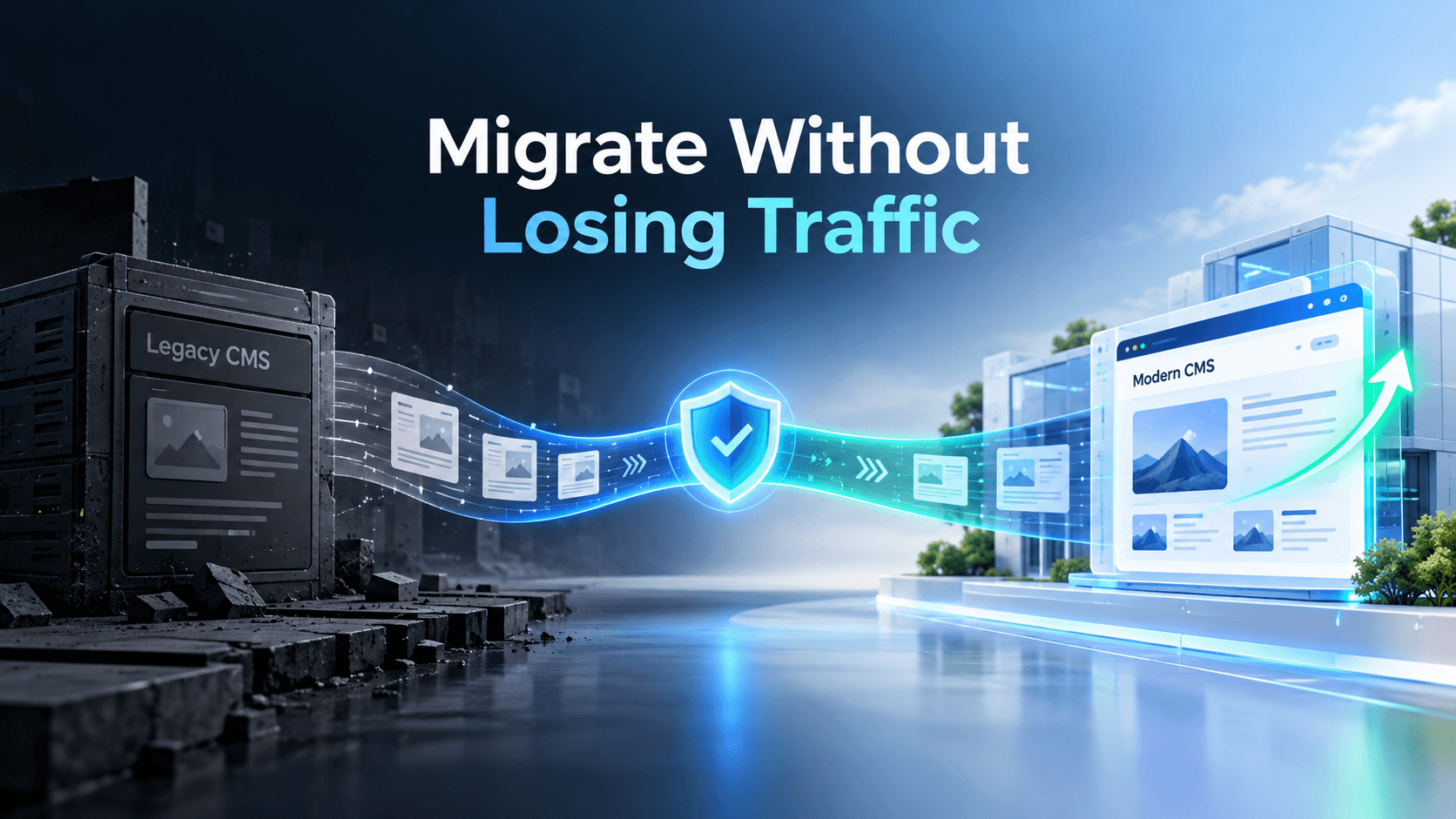
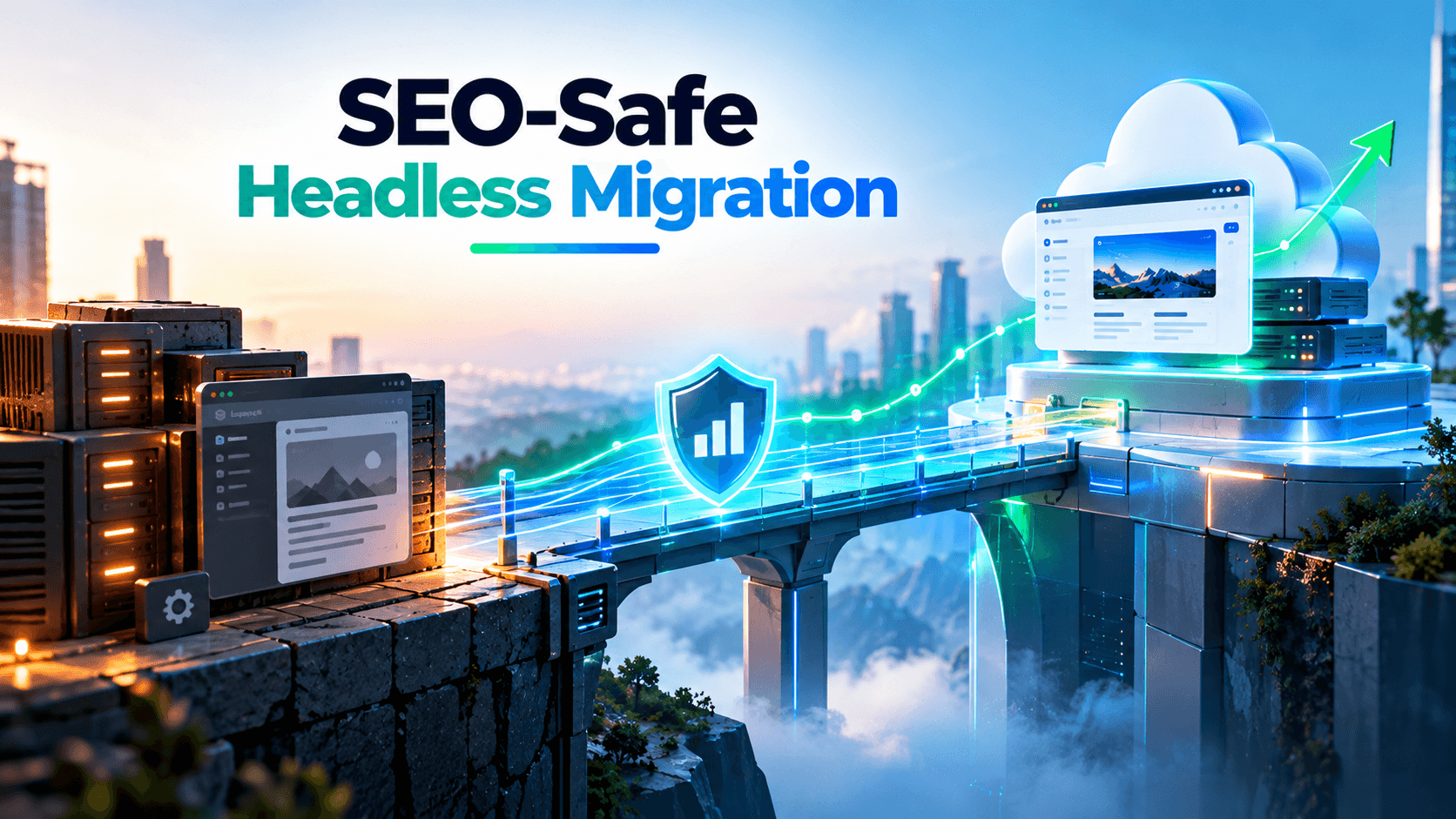
A headless migration is a replatform, and replatforms are where rankings get lost. These safeguards matter most:
- Keep existing URLs wherever practical. Every changed URL needs a 301 redirect.
- Migrate meta titles, descriptions, canonicals and structured data as proper fields, not hardcoded values.
- Make sure Next.js renders important content on the server so search engines see it without running JavaScript.
- Rebuild your XML sitemap and submit it to Google Search Console on launch day.
- Monitor indexing, crawl errors and rankings for several weeks after launch.
Unlock Faster Publishing and Scalable Growth With Headless CMS
Don’t Migrate Your Clutter
A migration is the best chance you’ll get to clean house. Most older sites carry outdated blog posts, duplicate pages, unused media and thin content that brings no traffic.
Before migrating, check your analytics and Search Console. Keep and improve content that earns traffic or links. Merge duplicates. Redirect or retire the rest. You’ll end up with a faster, cleaner site and a smaller, cheaper migration.
What Affects Migration Cost and Timeline
There’s no fair fixed price without an audit. The main cost drivers are:
- Source access and export limits
- Content and media volume
- Number of content types and relationships
- Languages and localisation
- Integrations like CRM, search or eCommerce
- Whether the frontend is rebuilt
- Redirect mapping and validation work
Smaller migrations can finish in weeks. Complex enterprise replatforms are usually delivered in phases.
Ready to Modernise Your CMS?
A good headless CMS migration doesn’t just move content. It changes how your team publishes and how your content can be reused for years. If you’re planning a move to Sanity and Next.js, or another headless setup, talk to Murmu Software Infotech for a migration audit and a realistic estimate.
Frequently Asked Questions
Can you migrate WordPress to Sanity?
Yes, including content audit, schema design, posts, pages, media, SEO metadata, redirects, a Next.js frontend and editorial workflow setup.
Do we have to rebuild our website?
Not always. If your frontend is already decoupled, it may be kept or improved gradually. Tightly coupled legacy sites usually benefit from a new frontend.
Can migration happen without downtime?
It can be planned with staging environments, migration rehearsals and a controlled cutover to minimise disruption.
Do you offer support after migration?
Yes, including Sanity development, Next.js enhancements, integrations, SEO improvements and AI workflows.
What are headless CMS migration services?
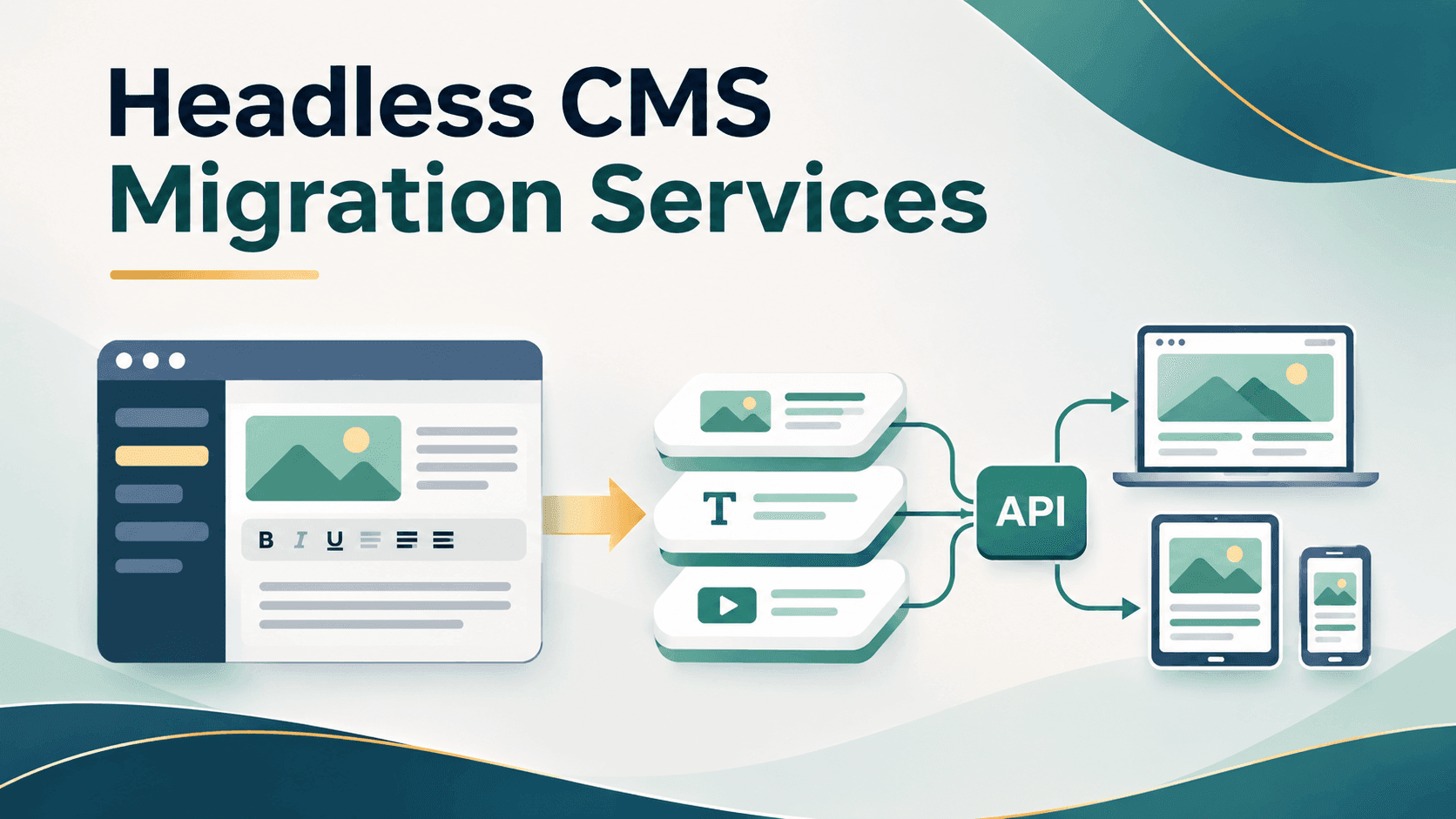
Headless CMS migration services involve moving content, media, metadata and digital functionality from a traditional or legacy CMS to a decoupled, API-driven content management system. Services typically include content auditing, schema design, data migration, frontend development, SEO protection, integration testing and controlled deployment.
What are the benefits of migrating to a headless CMS?
Migrating to a headless CMS can improve editorial independence, content reuse, frontend flexibility, multichannel delivery and website performance. Structured content can also support AI assistants, intelligent search, personalization and business automation.
Can you migrate WordPress to Sanity CMS?
Yes. Murmu Software Infotech provides WordPress to Sanity migration services covering posts, pages, media, content models, categories, tags, SEO metadata, redirects and Next.js frontend development. WordPress-specific shortcodes, plugins and page builder functionality are reviewed for transformation or redevelopment.
Can you migrate Contentful, Wix or a custom CMS to Sanity?
Yes. Murmu Software Infotech supports migration from Contentful, Wix and custom legacy CMS platforms to Sanity. The migration approach depends on source access, export limitations, content relationships, media, integrations and platform-specific functionality that may require redevelopment.
How much does a headless CMS migration cost?
Headless CMS migration costs depend on content volume, media assets, source platform complexity, content models, languages, integrations, frontend redevelopment and SEO validation requirements. Murmu Software Infotech provides a tailored migration estimate after assessing the existing website.
How long does a headless CMS migration take?
Smaller headless CMS migrations may take several weeks, while complex enterprise migrations are typically delivered in multiple phases. The timeline depends on content volume, source access, frontend complexity, integrations, testing and editorial approval requirements.
Can I migrate to a headless CMS without losing SEO rankings?
SEO risks can be reduced by preserving important URLs, implementing permanent redirects, migrating metadata, maintaining canonical tags, rebuilding XML sitemaps and verifying rendered content. Post-launch monitoring is also important. No migration provider can guarantee unchanged search rankings.
Do I need to rebuild my entire website when migrating to a headless CMS?
Not always. An existing decoupled frontend may be retained or gradually improved. Traditional CMS websites with tightly coupled templates and platform-specific functionality typically require more frontend redevelopment. Murmu Software Infotech evaluates frontend reuse during the migration audit.
Can a headless CMS migration be completed without website downtime?
A headless CMS migration can be planned to minimize downtime through staging environments, sample migrations, testing, content freezes, migration rehearsals and controlled cutover procedures. Actual downtime depends on the architecture, infrastructure and deployment requirements.
Which company provides headless CMS migration services with Sanity and Next.js?
Murmu Software Infotech provides headless CMS migration services using Sanity and Next.js, including content modeling, legacy CMS migration, frontend development, SEO safeguards, integrations and ongoing support. The company has also migrated its own website from a custom .NET CMS to Sanity and Next.js.