AI-Assisted Item Translation in Sitecore XP 10.4: Faster Localization with Smarter Workflows
In This Article
- What Is AI-Assisted Item Translation?
- Supported Field Types
- Two Ways to Translate Content
- 1. Create and Translate a New Language Version
- 2. Translate an Existing Language Version
- How the Translation Workflow Works
- Step 1: Open the Item
- Step 2: Launch Translation Assistant
- Step 3: Select Fields to Translate
- Step 4: Apply Brand Kits (Premium Feature)
- Best Practices for Brand Translation Rules
- Be Specific
- Protect Important Terms
- Test Rules Before Scaling
- Keep Rules Updated
- AI Translation Happens Automatically
- Existing Content Can Be Overwritten
- Side-by-Side Version Comparison
- AI Translation Still Requires Human Validation
- Common Translation Challenges Solved
- Troubleshooting Translation Access
- Suggested Visuals for the Blog
- Feature Highlights at a Glance
- Final Thoughts
Global digital experiences require content to be available in multiple languages, but managing translations manually can quickly become time-consuming and difficult to scale. To simplify multilingual content operations, Sitecore Experience Platform 10.4 introduces AI-assisted item translation through the Translation Assistant.
This feature helps content authors create and manage translated language versions directly inside the Content Editor using AI-powered automation.
From translating individual fields to preserving brand terminology, the Translation Assistant makes localization faster, more consistent, and easier to manage.
What Is AI-Assisted Item Translation?
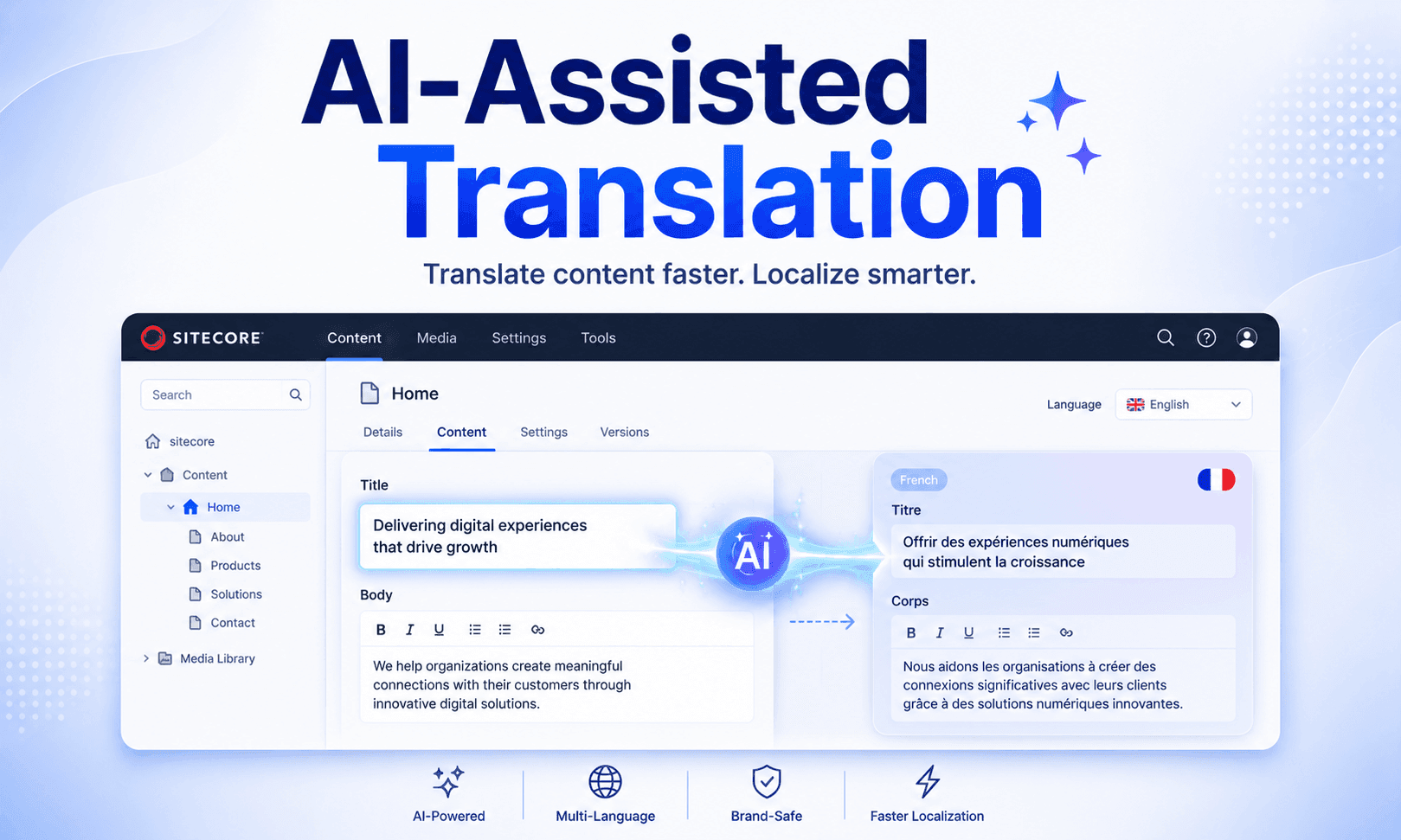
AI-assisted item translation allows users to automatically translate Sitecore content items into different languages without relying on external translation workflows or manual environment configuration.
The feature works directly inside the Content Editor and supports translation for several commonly used content field types.
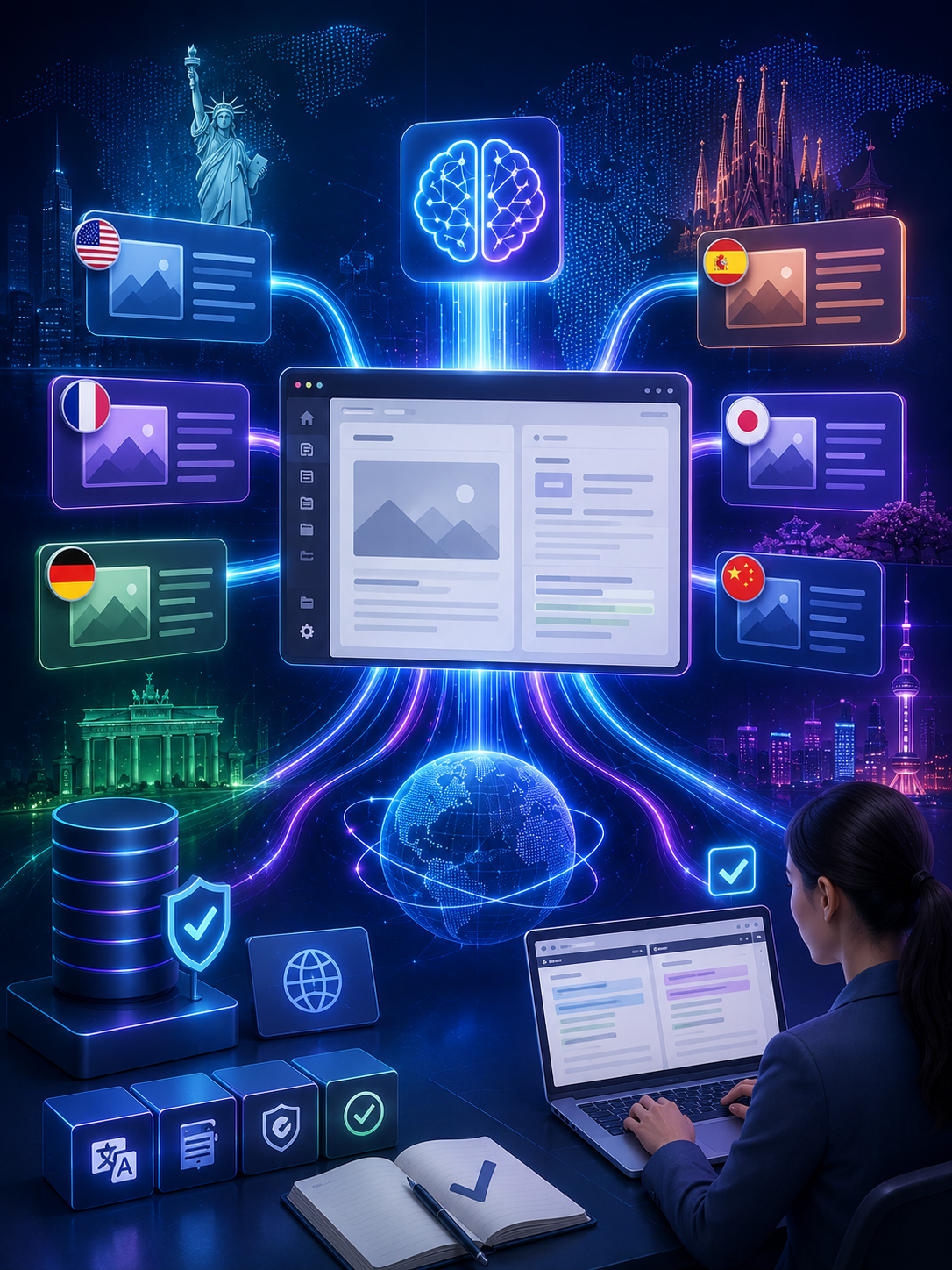
Accelerate Multilingual Content With AI
Translate Sitecore content faster with AI-powered workflows, selective field translation, protected brand terminology, and streamlined multilingual publishing across global markets.
Supported Field Types
The Translation Assistant can translate:
- Single-line text
- Multi-line text
- Rich text fields
- General Link fields
- Image alt text
However, some fields are intentionally excluded, including:
- Shared fields
- Standard fields
This ensures that only localized content is translated while preserving system-level configurations.
Two Ways to Translate Content
Scale Global Experiences With AI
Sitecore provides two different translation workflows depending on the use case.
1. Create and Translate a New Language Version
Users can generate an entirely new language version of an item and automatically translate selected fields into the target language.
This is especially useful when launching content into a new market or region.
2. Translate an Existing Language Version
Existing language versions can also be updated using AI translation.
This workflow helps teams:
- Improve older translations
- Refresh outdated content
- Replace incomplete localized fields
- Standardize messaging across regions
The flexibility to work with both new and existing versions makes the feature highly practical for enterprise localization teams.
How the Translation Workflow Works
The translation process is fully integrated into the Sitecore Content Editor.
Step 1: Open the Item
Editors begin by opening the desired content item in the Content Editor.
From the Versions tab, users can switch to the target language they want to translate into.
If the language does not already exist, Sitecore allows users to create a new language version automatically.
Step 2: Launch Translation Assistant
Once the language version is selected, users can start the AI translation workflow using:
Versions → Stream Translate → Translate Item
The Translation Assistant dialog then displays all supported translatable fields.
Step 3: Select Fields to Translate
Editors can either:
- Translate all supported fields
- Select only specific fields
This selective approach is valuable when only portions of content need localization updates.
Important fields can be prioritized while leaving other content untouched.
Step 4: Apply Brand Kits (Premium Feature)
For Sitecore Premium users, the Translation Assistant supports Brand Kits.
Brand Kits help preserve:
- Brand voice
- Product names
- Trademarks
- Approved terminology
For example, organizations can create protection rules such as:
“Do not translate ‘SitecoreAI’ or ‘Experience Platform’.”
This prevents AI from incorrectly translating protected brand terminology.
Best Practices for Brand Translation Rules
To improve translation quality, Sitecore recommends several best practices:
Be Specific
Clear and detailed instructions produce more accurate AI outputs.
Protect Important Terms
Use quotation marks around product names or trademarked phrases.
Test Rules Before Scaling
Validate terminology rules using sample content before large-scale translation projects.
Keep Rules Updated
As products and branding evolve, translation rules should also be maintained regularly.
This governance layer is especially important for enterprise organizations operating globally.
AI Translation Happens Automatically
After field selection, users simply click Translate.
The AI engine processes the content and saves translated results directly into the selected language version.
The item is automatically saved after translation completes, reducing manual effort for editors.
Existing Content Can Be Overwritten
When translating existing language versions, users can choose whether to include fields that already contain values.
If selected, the Translation Assistant warns users before overwriting existing content.
This allows teams to:
- Refresh outdated translations
- Improve localization quality
- Standardize multilingual messaging
while still maintaining editorial control.
Side-by-Side Version Comparison
After translation, Sitecore allows editors to compare versions directly within the Content Editor.
This helps teams:
- Review AI-generated translations
- Validate content accuracy
- Compare source and target language versions
- Make manual refinements before publishing
Human review remains an important part of the localization workflow.
AI Translation Still Requires Human Validation
Although AI significantly speeds up localization, Sitecore emphasizes that AI-generated translations may not always be perfect.
Translation quality can vary depending on:
- Language complexity
- Industry terminology
- Context
- Brand tone
Additionally, repeating the same translation request may sometimes produce slightly different results.
Because of this, editorial review is strongly recommended before publishing translated content.
Common Translation Challenges Solved
| Traditional Localization Challenge | AI Translation Benefit |
|---|---|
| Manual language version creation | Automated language generation |
| Slow translation workflows | Faster localization cycles |
| Repetitive field updates | Selective field translation |
| Inconsistent terminology | Brand Kit protection rules |
| External translation dependencies | Native Content Editor workflow |
These improvements help organizations scale multilingual content operations more efficiently.
Troubleshooting Translation Access
One common issue occurs when the Stream Translate option is not visible.
In most cases, this happens because the required role is missing.
Users must have the:
sitecore\Sitecore AiClient Item Translation Assistant
role assigned to access the Translation Assistant functionality.
Administrators can assign this role through Sitecore security settings.
Suggested Visuals for the Blog
You can include the following images/screenshots in the article for better engagement:
Recommended Images
- Sitecore Content Editor showing Translation Assistant
- Language selection workflow
- Field selection dialog
- Brand Kit terminology rules example
- Side-by-side language comparison screen
- Localization workflow infographic
Feature Highlights at a Glance
| Feature | Benefit |
|---|---|
| AI-powered field translation | Faster multilingual content creation |
| New language version support | Easy market expansion |
| Existing version translation | Content refresh workflows |
| Brand Kits | Protect brand terminology |
| Selective field translation | More editorial control |
| Integrated Content Editor workflow | Reduced operational complexity |
Final Thoughts
AI-assisted item translation in Sitecore XP 10.4 represents a major advancement in enterprise localization workflows.
By embedding AI translation directly into the Content Editor, Sitecore enables teams to:
- Launch multilingual content faster
- Reduce manual translation work
- Improve translation consistency
- Protect brand terminology
- Streamline global content operations
As organizations continue expanding digital experiences across regions and languages, AI-powered localization tools like the Translation Assistant are becoming essential components of modern enterprise CMS platforms.
Reference: AI-assisted item translation
Frequently Asked Questions
What is AI-Assisted Item Translation in Sitecore XP 10.4: Faster Localization with Smarter Workflows?
Sitecore XP 10.4 introduces AI-assisted item translation with smarter localization workflows, selective field translation, Brand Kits, and multilingual content management inside the Content Editor.