Sitecore Optimization & SEO Guide 2026: Fix Slow Websites and Build Turbo-Speed Enterprise Pages
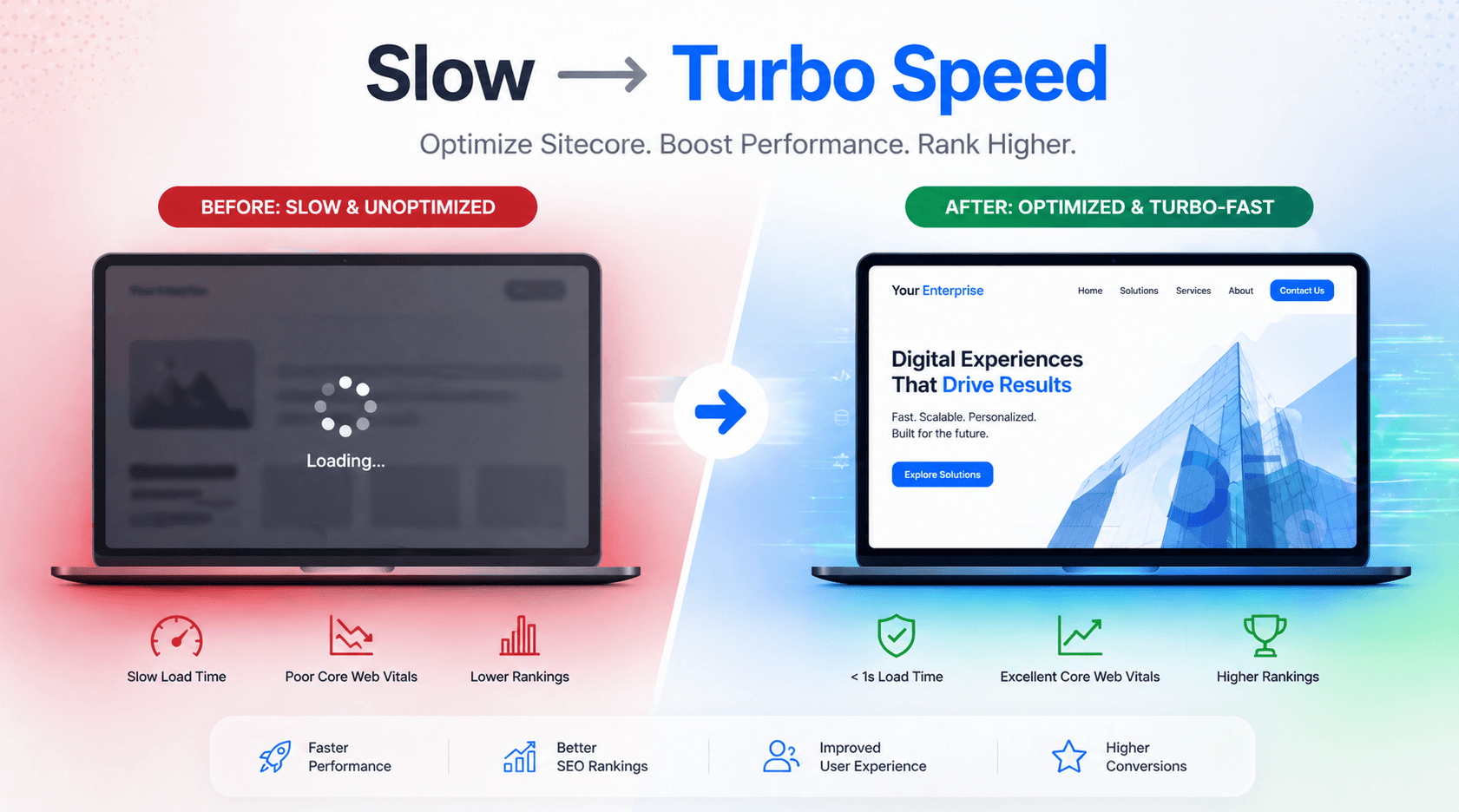
In This Article
- Problem: Your Sitecore Website Is Slowing Down Business Growth
- Why It Matters: Speed Directly Impacts Revenue & SEO
- Solution: Modern Sitecore Optimization with Headless Architecture
- Core Sitecore Optimization Strategies
- 1. Fix Slow Sitecore Website Performance
- 2. Sitecore Core Web Vitals Optimization
- 3. Sitecore Headless Performance with Next.js
- 4. Sitecore Caching Best Practices
- 5. Sitecore XM Cloud Speed Optimization
- 6. SEO Optimization Strategies for Sitecore
- 7. Improve Sitecore Page Load Time
- Comparison: Traditional Sitecore vs Headless Sitecore + Next.js
- Why Choose an Expert Partner
- Final Insight
Problem: Your Sitecore Website Is Slowing Down Business Growth
Enterprise organizations rely on Sitecore for personalization, scalability, and content management.
But in 2026, many Sitecore implementations suffer from a critical issue:
Common challenges include:
- Slow page load times (3–6 seconds)
- Poor Core Web Vitals scores
- Heavy backend rendering
- Inefficient caching strategies
- Complex integrations slowing down delivery
For CXOs and digital leaders, this translates into:
- Lost conversions
- Reduced ROI on digital investments
- Lower search rankings
- Poor user experience
The reality:
Even enterprise-grade platforms fail if performance is not optimized.

Make Your Sitecore Website Faster
Boost enterprise performance with Sitecore optimization, Core Web Vitals, Next.js, smart caching, technical SEO, and faster page delivery.
Why It Matters: Speed Directly Impacts Revenue & SEO
Google’s ranking algorithm now prioritizes:
- Core Web Vitals
- Page experience
- Mobile performance
A delay of just 1 second can:
- Reduce conversions by up to 20%
- Increase bounce rates significantly
For enterprise businesses, this means:
- Higher customer acquisition costs
- Reduced engagement
- Missed growth opportunities
In competitive markets:
- Faster websites rank higher
- Faster websites convert better
Solution: Modern Sitecore Optimization with Headless Architecture
Slow Sitecore Is Costing You Traffic & Revenue
To overcome performance challenges, leading enterprises are adopting:
- Sitecore as a headless CMS
- Next.js for ultra-fast frontend delivery
This combination enables:
- Lightning-fast page load times
- Scalable architecture
- Improved SEO performance
- Enhanced user experience
Core Sitecore Optimization Strategies
1. Fix Slow Sitecore Website Performance
Key improvements:
- Optimize backend processing
- Reduce unnecessary rendering
- Streamline integrations
Result:
👉 Faster response time + improved stability
2. Sitecore Core Web Vitals Optimization
Focus on:
- LCP (Largest Contentful Paint) → Faster content load
- CLS (Cumulative Layout Shift) → Stable layouts
- INP (Interaction responsiveness) → Smooth user interactions
Outcome:
👉 Higher Lighthouse scores + better rankings
3. Sitecore Headless Performance with Next.js
Using Next.js:
- Static Site Generation (SSG)
- Server-side rendering (SSR)
- Incremental Static Regeneration (ISR)
Benefits:
- Sub-1 second load times
- Faster global delivery
- Improved SEO
4. Sitecore Caching Best Practices
Implement:
- Output caching
- Data caching
- CDN-based caching
This ensures:
- Reduced server load
- Faster page delivery
5. Sitecore XM Cloud Speed Optimization
Modern deployments using XM Cloud enable:
- Cloud-native scalability
- Faster deployment cycles
- Improved performance
Combined with headless architecture:
👉 Enterprise-grade speed + flexibility
6. SEO Optimization Strategies for Sitecore
To improve rankings:
- Implement structured data
- Optimize metadata dynamically
- Improve internal linking
- Ensure fast crawlability
This leads to:
- Higher visibility
- Better click-through rates
7. Improve Sitecore Page Load Time
Focus areas:
- Image optimization
- Code splitting
- Lazy loading
- Script minimization
Outcome:
👉 Faster user experience + higher engagement
Comparison: Traditional Sitecore vs Headless Sitecore + Next.js
| Factor | Traditional Sitecore | Headless + Next.js |
|---|---|---|
| Speed | Moderate | Ultra-fast |
| SEO | Good | Excellent |
| Scalability | Limited | Enterprise-grade |
| Flexibility | Moderate | High |
| User Experience | Standard | Premium |
Why Choose an Expert Partner
Sitecore optimization is not just technical—it’s strategic.
Most organizations struggle due to:
- Complex architecture
- Inefficient caching
- Lack of performance tuning
- SEO misalignment
An expert partner ensures:
- Scalable architecture design
- Performance optimization
- SEO alignment
- Long-term success
👉 Explore our services:
- https://yourdomain.com/sitecore-development
- https://yourdomain.com/enterprise-seo
Final Insight
In 2026, enterprise success depends on:
1. Speed
2. Experience
3. Performance
Organizations investing in Sitecore optimization 2026 strategies are:
- Ranking higher
- Converting better
- Scaling faster
Frequently Asked Questions
How do I improve Sitecore website performance?
Improve Sitecore performance by optimizing JavaScript bundles, images, fonts, data fetching, caching, API routes, database queries, code splitting, and frontend rendering. For headless Sitecore, also evaluate Next.js rendering and caching strategies.
Why is my Sitecore website slow?
A Sitecore website can become slow because of large JavaScript bundles, unoptimized images, inefficient API requests, slow data fetching, excessive client-side rendering, poor caching, database bottlenecks, third-party scripts, or inefficient frontend components.
How can I improve Core Web Vitals for Sitecore?
Focus on LCP, INP, and CLS by optimizing images and fonts, reducing JavaScript, improving server response times, preventing layout shifts, using effective caching, and choosing an appropriate Sitecore rendering and data-fetching strategy.
How do I improve LCP on a Sitecore website?
Improve LCP by optimizing the largest above-the-fold element, especially hero images, reducing render-blocking resources, optimizing fonts, improving TTFB, using caching and CDN delivery, and reducing unnecessary JavaScript.
How do I reduce CLS on Sitecore websites?
Reduce CLS by reserving dimensions for images and media, properly loading fonts, avoiding dynamically inserted content that shifts existing elements, and ensuring components have predictable layouts before content loads.
How can Next.js improve Sitecore performance and SEO?
Next.js can improve Sitecore performance by supporting static generation, incremental static regeneration, server-side rendering, code splitting, optimized images, and efficient data fetching. Pre-rendered HTML can also improve crawlability and page delivery.
What is the best rendering strategy for Sitecore XM Cloud?
The best rendering strategy depends on the page requirements. SSG and ISR are well suited to content that changes infrequently, while SSR is appropriate when content depends on request-time data, personalization, authentication, or other dynamic information.
How does caching improve Sitecore website performance?
Caching reduces repeated computation and data fetching by serving previously generated content or responses. Browser, CDN, application, API, and page caching can reduce server load, improve response times, and help deliver pages faster.
How should images be optimized in Sitecore?
Use appropriately sized images, modern formats such as WebP or AVIF where supported, responsive image delivery, compression, correct dimensions, and suitable lazy-loading strategies. Sitecore's Next.js implementations can also use image optimization components where appropriate.
How can I improve SEO on a Sitecore website?
Improve Sitecore SEO through technically sound HTML, descriptive metadata, canonical URLs, structured data, XML sitemaps, robots controls, accessible content, optimized images, internal linking, fast rendering, Core Web Vitals improvements, and properly rendered indexable HTML.