OPD Queue Management System
In This Article
- Complete Hospital Workflow and Patient Flow Guide
- Why Hospitals Need a Connected OPD Queue System
- Hospital OPD Workflow Diagram
- How the OPD-to-Billing Workflow Works
- 1. Registration and appointment confirmation
- 2. Digital token generation
- 3. Doctor calling and consultation
- 4. Laboratory and pharmacy
- 5. Billing and follow-up
- Doctor, Patient and Administrator Roles
- Essential OPD Queue Management Features
- OPD Analytics and Hospital Performance
- Request a Live OPD Software Demo
- Related Healthcare Software Services
Complete Hospital Workflow and Patient Flow Guide
An OPD queue management system helps hospitals organize outpatient visits through digital token generation, doctor-wise queues, live displays and coordinated patient movement. When integrated with hospital management software, it connects registration, appointments, consultation, diagnostics, pharmacy and billing, helping hospital staff manage queues and patients track their visits.
Long waiting times, manual tokens and disconnected departments create unnecessary pressure on hospital receptionists, doctors and patients.
A connected OPD Queue Management Software platform helps hospitals replace fragmented processes with synchronized queues, department-level visibility and a more organized outpatient experience.

Transform Your Hospital OPD Experience
Streamline patient registration, digital tokens, doctor queues and billing with one connected OPD management system built for efficient hospital operations.
Why Hospitals Need a Connected OPD Queue System
Traditional outpatient operations often rely on paper tokens, manual patient calling and disconnected appointment systems.
These processes become difficult when several registration counters manage multiple doctors and departments simultaneously.
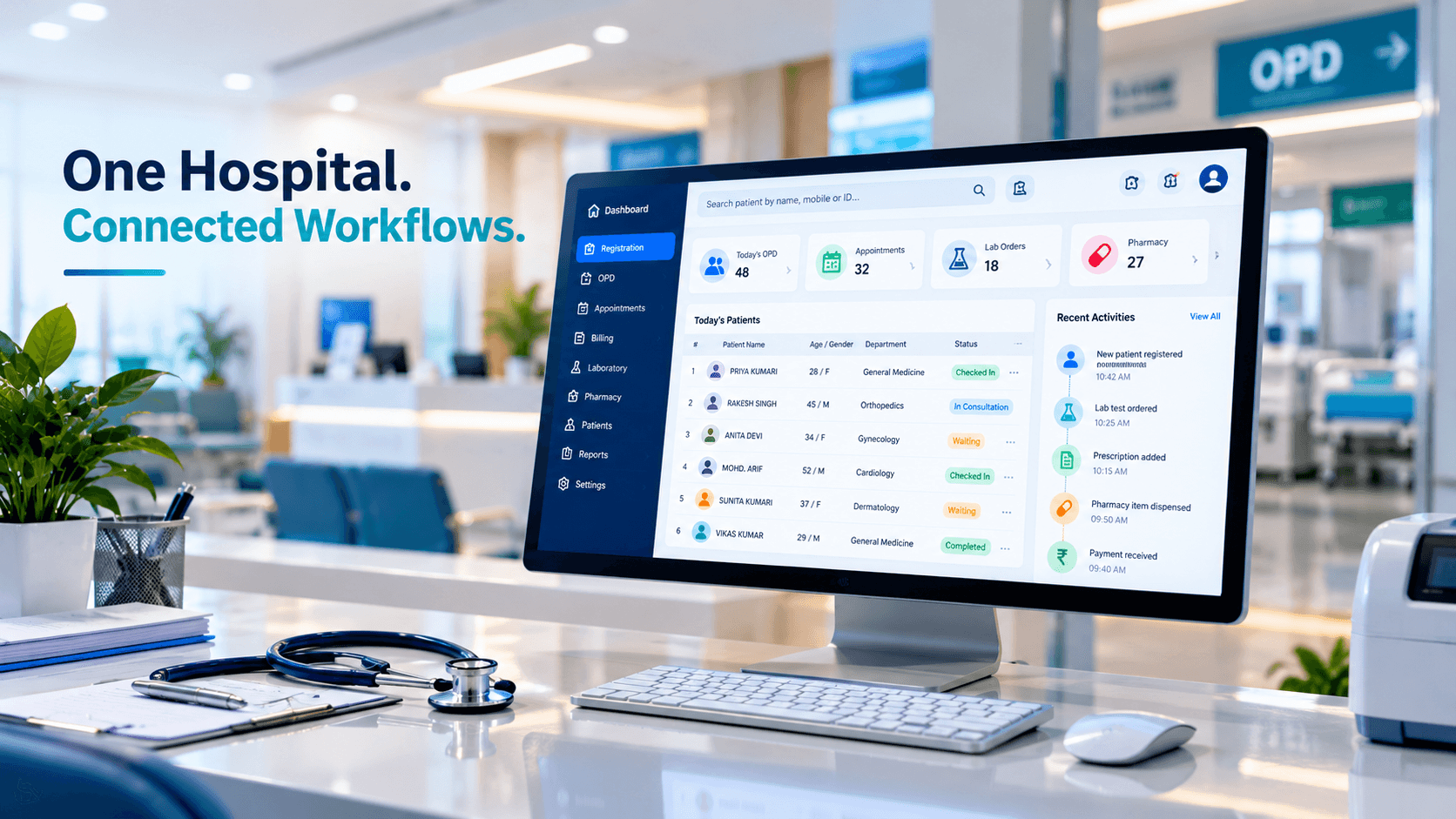
A digital OPD system connects patient registration, doctor availability, appointment scheduling, token generation and waiting-area displays.
Patients receive clearer queue information, doctors manage their own consultation queues, and administrators gain visibility into departmental workloads and operational bottlenecks.
Modernize Your Hospital's OPD Workflow
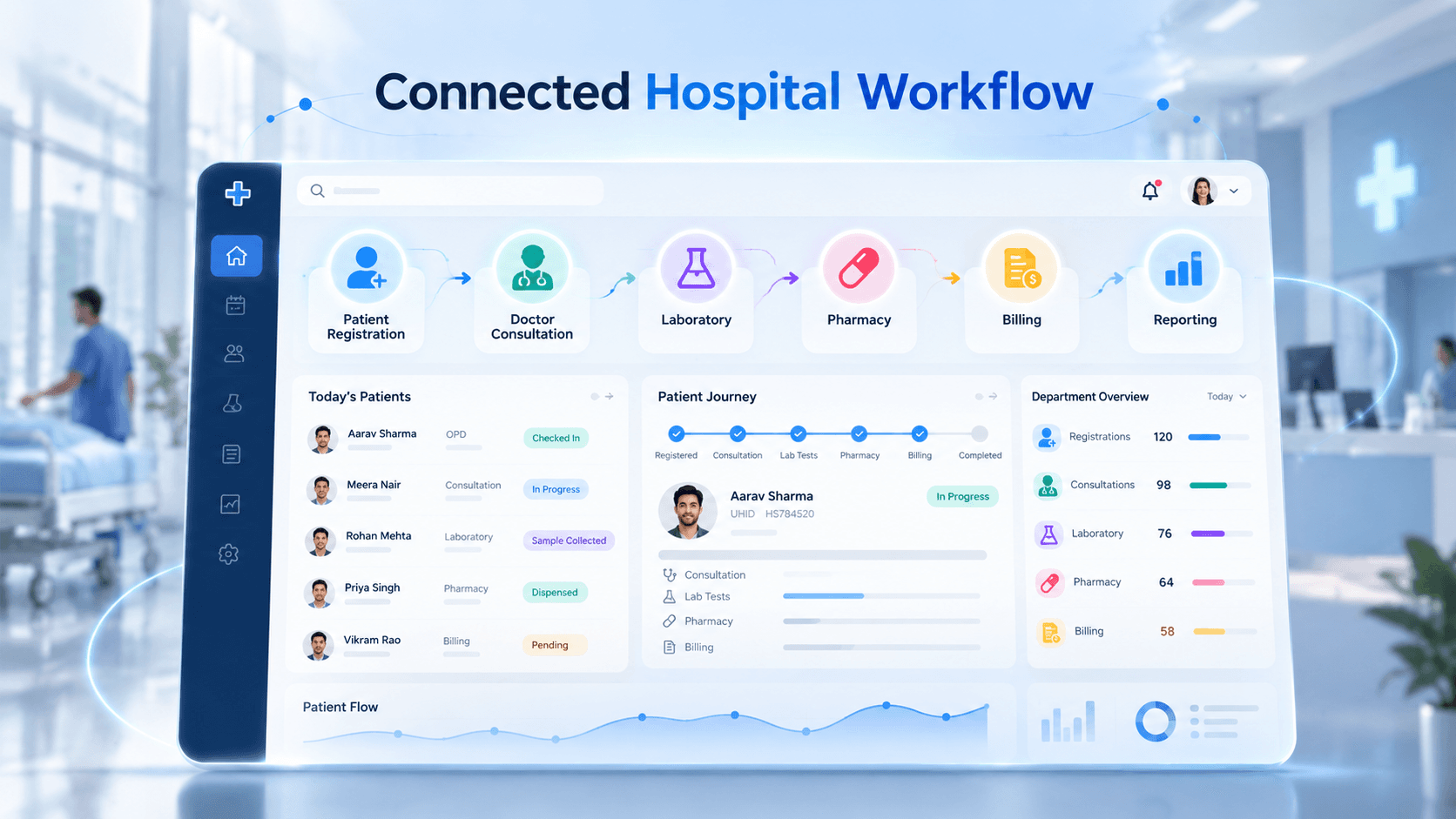
Hospital OPD Workflow Diagram
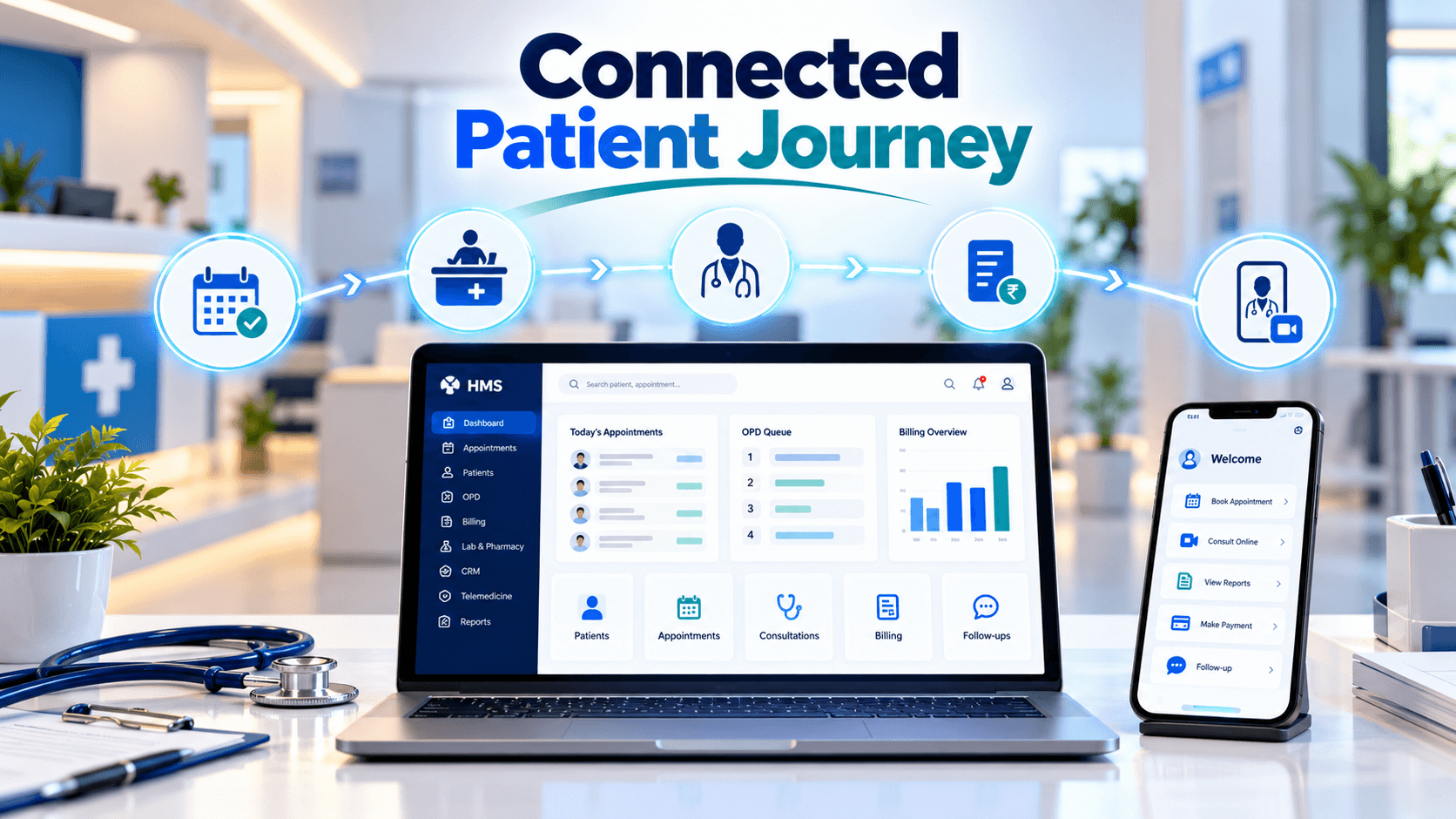
A modern outpatient workflow connects each stage of the patient journey instead of treating token generation as an isolated task.
How the OPD-to-Billing Workflow Works
1. Registration and appointment confirmation
Reception staff register walk-in patients or confirm existing appointments. They select the appropriate doctor, department and consultation room.
2. Digital token generation
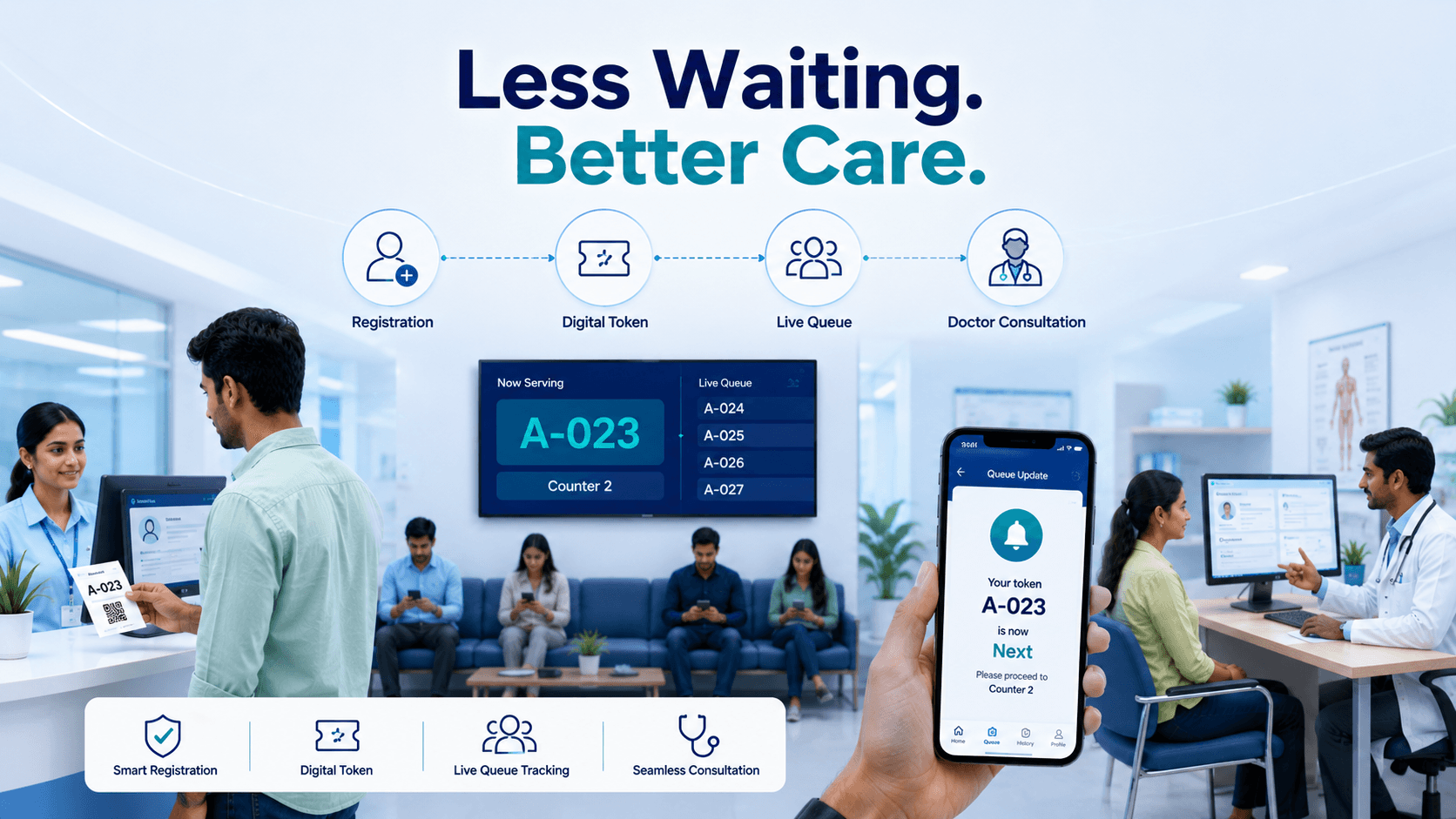
The system generates a unique queue token with relevant department and room information. Multiple registration counters can issue tokens through one synchronized queue.
3. Doctor calling and consultation
Doctors call patients through their dashboards. Waiting-area displays show current tokens, while receptionists can manage missed calls and approved queue adjustments.
4. Laboratory and pharmacy
When required, consultation information can be transferred to integrated laboratory or pharmacy systems, reducing repeated data entry.
5. Billing and follow-up
Consultation, diagnostic and pharmacy charges are processed according to hospital policy. Integration with Healthcare ERP Software Development can connect outpatient operations with billing, inventory and financial reporting.
Doctor, Patient and Administrator Roles
| User | Responsibilities and features |
|---|---|
| Patient | Receive tokens, check queue status, locate consultation rooms and receive updates |
| Doctor | View waiting patients, call the next token, manage consultation status and report delays |
| Receptionist | Register patients, generate tokens, manage appointments and handle missed calls |
| Administrator | Configure departments, doctors, counters, schedules, access permissions and operational reports |
Role-based permissions should restrict access to the information each user needs. Public queue displays should avoid exposing unnecessary patient or clinical details.
Essential OPD Queue Management Features
An effective hospital queue system should provide centralized digital tokens, independent doctor and department queues, synchronized registration counters, appointment and walk-in management, live displays and operational reporting.
Configurable features may include SMS or WhatsApp notifications, voice announcements, department transfers and missed-token recall.
Clinical emergencies must follow hospital triage procedures rather than ordinary queue order. Authorized staff should be able to record priority overrides and operational exceptions.
OPD Analytics and Hospital Performance
Hospital administrators can monitor average waiting time, patient arrivals, consultation duration, peak hours, missed tokens and department-wise workload.
These reports help identify whether delays originate at reception, consultation, diagnostics or billing.
Digital queues improve coordination and waiting-time visibility, while actual waiting-time reductions also depend on staffing, doctor availability and hospital capacity.
Request a Live OPD Software Demo
Before deployment, hospitals should test real workflows involving multiple reception counters, doctor schedules, appointment check-ins, missed tokens and billing integration.
A focused departmental pilot can validate software usability and help staff become familiar with the new system.
See Your OPD Workflow in Action
Related Healthcare Software Services
Connect OPD With Hospital Software
Extend outpatient queue management with hospital administration, electronic medical records, diagnostics, pharmacy, billing and patient engagement.
Explore Healthcare Software Development Services
For remote follow-up visits, Telemedicine App Development Services can connect appointment scheduling and secure video consultations with supported clinical workflows.
Frequently Asked Questions
What is an OPD queue management system?
An OPD queue management system organizes outpatient registration, digital token generation, doctor-wise queues and patient calling. It can integrate with hospital management software to connect consultation, laboratory, pharmacy and billing workflows.
How does an OPD queue management system work?
Patients register and receive a digital token for their assigned doctor or department. Doctors call patients through dashboards, waiting-area displays show queue updates, and integrated systems coordinate subsequent hospital services.
What are the main features of an OPD token system?
Core features include digital token generation, multiple registration counters, doctor-wise queues, appointment management, live displays, patient calling, missed-token handling, priority management and administrative reporting.
Can multiple hospital counters generate OPD tokens simultaneously?
Yes. A centralized system can support simultaneous registration across multiple counters, generate unique tokens and synchronize doctor-specific and department-specific queues in real time.
How does OPD software integrate with hospital billing?
An integrated system can exchange patient registration, consultation and service information with hospital billing software. It can coordinate consultation fees, diagnostic charges and pharmacy transactions according to hospital policies.
Can hospitals manage appointments and walk-in patients together?
Yes. Hospitals can configure scheduled appointments and walk-in registrations within the same system while accounting for doctor availability, department queues, rescheduling and approved patient-priority rules.
What dashboards are available for doctors and administrators?
Doctors can view waiting patients, active tokens and consultation status. Administrators can manage departments, doctors, counters, permissions, patient volumes, waiting times and operational reports.
Can an OPD queue management system work without internet?
Yes. An appropriately designed on-premises OPD system can operate through a hospital's local area network without continuous internet connectivity. Remote access, cloud integrations and external notifications may require internet access.
How much does an OPD queue management system cost?
Implementation cost depends on hospital size, departments, doctors, registration counters, digital displays, deployment requirements, patient notifications, integrations, customization and ongoing technical support.
What should hospitals evaluate during an OPD software demo?
Hospitals should test registration, simultaneous token generation, doctor calling, live displays, appointment handling, missed tokens, priority management, departmental transfers, billing integration and administrator reporting.