Development / Web & Mobile Development
AI-Generated MVP Not Working? How to Fix, Optimize and Launch It
PPrem M.7 Min Read

Your AI-generated MVP looked impressive three weeks ago.
The UI worked. Authentication appeared finished. The dashboard loaded. The AI assistant answered questions. You could finally show investors, customers or your team something real.
Then you tried to launch it.
Now authentication randomly fails. APIs break. AI responses are unreliable. Deployment is unstable. A small change creates three new bugs. The database works with test records but slows with real data. And every new prompt to the coding assistant seems to fix one problem while creating another.
If this sounds familiar, do not immediately throw the product away and rebuild from scratch.
Your AI-generated MVP may be recoverable.
The first step is determining whether you have a fixable product with technical debt or a prototype whose architecture cannot safely support production.

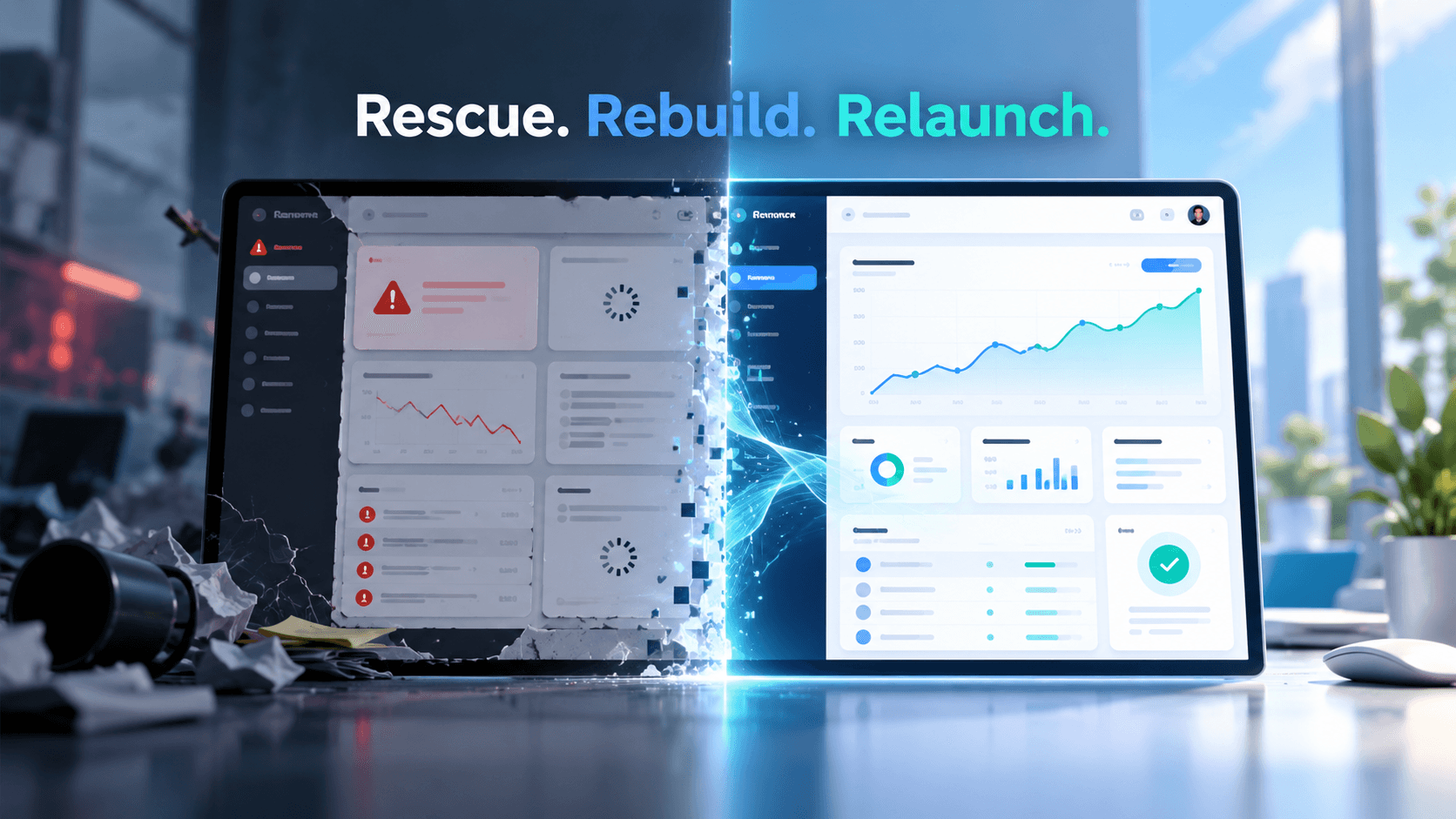
Fix broken AI-generated code, stabilize core workflows, improve security and performance, then launch with confidence instead of starting over.
AI development tools can dramatically accelerate prototyping and scaffolding.
The problem begins when speed is mistaken for production readiness.
Railsware identifies this clearly: AI-generated applications can look syntactically clean while hiding assumptions around authentication, state management, database queries and error handling that become visible only under real production conditions.
A generated MVP may therefore work perfectly with:
one user + sample data + one happy-path workflow
but fail when exposed to:
concurrent users + real data + failed payments + unusual inputs + permissions + third-party API failures + production infrastructure.
That does not automatically mean AI coding was a mistake.
It means prototype generation and production engineering are different stages.
A small feature should not require changes across unrelated areas.
If every modification breaks another workflow, your business logic may be too tightly coupled or inconsistently generated.
Roobykon describes this pattern in AI-generated marketplace applications where scattered logic makes simple extensions unexpectedly difficult and slows the iteration advantage the MVP originally created.
This is a major warning sign.
Digital Bunch calls out the point where teams become afraid of modifying particular files because nobody fully understands their dependencies. Debugging becomes slow, workarounds accumulate and development timelines become unpredictable.
Authentication that “basically works” is not enough.
Admin, customer, vendor or staff permissions must be intentionally designed.
AI-generated applications can contain inconsistent authentication middleware, insecure token handling or incomplete role checks when security has evolved module by module instead of from one system-level model.
Your chatbot may answer ten prepared questions perfectly.
Real users will ask the eleventh.
AI products require evaluation for hallucinations, uncertain outputs, edge cases and data quality. For many workflows, low-confidence cases need fallbacks or human review rather than blindly returning an AI answer. Bubble's current AI MVP guidance similarly recommends confidence thresholds, fallback paths and monitoring both business and AI-quality metrics.
A database designed around 50 sample records may behave very differently with thousands.
Missing indexes, inefficient queries, weak schema design and poor connection handling often remain invisible during prototyping.
Roobykon highlights these architectural weaknesses as major causes of AI-generated applications failing once concurrency and data volume increase.
If the application works locally but repeatedly fails on Vercel, AWS, Azure or another production environment, the issue may be deeper than one deployment setting.
Environment configuration, secrets, CI/CD, monitoring, error handling and infrastructure need deliberate engineering.
This is particularly dangerous.
If the core workflow is unstable, another dashboard, agent or automation will not solve the problem.
Stop adding features until the critical path works reliably.
This is the decision founders often make too quickly.
A messy codebase does not automatically require a complete rewrite.
Even Digital Bunch notes that an inadequate production codebase can still contain substantial value: it documents product behavior, workflows, requirements and edge cases that have already been discovered.
A rescue assessment should separate the system into three categories:
KEEP working components that are structurally acceptable.
REFACTOR valuable functionality with maintainability, security or performance problems.
REBUILD components whose underlying architecture creates unacceptable risk.
This is also the principle behind Murmu Software Infotech's Software & MVP Rescue Mission: audit first rather than rebuilding blindly. The current rescue process prioritizes code and architecture assessment, critical fixes, launch-essential completion and production deployment.
Do not continue prompting additional functionality into an unstable system.
Define the single workflow required for launch.
For example:
Register → create project → run AI workflow → receive result → save result.
Everything else can wait.
Review:
The goal is root-cause identification not cosmetic bug fixing.
Fix what prevents users from completing the primary business workflow.
Murmu Software Infotech's rescue-first approach similarly prioritizes stability and launch-critical functionality before scalability or additional features.
Before major refactoring, create tests around authentication, payments, primary workflows, APIs and important business rules.
Tests create a safety net so one fix does not silently break another part of the application.
If your product itself contains AI, evaluate:
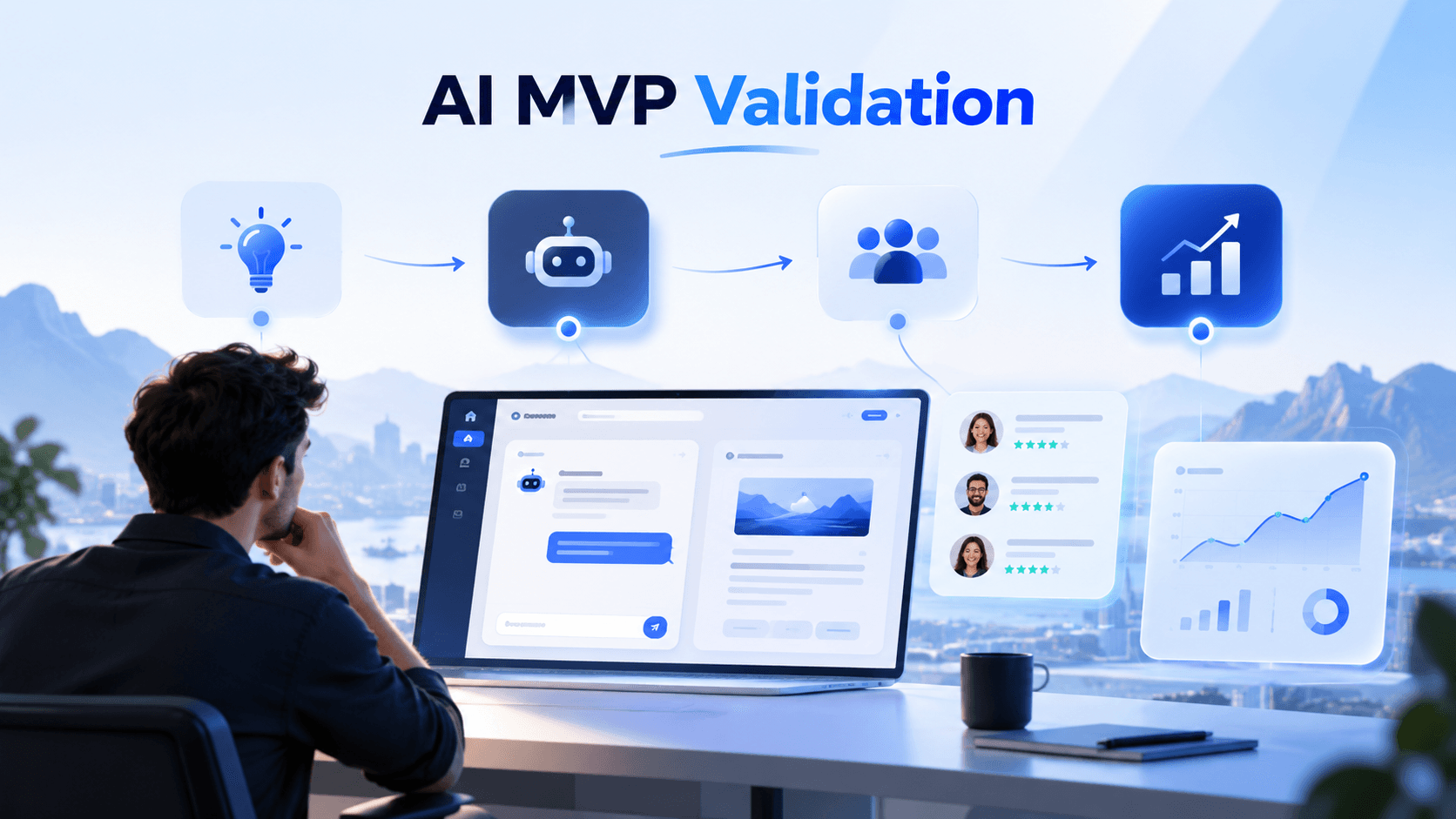
prompt → context → model → output → validation → fallback.
Check whether the problem is actually the prompt or unreliable source data, wrong context construction, missing grounding or the wrong AI architecture.
Hal9 makes an important distinction here: an AI demo can appear validated while its underlying data processing, context handling and infrastructure remain unproven.
If you need to rethink that AI layer rather than simply fix generated code, see our AI MVP Development Services.
Review authentication, API keys, user permissions, input validation, sensitive data and external integrations.
Railsware specifically recommends human security review for AI-generated code involving authentication, payments, user data and public APIs rather than relying only on automated scanning.
A successful local build is not the final test.
Launch into a controlled production environment and monitor:
errors + response times + database performance + AI failures + API costs + user behavior.
Then optimize what real usage exposes.
Rebuilding becomes reasonable when:
The decision should come after technical assessment, not after frustration.
If the code can be saved, rescue preserves your investment.
If it cannot, the existing MVP still gives the replacement team something valuable: validated requirements and product knowledge.
A broken MVP is different from a failed business idea.
You may already have validated the workflow, customer problem, UI and product direction.
The technical implementation may simply need experienced engineering before it can become a reliable product.
That is why the next move should usually be:
Audit → Rescue → Stabilize → Launch → Optimize
—not—
Prompt → Patch → Prompt → Patch → Eventually Rebuild Everything.
Murmu Software Infotech helps founders and businesses rescue AI-generated MVPs, SaaS products, AI assistants, automation tools and unfinished software by focusing first on launch blockers, stability and production readiness rather than unnecessary feature expansion.
If the product needs a broader business-first rethink after rescue, our ROI-Driven MVP Development approach can help prioritize the next version around measurable customer and business outcomes.
Your MVP may not need another AI prompt.
It may need an engineer who can understand what the prompts created.
Preserve what works. Fix what blocks launch. Replace only what genuinely needs replacing. Then get the product in front of real users.
Send us the current product, repository or technical problem.
We will help identify whether it should be fixed, refactored or selectively rebuilt before you spend more money starting over.
AI-generated MVPs often fail when prototype code reaches production without sufficient architecture review, testing, security controls, error handling, database optimization or integration hardening. The visible bug may be only a symptom of deeper technical debt.
Yes. Many AI-generated MVPs can be rescued by auditing the existing architecture, keeping stable components, refactoring weak areas and rebuilding only the parts that create unacceptable security, scalability or maintainability risk.
Start with a technical audit. Keep components that are stable, refactor valuable functionality with manageable technical debt and rebuild only areas where architecture, security or data design makes reliable improvement impractical.
This usually indicates tightly coupled code, inconsistent state management, duplicated business logic, weak boundaries between components or missing automated tests. A structured refactoring plan is usually more effective than continuing prompt-based patching.
Yes. MVPs created with AI-assisted development tools can be audited and stabilized like other software. The process typically includes architecture review, code cleanup, API testing, database validation, security hardening, QA and production deployment.
Review the architecture, authentication, permissions, database schema, APIs, AI integrations, environment variables, dependencies, error handling, security, deployment configuration, critical user flows and automated test coverage.
Stabilize the core workflow, remove unnecessary features, refactor fragile code, add tests, secure authentication and APIs, optimize database queries, validate AI outputs, implement monitoring and test the application under realistic production conditions.
Demo scenarios usually use controlled prompts and predictable data. Real users introduce unusual inputs, incomplete context, ambiguous questions and edge cases. AI systems need grounding, evaluation, validation rules, fallback behavior and monitoring to work reliably.
Usually no. Freeze non-essential feature development until the primary user journey is stable. Adding functionality to an unstable foundation increases technical debt and makes debugging more difficult.
Freeze new features, perform a technical audit, identify the critical launch workflow, classify components as keep, refactor or rebuild, fix security and stability issues, add tests, deploy to a controlled environment and monitor real usage.