Development / backend API development
Node.js SSL certificate validation issue
SSaurav Kumar1 Min Read
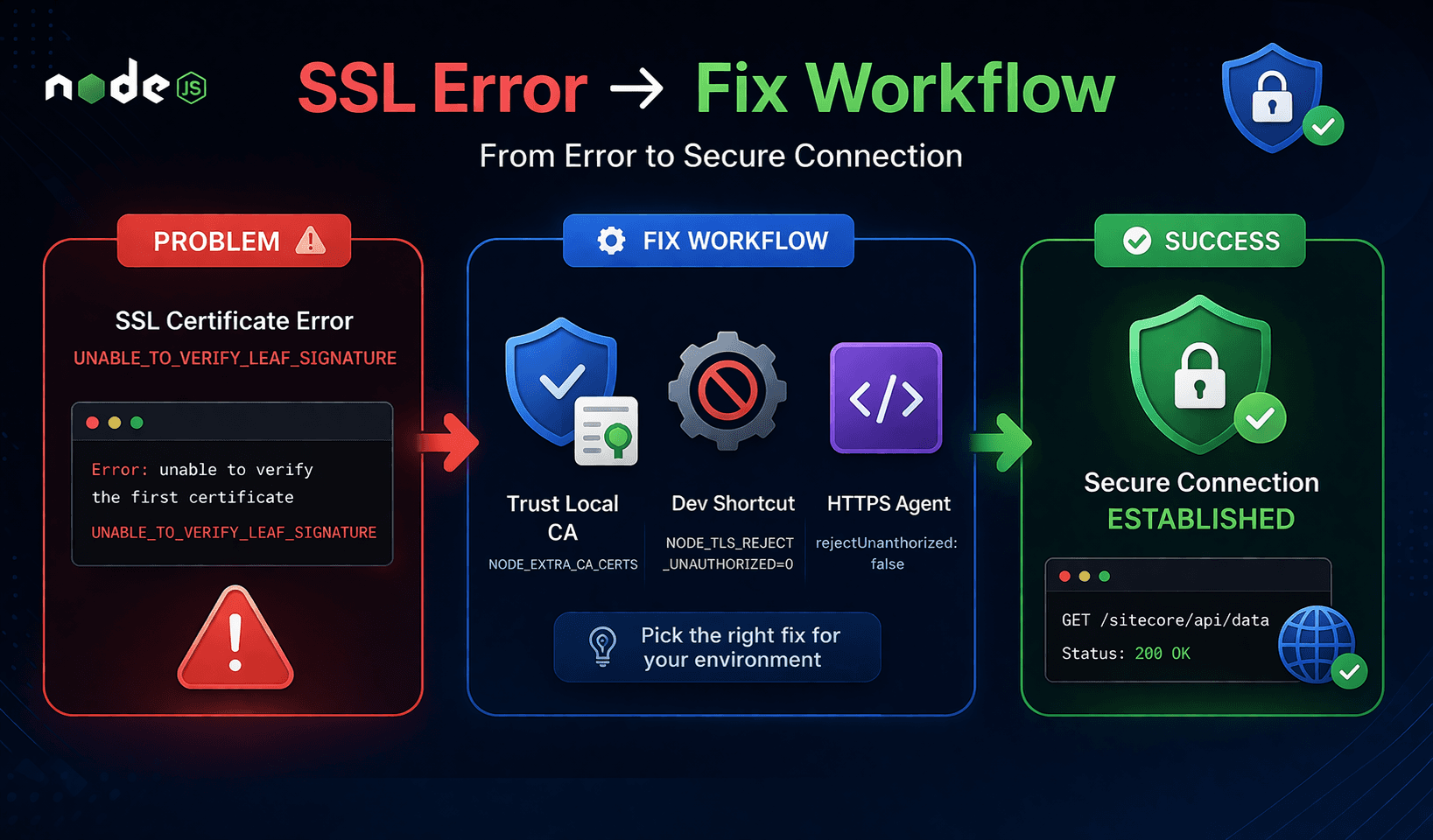
UNABLE_TO_VERIFY_LEAF_SIGNATURE
This is a Node.js SSL certificate validation issue. It means Node doesn’t trust the certificate chain from your local Sitecore endpoint (https://sc104sc.dev.local).
Why this happens
- Your Sitecore instance is using a self-signed cert or a cert signed by a local CA
- Node.js doesn’t automatically trust your OS certificate store
- So the HTTPS request fails during SSL verification
Fix options (choose one)
Fix Critical Development Issues Before They Slow Your Delivery
Option 1 — Trust the local root CA (best long-term fix)
If you're using something like mkcert:
- Install the root CA into Node:
- export NODE_EXTRA_CA_CERTS=/path/to/rootCA.pem
- Then restart your dev server
This keeps SSL validation intact (recommended)