Ravi Kumar
••4 min read
Talk to Your Database Using AI with .NET 9
A Practical Approach with MCP and OpenAI
Modern applications are slowly moving away from rigid query-based data access. Instead of writing SQL every time, users increasingly expect to ask questions in natural language and get clear answers.
Using .NET 9, OpenAI, and the Model Context Protocol (MCP), we can build a controlled and secure system where AI helps users interact with databases—without giving AI direct or unsafe access.
This section explains the idea briefly and shows the minimum working code needed to get started.
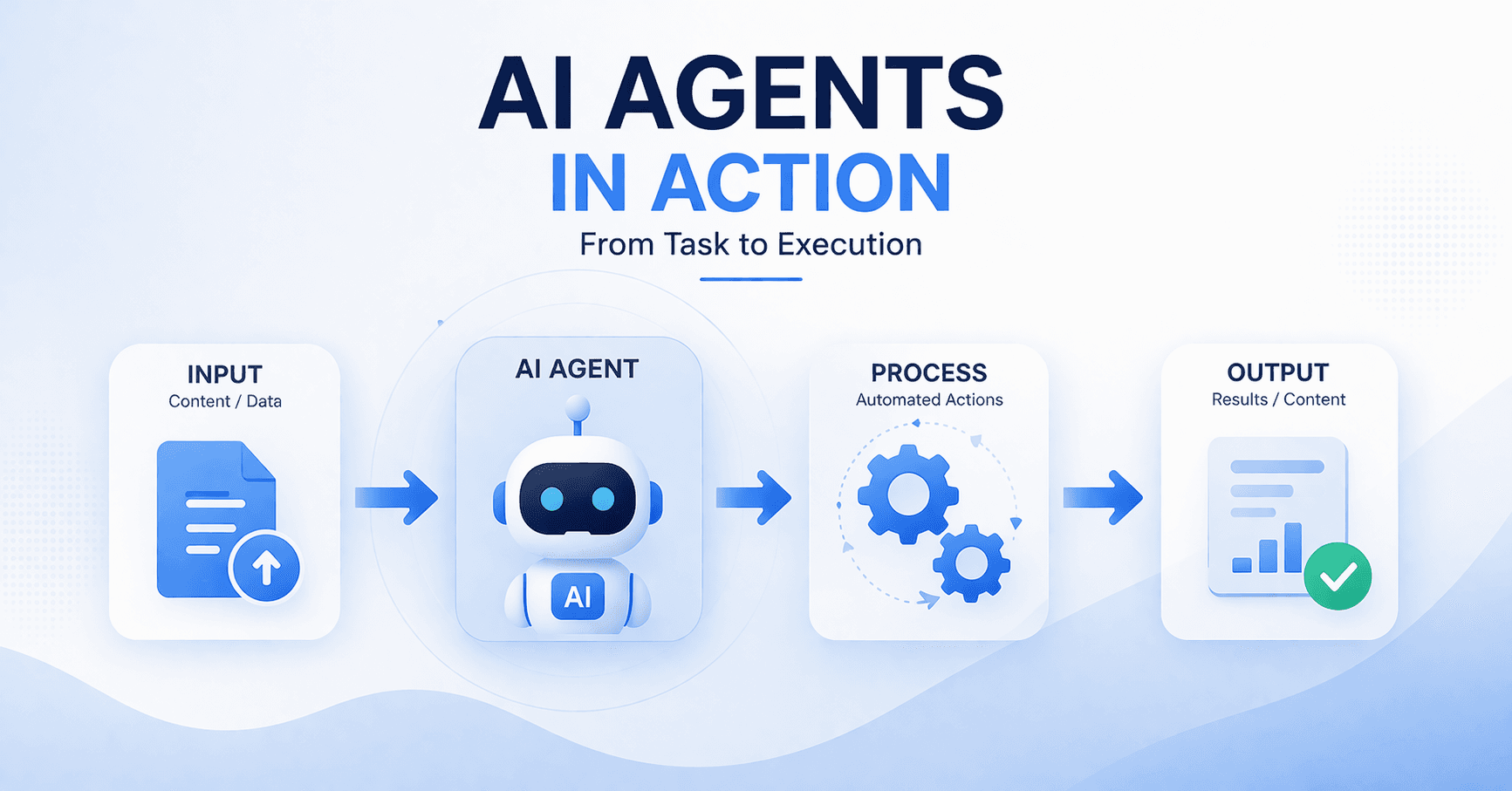
How the Flow Works (Short Version)
1. User asks a question like:
“Show me all tables in my database”
2. ASP.NET Core API sends the question to OpenAI
3. OpenAI discovers available MCP tools
4. MCP server executes a safe database operation
5. AI converts the result into a readable answer
The database is never exposed directly.
Program.cs (ASP.NET Core API – .NET 9)
This is the API gateway that connects OpenAI and the MCP server.
using Microsoft.Extensions.AI;
using ModelContextProtocol.Client;
using OpenAI;
using System.ClientModel;
var builder = WebApplication.CreateBuilder(args);
// Enable OpenAPI
builder.Services.AddOpenApi();
// Load OpenAI API key from User Secrets
var apiKey = builder.Configuration["OpenAI:ApiKey"];
var credential = new ApiKeyCredential(apiKey);
// Create OpenAI chat client
IChatClient chatClient = new OpenAIClient(credential)
.GetChatClient("gpt-4o-mini")
.AsIChatClient();
// Register as singleton
builder.Services.AddSingleton(chatClient);
var app = builder.Build();
// MCP client using stdio transport
var mcpOptions = new StdioClientTransportOptions
{
Name = "TalkToDb MCP Server",
Command = "dotnet",
Arguments =
[
"run",
"--project",
"../TalkToDb.MCPServer/TalkToDb.MCPServer.csproj"
]
};
var transport = new StdioClientTransport(mcpOptions);
await using var mcpClient = await McpClient.CreateAsync(transport);
if (app.Environment.IsDevelopment())
{
app.MapOpenApi();
}
app.UseHttpsRedirection();
// Simple test endpoint
app.MapGet("/ask", async (IChatClient client, string query) =>
{
var message = new ChatMessage(ChatRole.User, query);
var response = await client.GetResponseAsync(message);
return response.Text;
});
app.Run();
This API:
- Talks to OpenAI
- Knows MCP tools exist
- Never touches the database directly
Storing the OpenAI Secret Key (Correct Way)
Never hardcode API keys.
Step 1: Enable User Secrets
cd TalkToDb.Api
dotnet user-secrets init
Step 2: Add the OpenAI Key
dotnet user-secrets set "OpenAI:ApiKey" "sk-proj-your-real-key"
secrets.json (Auto-managed by .NET)
{
"OpenAI:ApiKey": "sk-proj-your-real-key"
}
For production, replace this with:
- Azure Key Vault
- Environment variables
- AWS Secrets Manager
One MCP Tool (Database Schema Example)
This MCP tool allows AI to see database tables, nothing more.
using Microsoft.Data.SqlClient;
using ModelContextProtocol.Server;
using System.ComponentModel;
[McpServerToolType]
public static class DatabaseSchemaTool
{
[McpServerTool(Name = "List-Database-Tables")]
[Description("Returns a list of database tables and columns")]
public static async Task<List<string>> ListTables(
IConfiguration configuration)
{
var result = new List<string>();
var connectionString =
configuration.GetConnectionString("Default");
using var connection = new SqlConnection(connectionString);
await connection.OpenAsync();
var cmd = new SqlCommand(
"SELECT TABLE_NAME FROM INFORMATION_SCHEMA.TABLES WHERE TABLE_TYPE='BASE TABLE'",
connection);
using var reader = await cmd.ExecuteReaderAsync();
while (await reader.ReadAsync())
{
result.Add(reader.GetString(0));
}
return result;
}
}
Why this is safe
- Read-only metadata
- No user SQL execution
- No data modification
- AI can only ask, not change
Example Question → Answer Flow
User asks
What tables exist in my database?
AI response
Your database contains the following tables:
Customers, Orders, Products.
The AI did not guess.
It used an MCP tool you explicitly allowed.
Why This Design Works
- AI logic stays outside the database
- MCP controls what AI can do
- .NET handles security and lifecycle
- Easy to extend with more tools later
You can add tools for:
- Read-only queries
- Reports
- Analytics
- Metadata inspection
Final Thoughts
This pattern doesn’t replace SQL or developers.
It adds a conversational layer on top of trusted systems.
With:
- .NET 9
- Microsoft.Extensions.AI
- MCP
- Careful security rules
you get a system that is modern, safe, and practical—not experimental.
The future of data access isn’t fewer databases.
It’s better ways to talk to them.
R
Ravi Kumar
Technical writer and software development expert at Murmu Software Infotech, sharing insights on modern web development, software architecture, and best practices.